

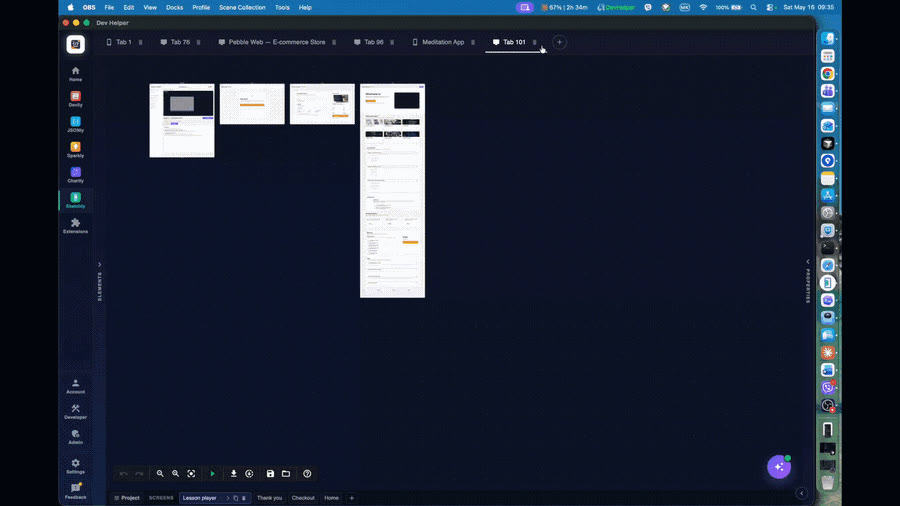
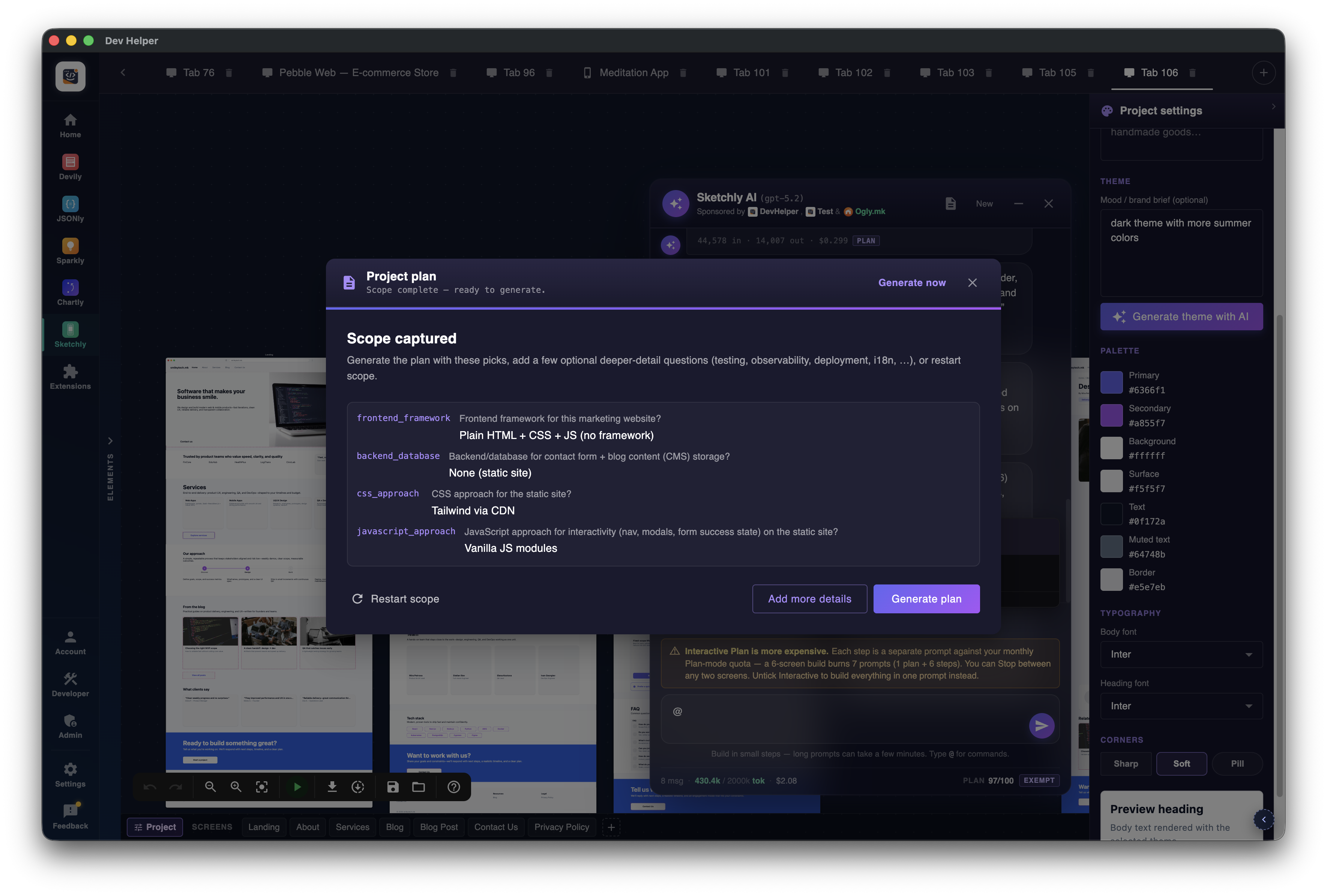
Interactive Plan mode
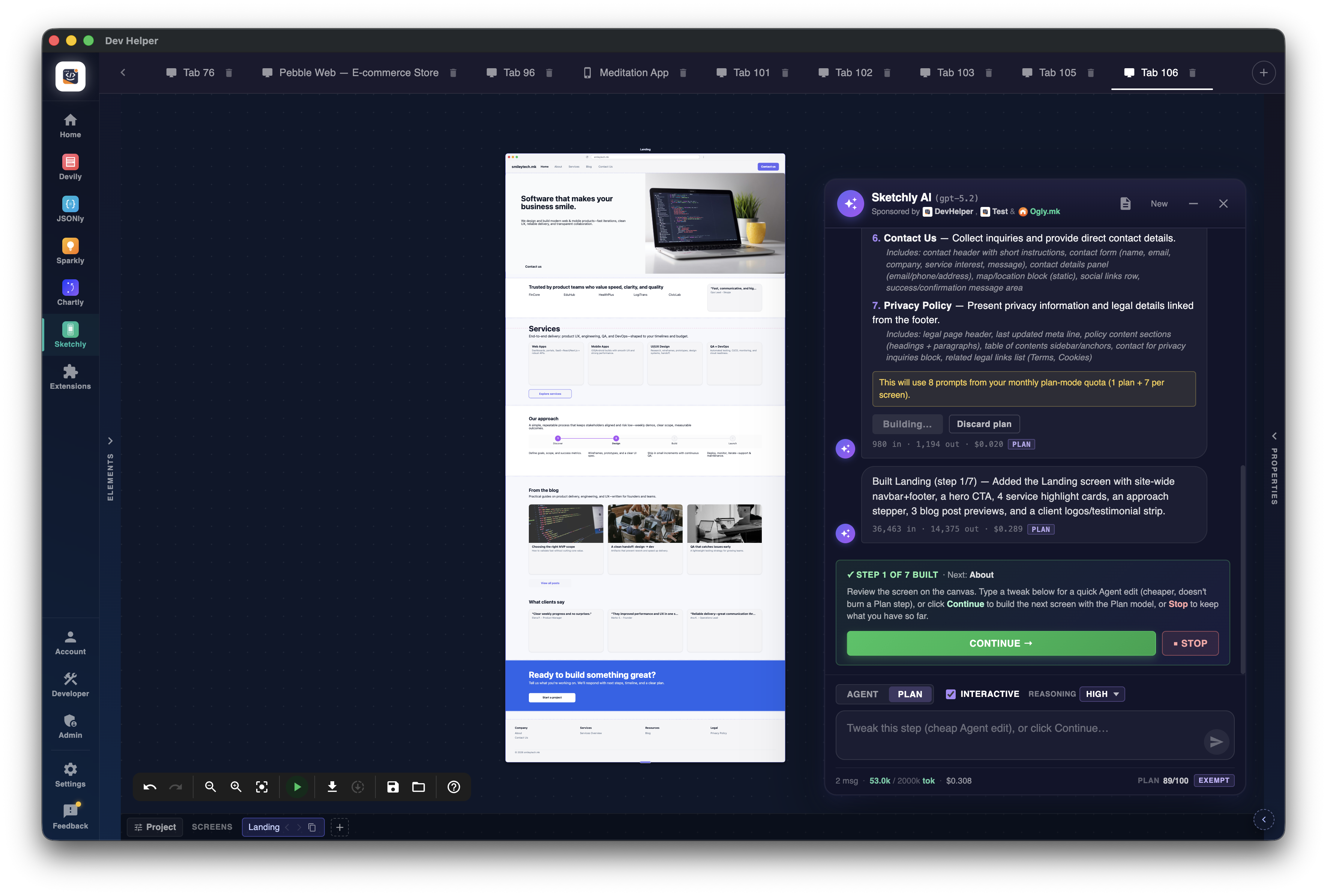
Splits a one-shot plan turn into a quick draft plus per-screen build steps. Pause and continue between every screen.
Meet Sketchly — the AI wireframe canvas inside DevHelper. Describe your idea, watch the screens appear, refine by chat, then click Code it to download a Codex-built starter repo.
You're the creator, not the prompter. Free to use, no subscriptions, no ads. AI tokens funded by the community — when you donate, most of it comes back as DevHelper AI tokens you can spend across every AI-powered app inside DevHelper.
Sketchly turns a one-sentence idea into clickable mobile or website wireframes, then into a Codex-ready project brief, then into a downloadable starter repo — all without leaving DevHelper. You stay in the creator seat; AI handles the tedium.
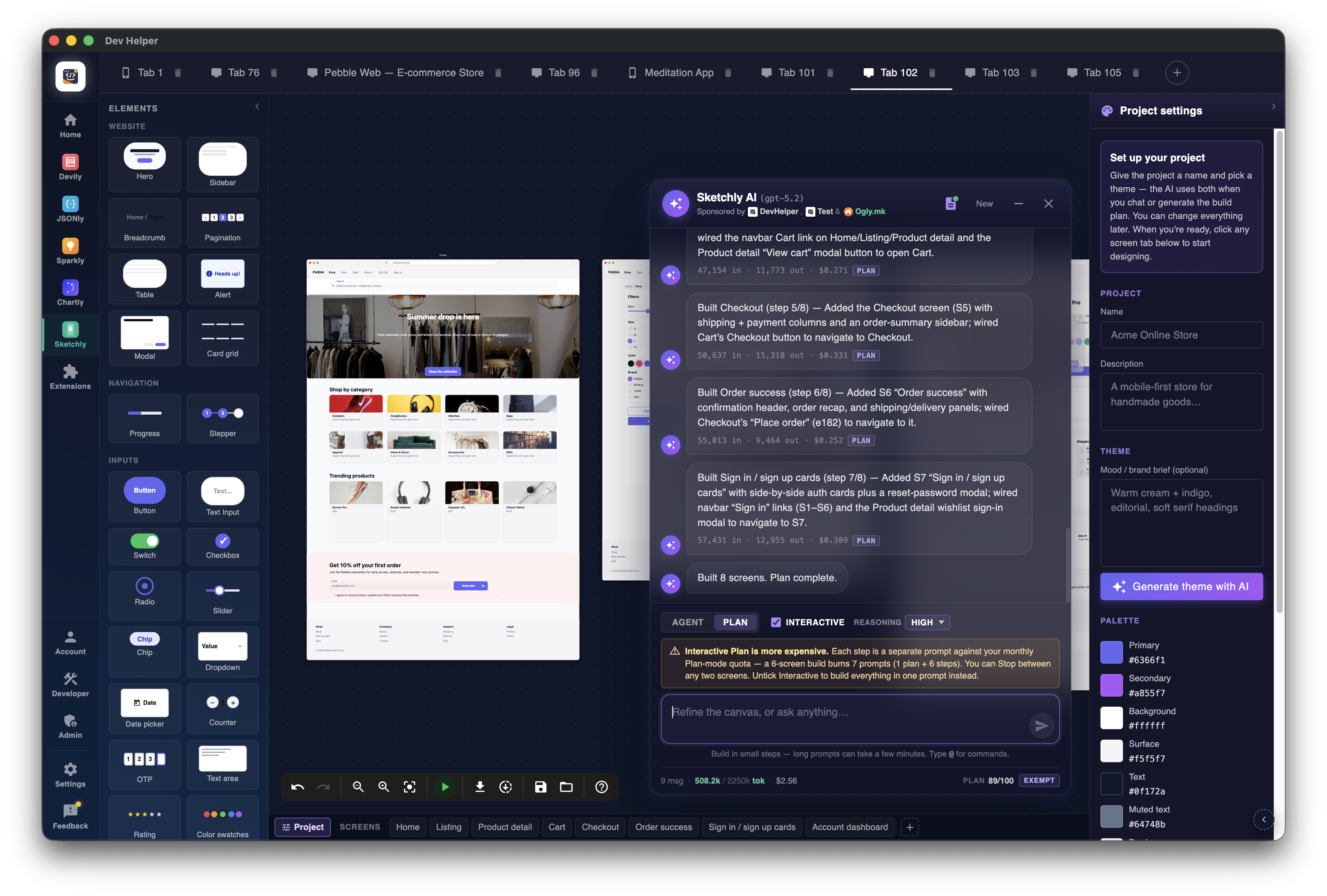
Konva-powered canvas with mobile and website templates. Hit Cmd/Ctrl+K, type "a meditation app with onboarding, streaks, and a daily session list", and Sketchly AI lays the screens out — navbars, content blocks, buttons, cards — following mobile or web conventions.
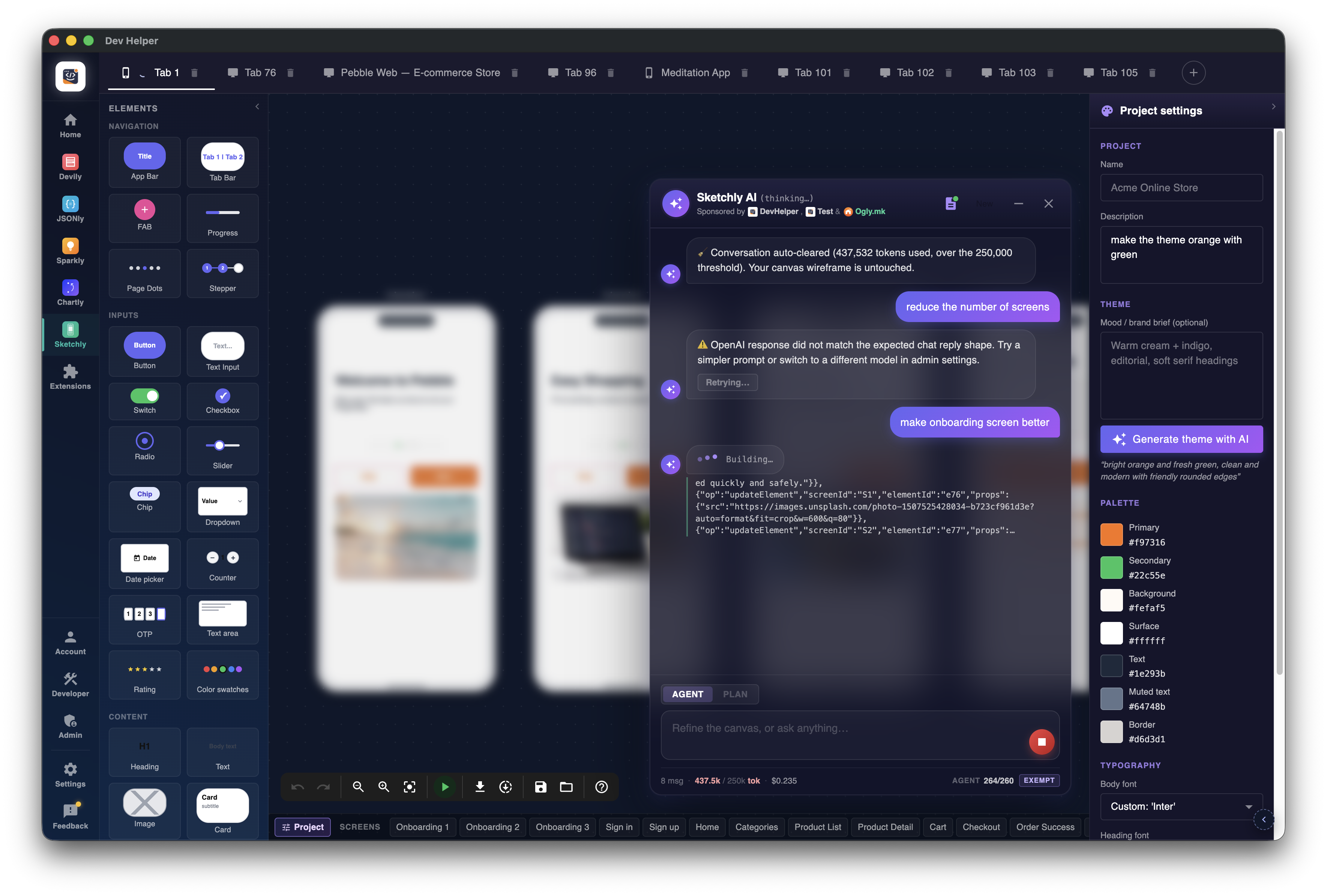
Each Sketchly project carries a complete theme: a full palette, body + heading fonts, sharp/soft/pill radii, a mood string. Type "warm cream + indigo, editorial, soft serif", click Generate theme with AI — the entire wireframe rebrands in one go. You override anything by hand.
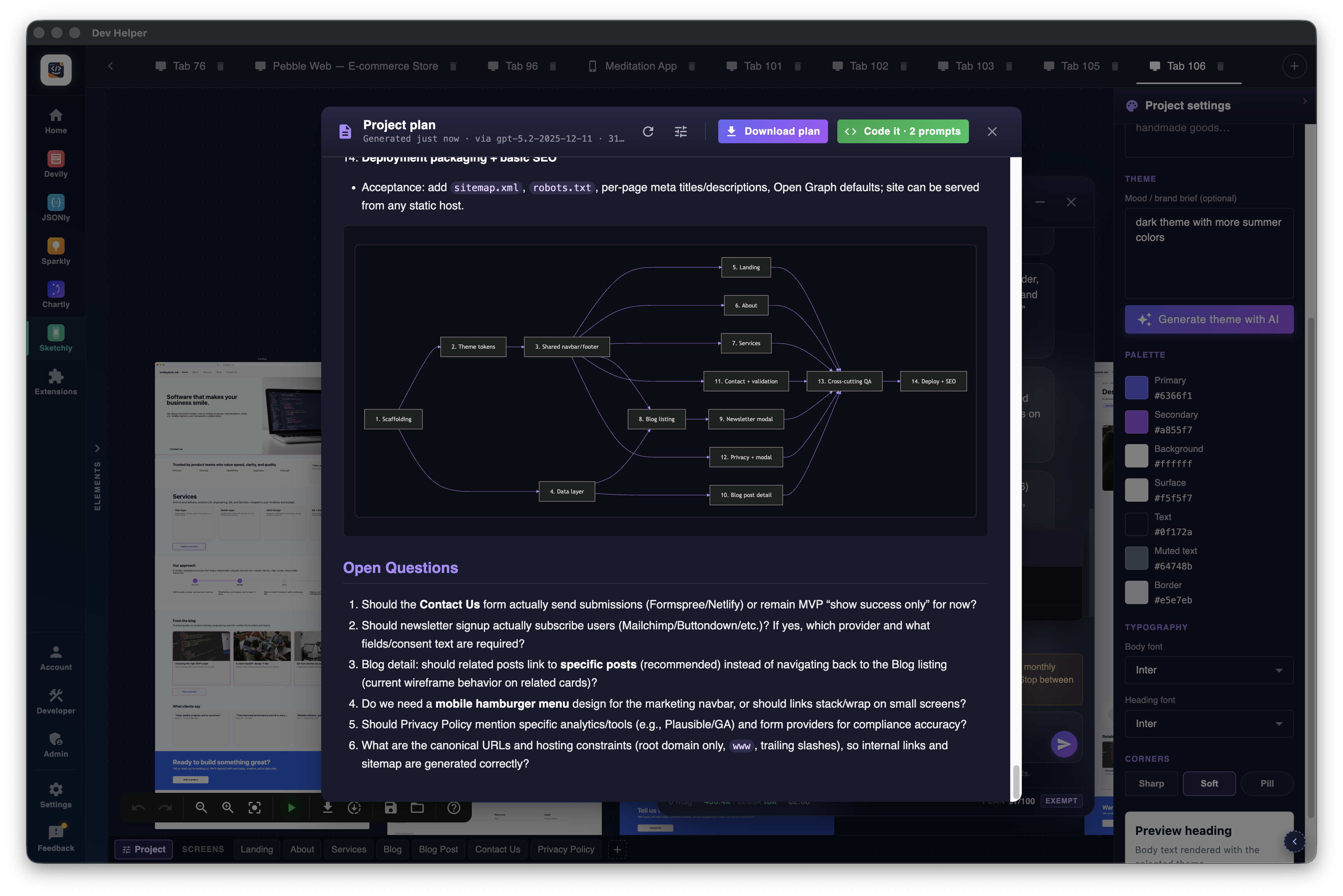
Click Plan. The model walks you through adaptive scoping questions — frontend, backend, auth, codegen — branching on your previous answers. Out comes a plan.md with mermaid navigation, ER and dependency diagrams, plus every screen as a PNG. From here you pick your path: download the ZIP and hand it to any coding agent, or stay in DevHelper and hit Code it for a one-click wireframe → repo flow inside the app.
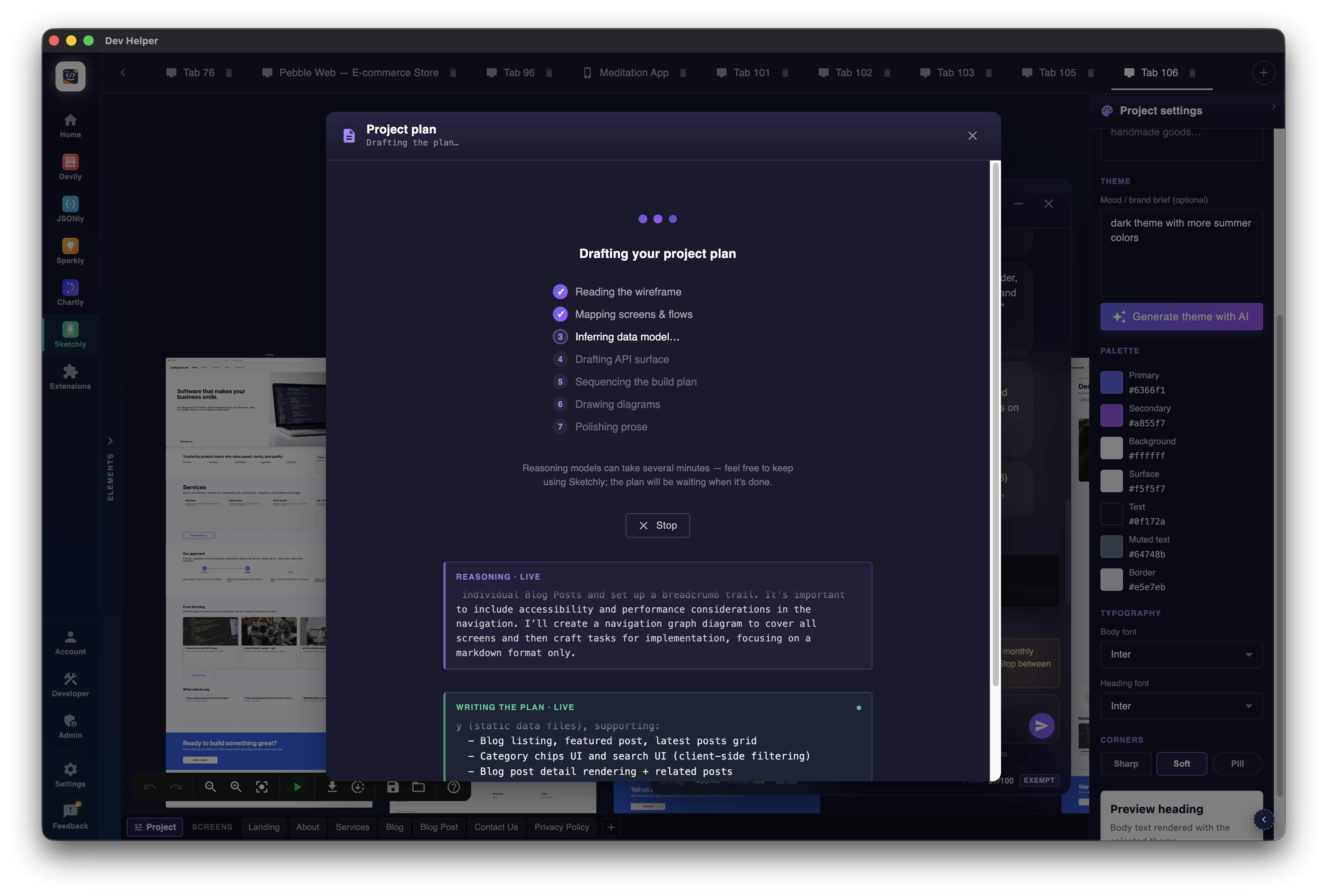
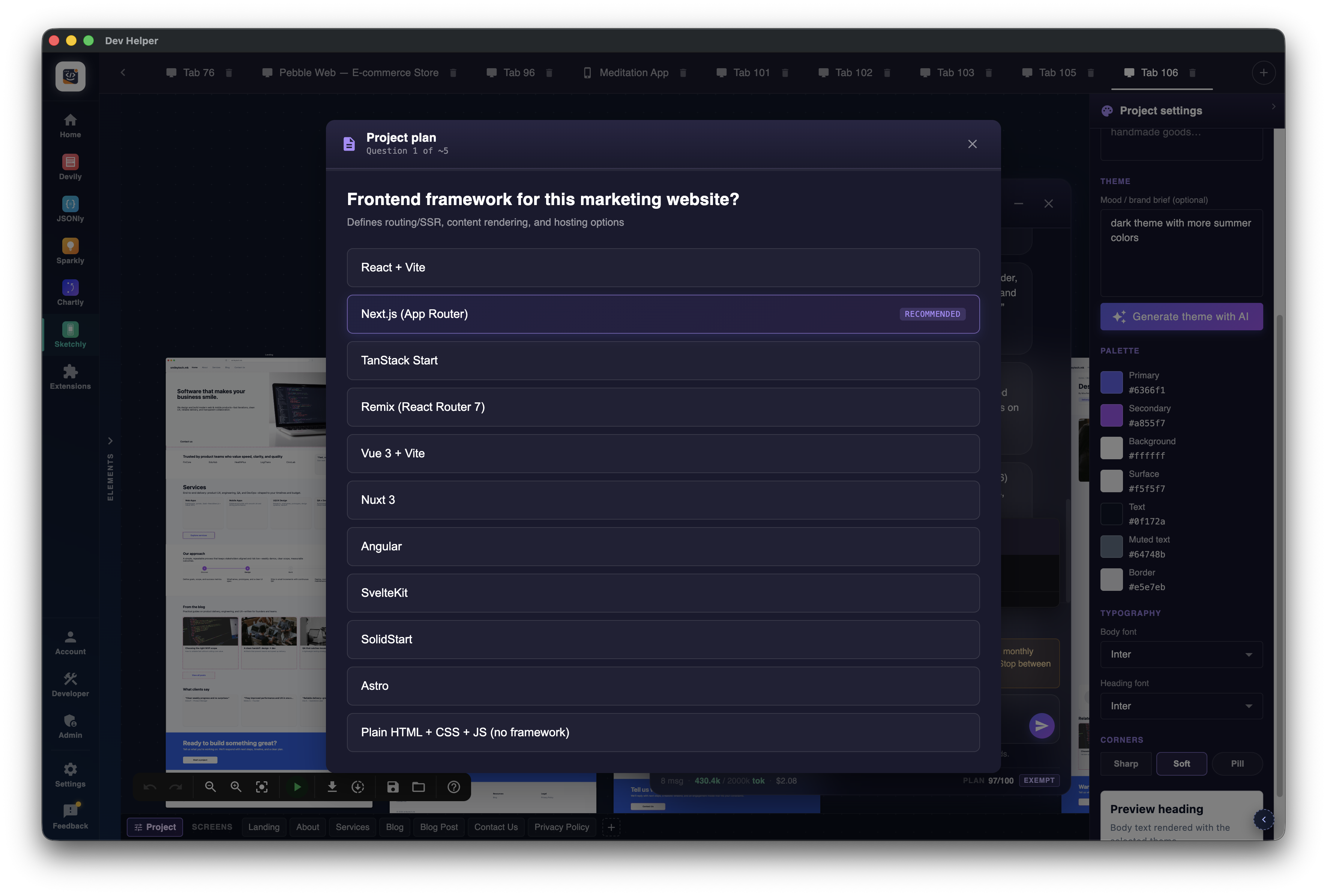
Big plan turns can sit on a single reasoning call for minutes. Interactive Plan splits the work: a small draft first, then one screen at a time on Continue — so you can inspect, redirect or stop after every step. Soft canvas lock: pan and zoom stay free.
Press the green Code it button and walk away. OpenAI Codex takes your full plan — every screen, every flow, every data model — and writes the whole app to match what you designed: same layout, same theme, same components, same navigation. What you sketched is what gets built. DevHelper drops the complete project on your computer (components, routes, API stubs, styles, config files — the lot), ready to open in your editor (or hand to another AI agent) and run. No code experience required.
DevHelper has been in development for over 5 years — first as private tooling, now as a public app. Every number below pulls live from our backend, so you see exactly how active the project is and how community donations turn into real AI tokens.
Stats refresh from our backend every few minutes · last update just now
DevHelper has no investors, no ads, and no subscriptions. The whole project runs on community support — and the math is built so when you chip in, you win too.
Download the app, claim your welcome voucher, use Sketchly AI from day one — without spending anything. A temp email is fine. No tier locked behind a paywall, no "first 7 days" trial, no credit card.
When you donate, the split looks like this:
Every new user who joins and chips in makes the community buffer a little bigger and the AI pool deeper. With enough community, DevHelper funds itself indefinitely — no investors, no Pro tier later, no rug-pull. Just the same free app, year after year.
Nothing is sold. Nothing is locked. The only paid layer is voluntary, and most of it comes back to the people who chip in. That's the whole deal.
DevHelper has no investor runway and no Pro tier to lean on, so we publish the real cost of keeping the project alive. The numbers below update live from our backend — every server bill, every promo we run, every shared AI subscription. If the community covers this, the project keeps shipping.
DevHelper has no subscription, no tiers, no ads. AI features are funded by a community pool — and your tokens work across every AI-powered app inside DevHelper (Sketchly today, more on the way). Every Buy Me a Coffee donation is split: most of it comes back to you as DevHelper AI vouchers, emailed within ~5 minutes — and the rest keeps the lights on (servers, code-signing certs, the developer's caffeine).
Want to sponsor a community pool instead? Companies and individuals can fund a shared bundle that covers free-tier users who hit their cap — sponsors get their logo and link shown inside the app while community members are using their credits.
Welcome voucher auto-claimed when you sign up — temp emails welcome. Errors, Stop and dropped streams don't spend any tokens; your quota only ticks on successful AI completions.
Companies and individuals can sponsor a community pool that keeps DevHelper free and ad-free. Your logo and link show up on the in-app Supporters card — seen by every user, every day.
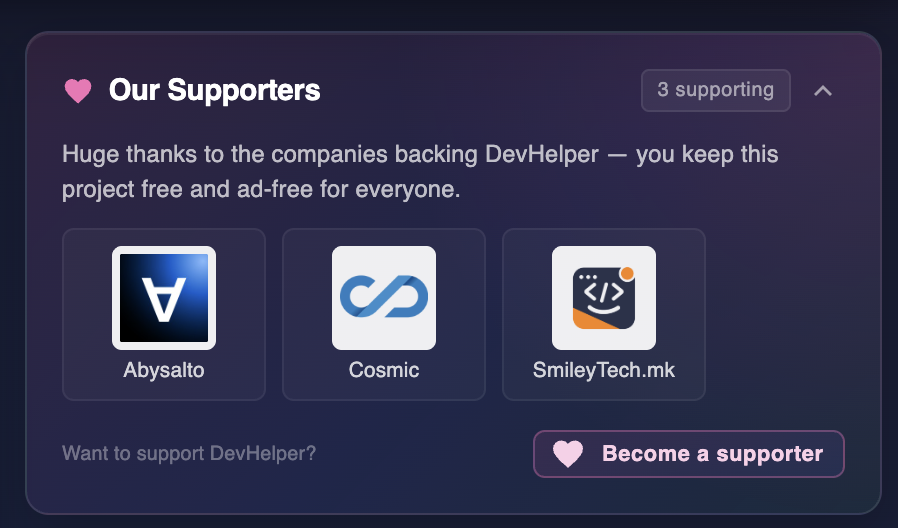
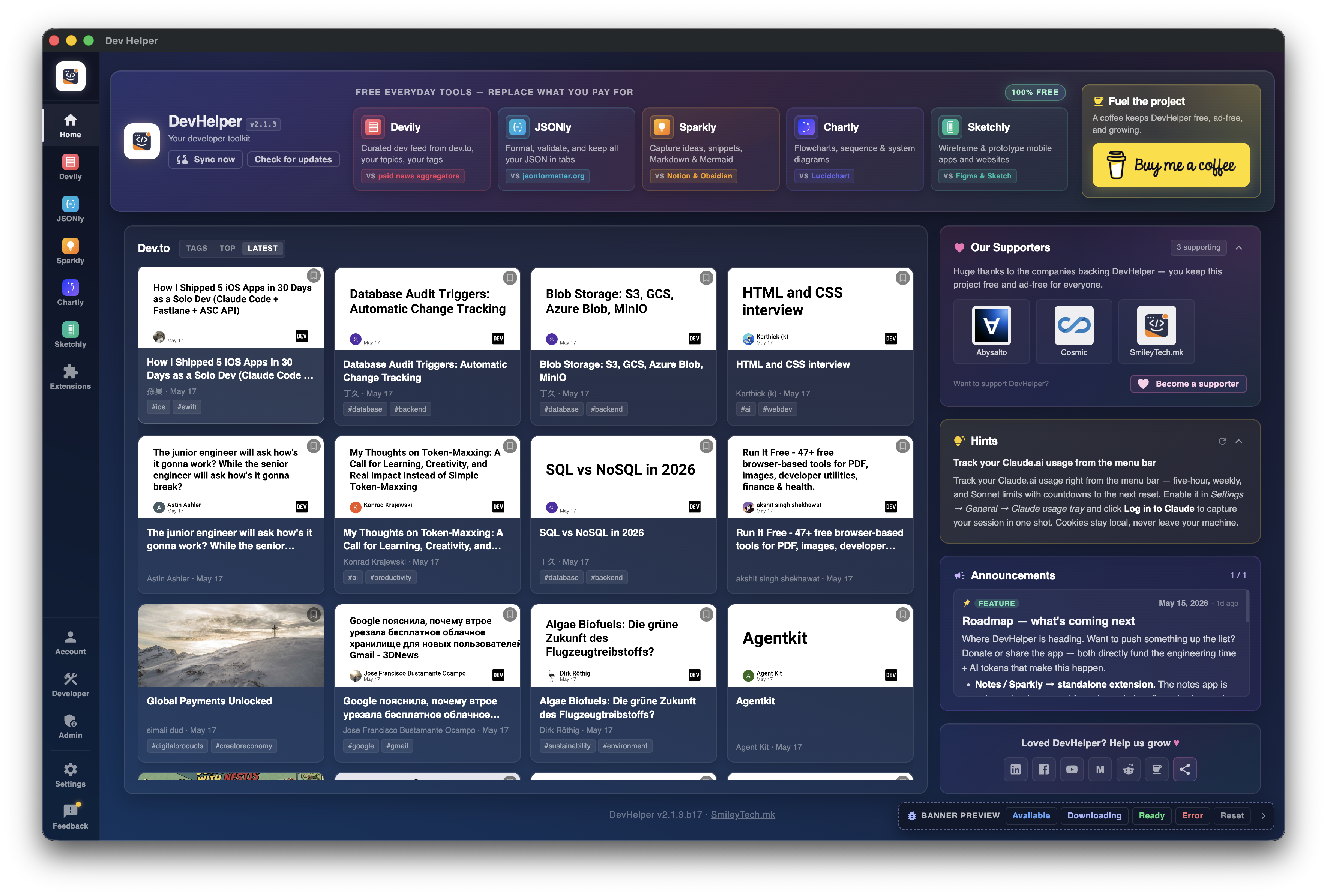
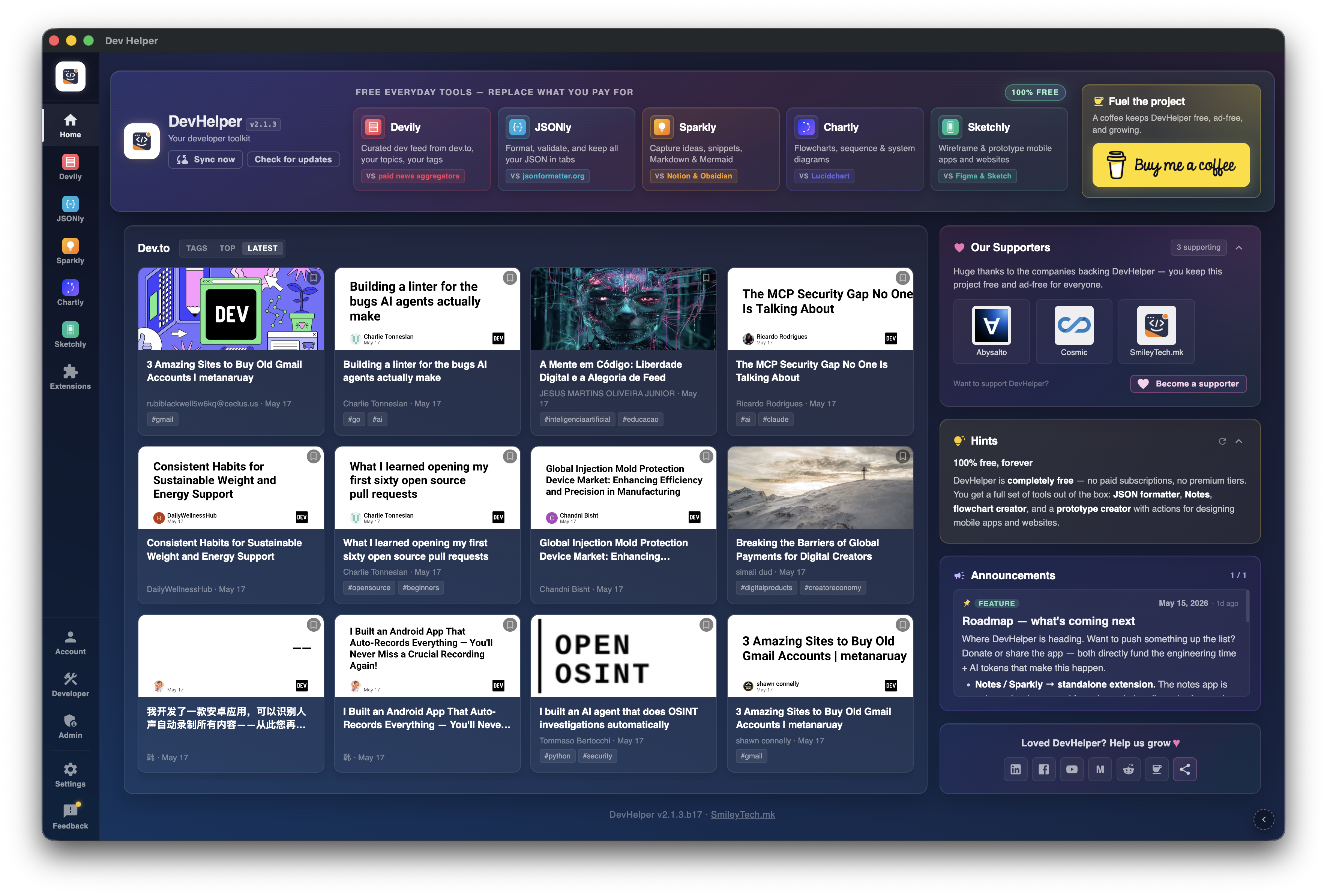
Live on the DevHelper home dashboard — every signed-in user sees this.
Around Sketchly, DevHelper bundles the small daily-driver tools you'd otherwise have in a dozen browser tabs.
Mermaid-powered diagrams with visual + code editing. Templates for API flow, CI/CD, auth, microservices, ER, decision trees. Export SVG / PNG.
Compact dev.to reader. Default tags, search, top articles, save-for-later. No browser tab required.
Pin URLs, terminal commands, scripts, nested menus into your menu bar. Network pinger lives in the same tray slot.
Live percentage and time-until-reset in your menu bar. Click any window to make it the primary metric. Compact mode for notched MacBooks.
Install community + first-party extensions, all AI safety-reviewed. Build your own with HTML/CSS/JS + window.appAPI.
JSON formatter (7-language type gen) and Markdown idea canvas — now available as installable extensions.
Sketchly wireframes, themes, chat history, notes, JSON tabs, diagram tabs — all local first. Sign-in is optional, and unlocks the fun stuff: AI features (Sketchly today, more on the way), cloud backup so you can pick up on another machine, and the extensions marketplace. Local data backs up on a schedule you pick (off / 15 min / hourly / 6 h / daily), with optional cloud sync.
Splits a one-shot plan turn into a quick draft plus per-screen build steps. Pause and continue between every screen.
Green "Code it" button next to Download plan. Files validated, path-sanitised, written via native save dialog.
.deb installer is live. Same Sketchly + Chartly + Devily + extensions as macOS / Windows.
BMC polling pipeline emails voucher codes within ~5 min. Most of every donation comes back to the donor as DevHelper AI credits — spendable across every AI app inside DevHelper.
Sketchly projects get their own extension — double-click any .dhsp to open straight into the canvas.
Five Codex variants (gpt-5.2-codex → gpt-5.1-codex-mini), admin-pickable per role.
BMC supporter matched to a user still gets a code — donors get a tangible thank-you they can paste in.
Same app, every feature, every export — no Lite/Pro split. Sign in once to claim your welcome voucher; everything else works offline.
Apple has reviewed and approved the app. Updates install themselves in the background when a new version ships.
We're still saving up for a Windows publisher certificate, so Windows might warn you the first time you run the installer. Click More info → Run anyway and you're in. Every donation helps us buy that certificate sooner.
AI in more apps, smarter wireframes, deeper project plans, sharper extensions, and a few ideas we're still keeping under wraps — there's a long list of features waiting on community support. Your donation is what turns those ideas into real things you can use inside DevHelper. And the bonus: most of every donation comes back to you as DevHelper AI tokens you can spend in the app today.
Buy me a coffee.dhsp Sketchly project files double-click straight into the app.