Personal story · SmileyOS
SmileyOS one year later: when a hobby project starts to look like a real product
From a failed AI promise and a “Hello World” to an operating system with its own language, App Store, games and learning tools — and a plan to make old computers useful again.
By Nikola Gjorgiev · · 9 min read
Almost a year ago, IT.mk told the story of my attempt to build an operating system from scratch. Back then we talked about 100,000 lines of code. Today a different question matters more to me: can that system become something that is genuinely useful to kids?
I don’t want this to be a story about yet another app. SmileyOS is an independent operating system written in Rust, with its own kernel and graphical interface. It is not a Linux distribution. And it is still in development — with a lot that works and a lot that still needs to be finished.
SmileyOS is my independent personal project, which I build in my free time. It is not connected to my work, or to the projects or products of Abysalto. Maybe that is exactly why it interests me so much: during the day I work with modern application technologies, and in my free time I deal with kernels, memory, drivers and hardware.
Who is behind SmileyOS?
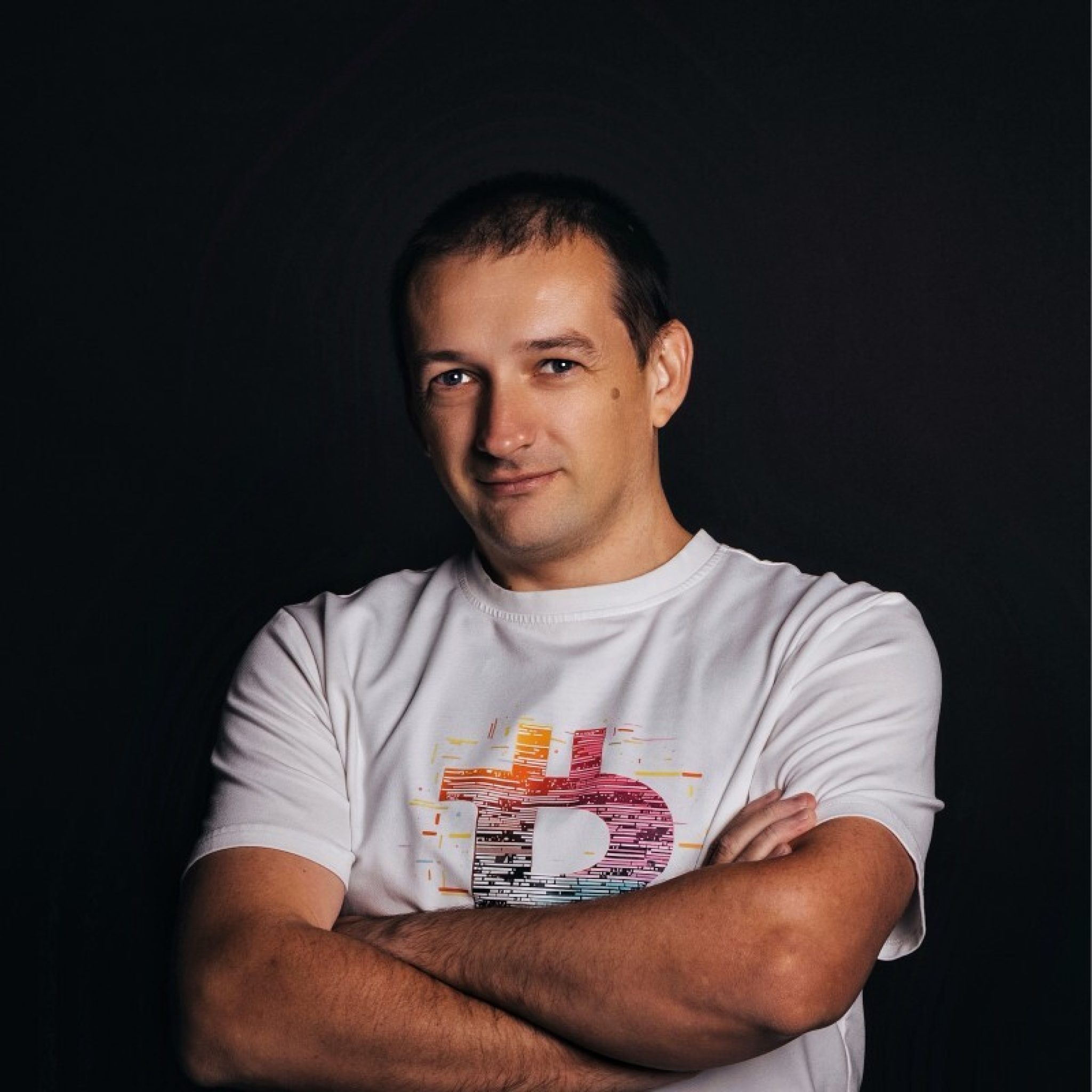
I’m Nikola Gjorgiev, a software engineer originally from Sveti Nikole, now living and working in Skopje. It was in Sveti Nikole, as a kid, that I started teaching myself programming and wondering how an operating system works. Over the years I have worked on games, web, desktop and mobile apps. Today I work as a Senior React/React Native Developer at Abysalto, part of the King ICT group.
From a high-school idea to a five-minute challenge
Around 2005–2006, as a high-school student in Sveti Nikole, I preferred tinkering with C++ to playing games. I read about kernels, drivers and assembly, often without fully understanding what I was reading. But the idea of my own operating system stayed with me.
Twenty years later, in a heated discussion with colleagues about AI and programming, I confidently said that one prompt could produce a bare-metal operating system in five minutes. We tried it. Code was generated — the system didn’t work. So I promised that within a week it would show “Hello World”.
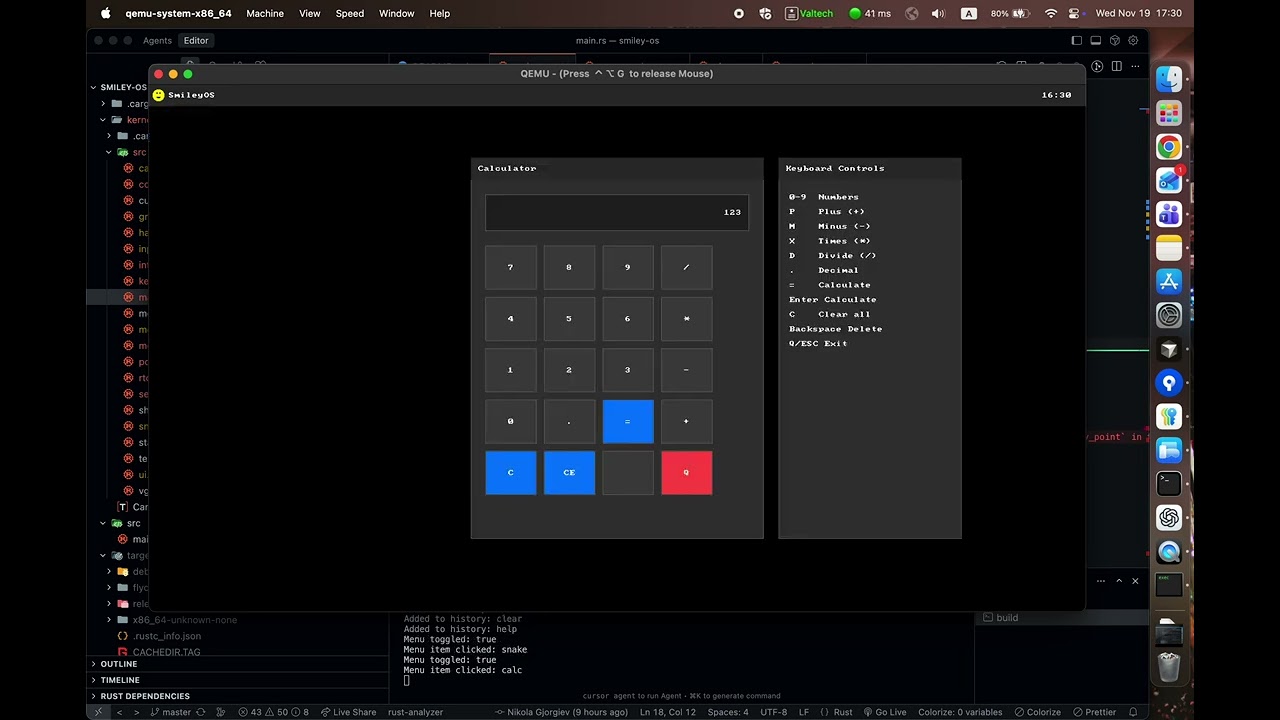
After a week I already had more than that: a terminal, a minimal interface, an editor and Snake running in a virtual machine. That was the moment the experiment started turning into a project.
The virtual machine was the easy part
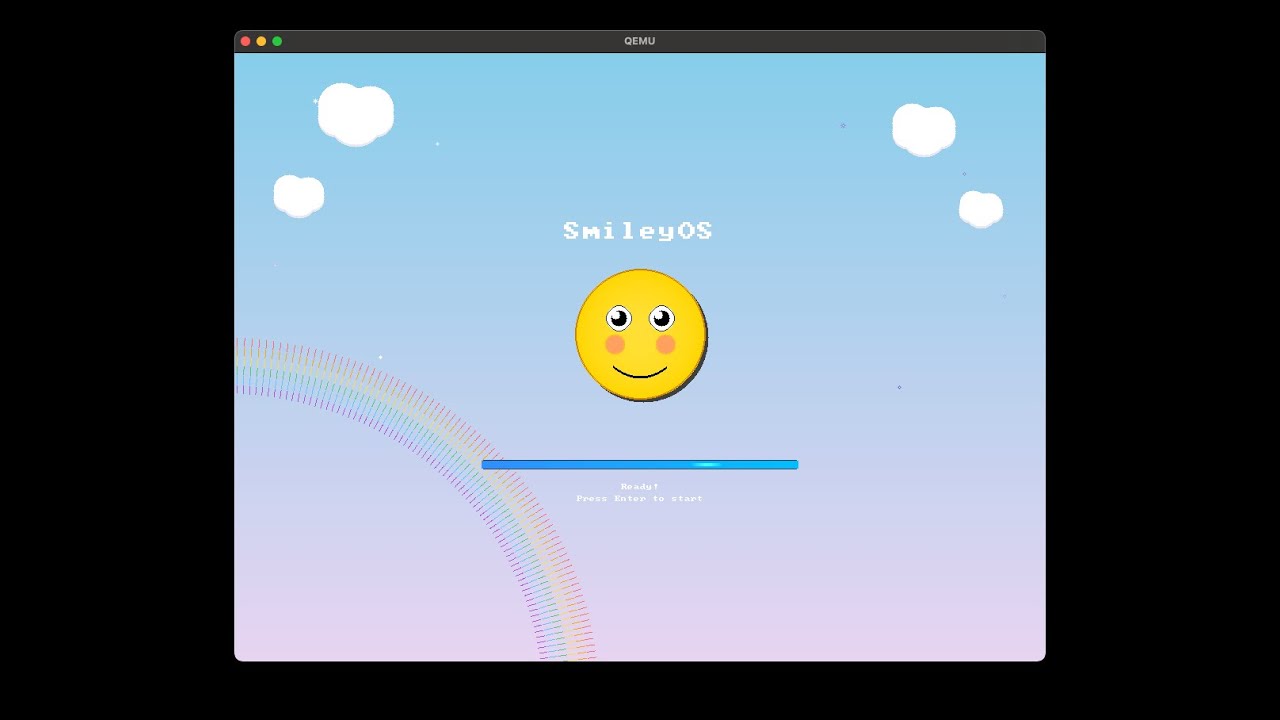
The first real clash with reality came when I decided to boot SmileyOS on an old laptop. What worked in an emulator didn’t have to work on real controllers, with real memory and real drivers. Months of reading, experimenting and debugging followed, until I reached SmileyOS 1.0.
At one point I took a break on purpose. I wanted to decide with fresh eyes whether this made sense or whether I was just spending time on an unusual hobby. When I came back, I realised that the most interesting side of the project might not be that it is a “new OS”, but that it can run on very weak hardware.
The strangest debugging workflow
The USB drivers alone took me months. Since I had no convenient way to get logs out of the system, at times I photographed the messages on screen with my phone, analysed them with AI and tried again. After countless iterations I decided to first build network logging over UDP, so I could read the logs in real time. That also made the driver work easier.
AI helped me a lot here, but it was not a magic button. Generated code does not mean a correct driver. It takes architectural decisions, an understanding of the hardware and the patience to find out why something doesn’t work.
What can SmileyOS actually do today?
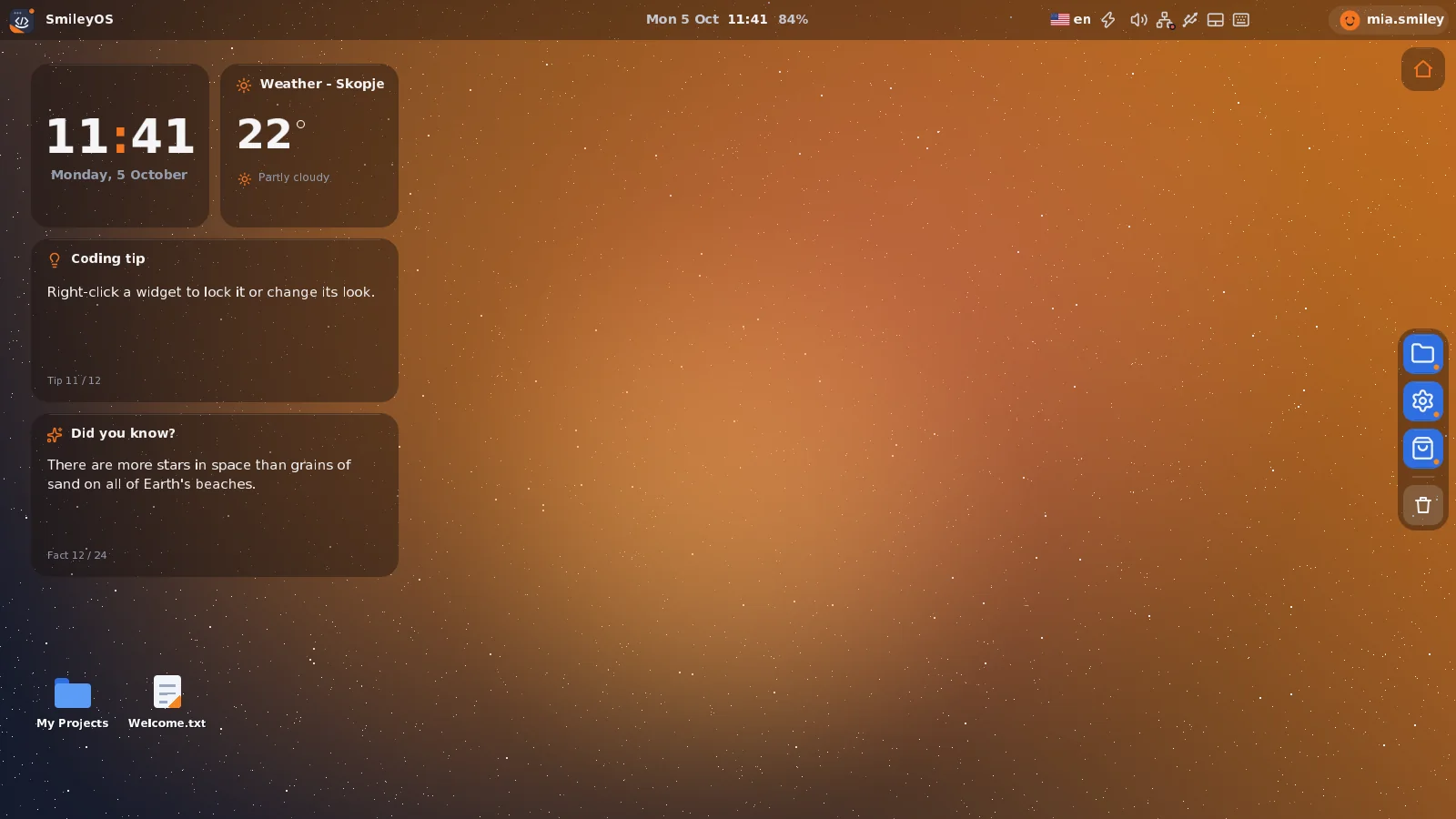
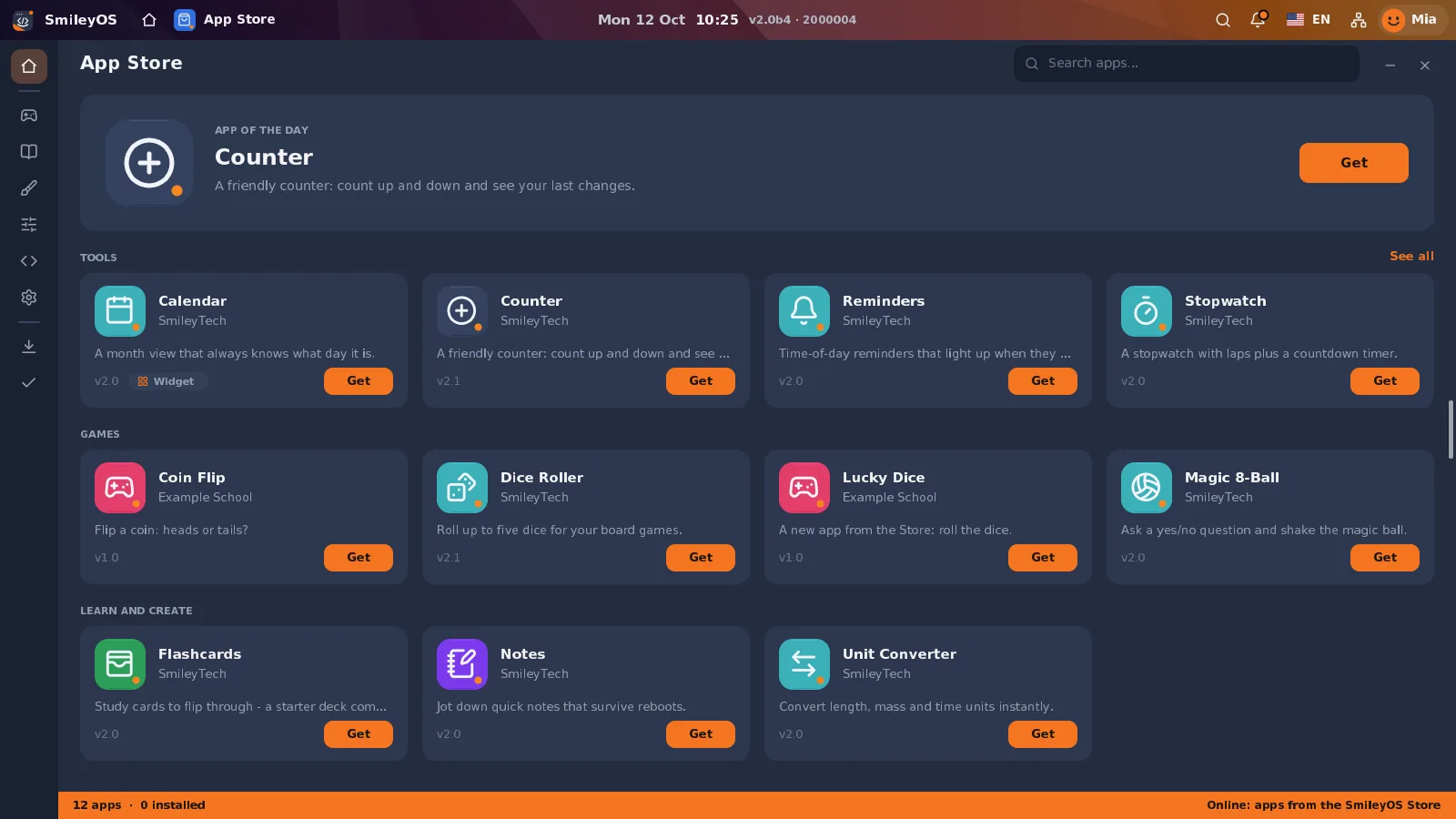
Today SmileyOS has a graphical desktop, files, a terminal, networking, its own App Store and an SDK for apps. The biggest change, though, is that I started shaping it as an educational system: from the first click, through the first line of code, to the first game of your own.
Under the hood there is also my own file system, SMFS, drivers for peripheral devices and a network stack. The terminal has dozens of commands, and in developer mode it can become the main workspace. In Code Sandbox, kids can follow the execution of code and the state of memory, with explanations of the syntax and the option of AI help when it is allowed.
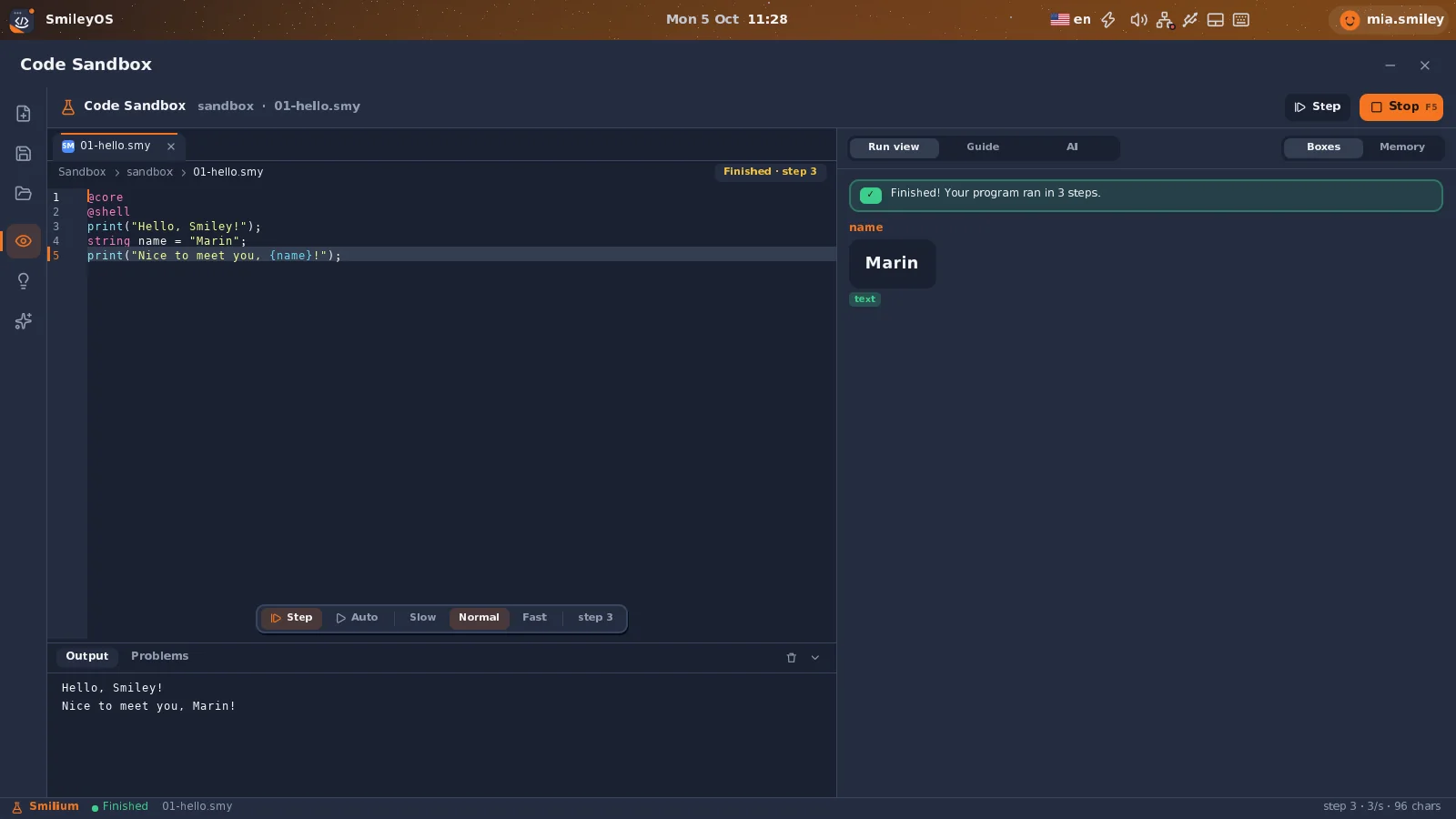
Smilium is a programming language I developed for beginners. In Code Sandbox, kids can follow a program step by step, instead of just getting a result without knowing what happened.
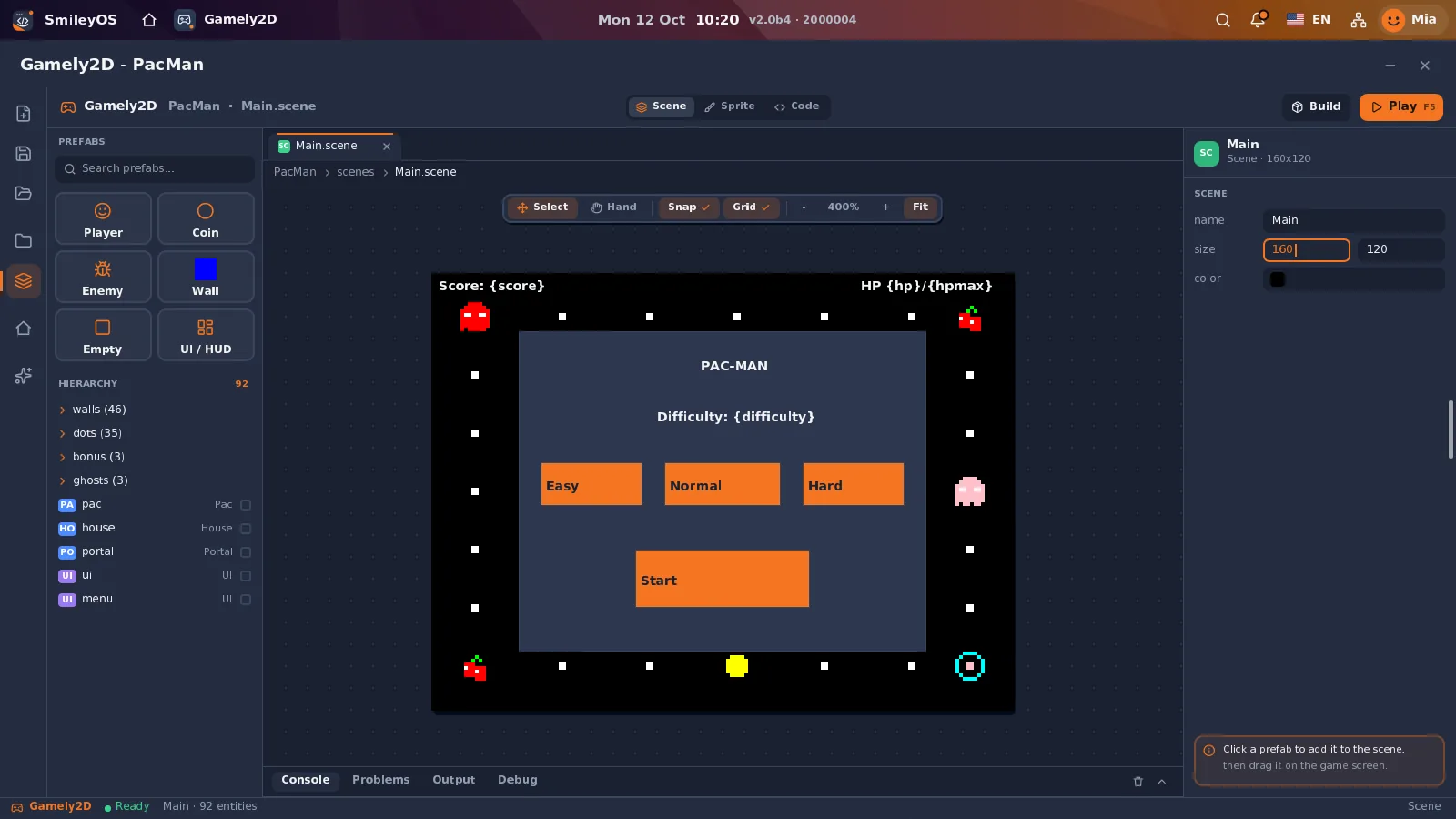
Then comes Gamely2D — a tool for creating scenes, characters, rules and games. The goal is not to replace professional game-development software, but to make the first step easier to understand.
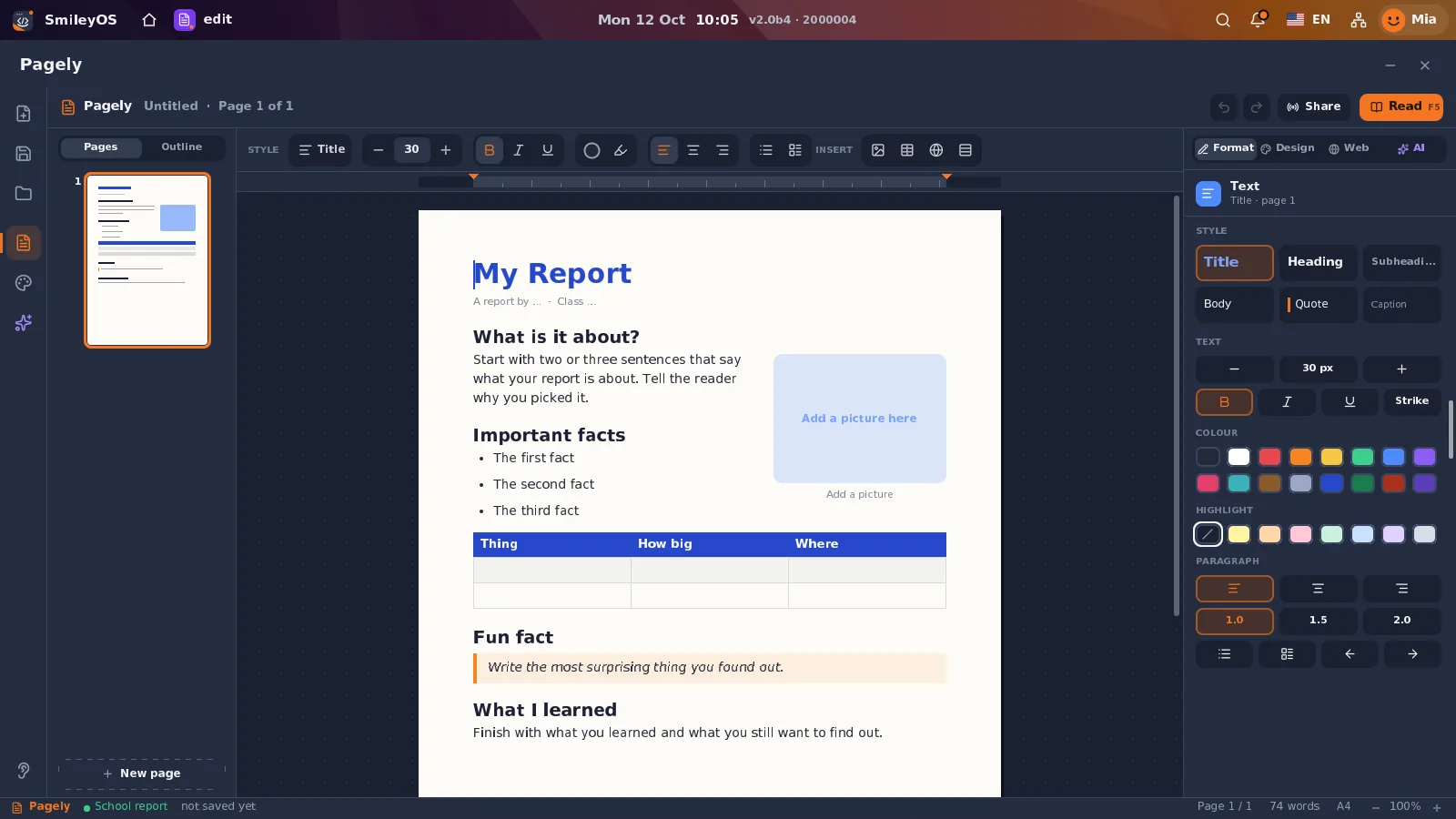
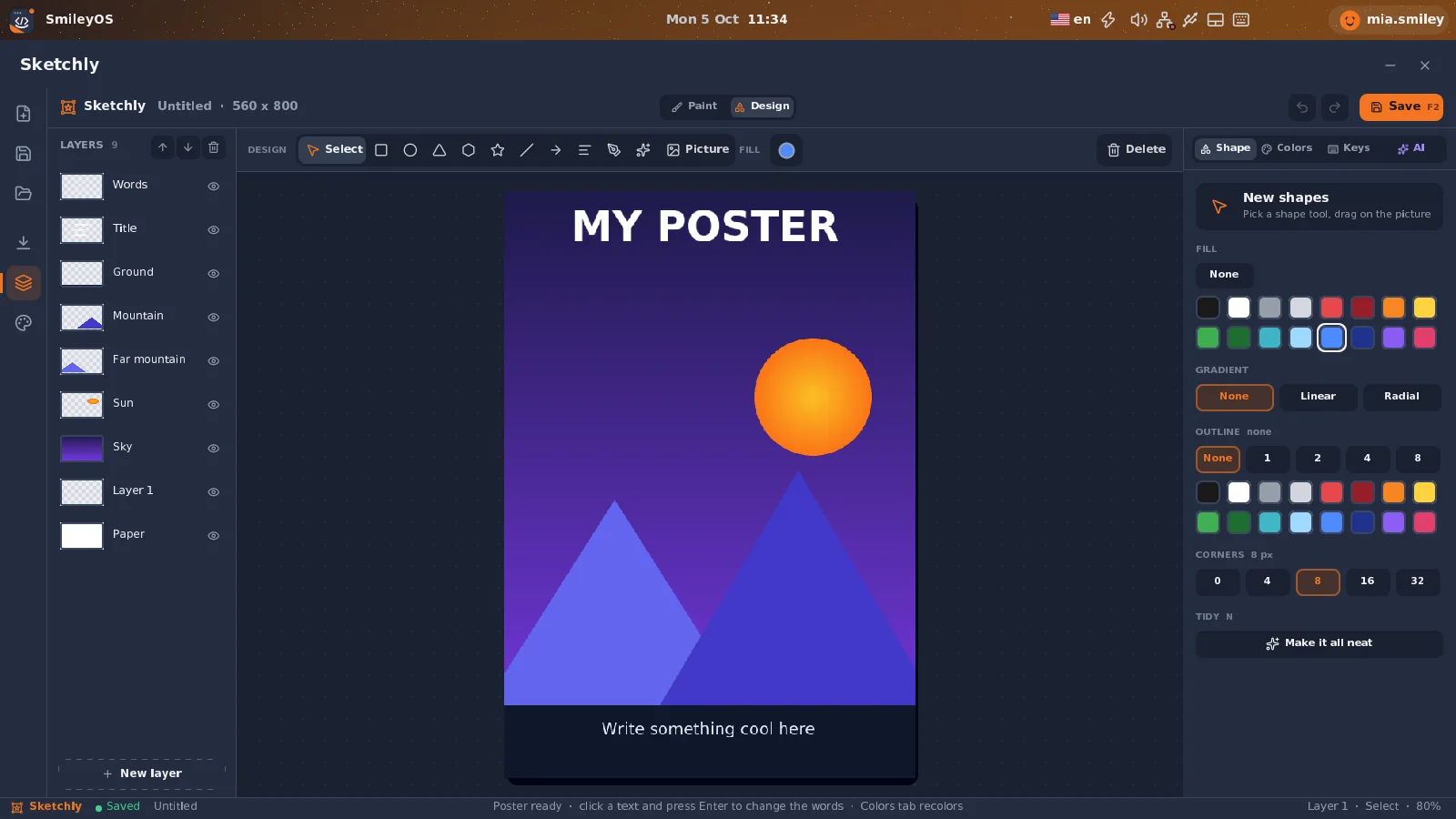
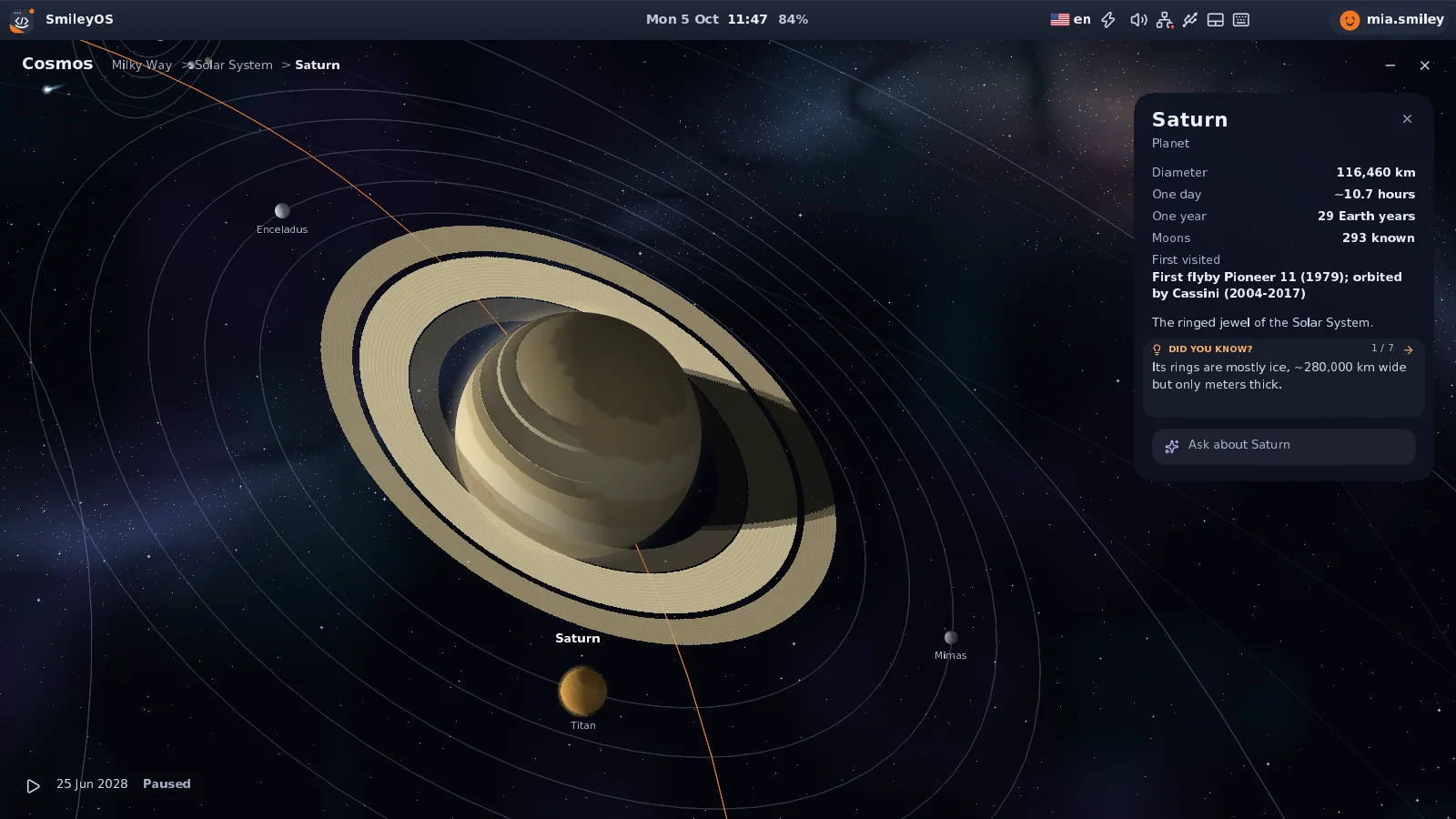
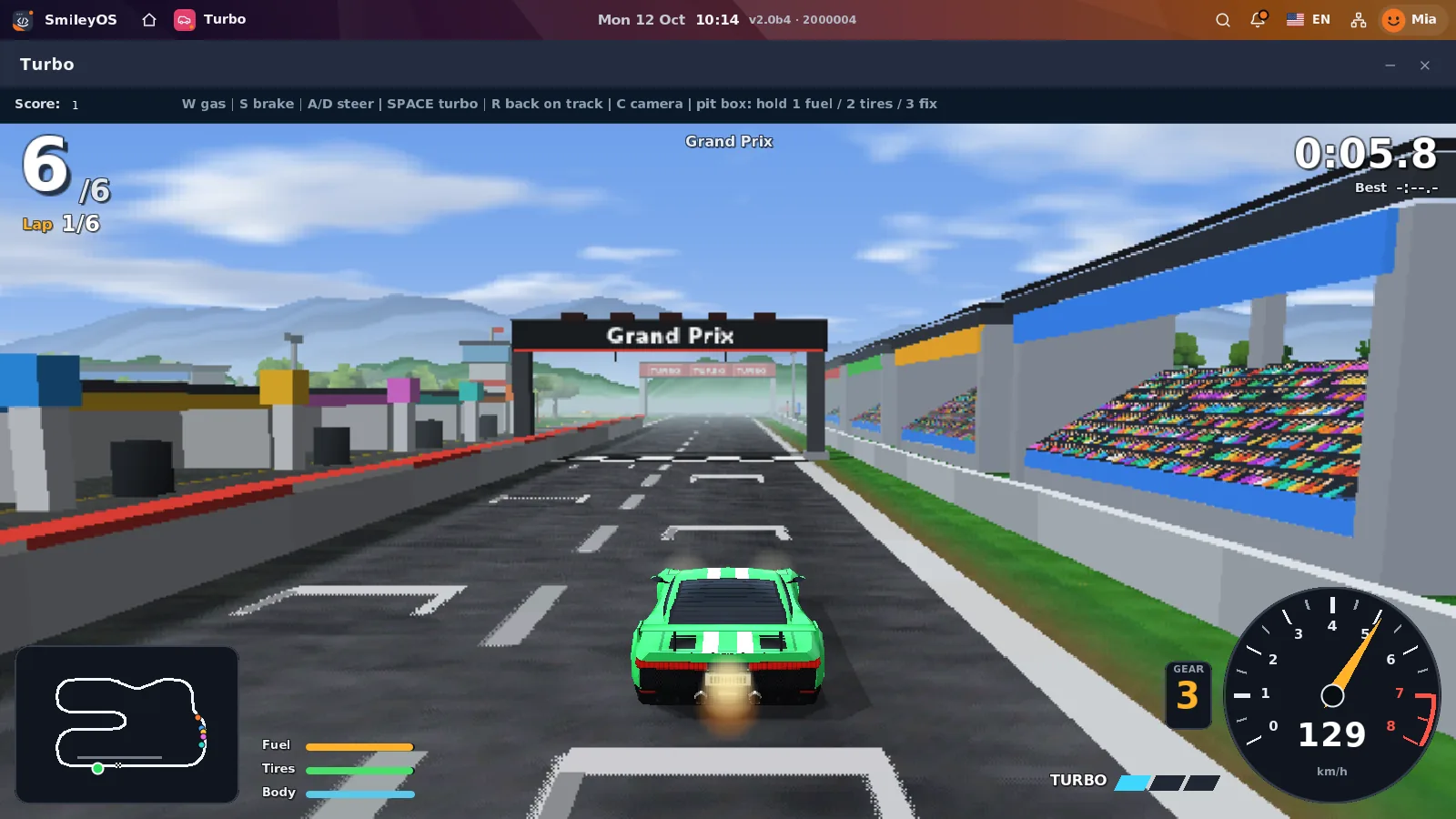
Besides programming, there are apps for documents, drawing, presentations, music, geography and astronomy. Even the 3D game Turbo is drawn by the processor, without relying on a powerful graphics card.
My whole career, gathered in one operating system
In a way, SmileyOS has become a retrospective of my career so far, turned into a place where a child can discover the same things that fascinated me when I was growing up.
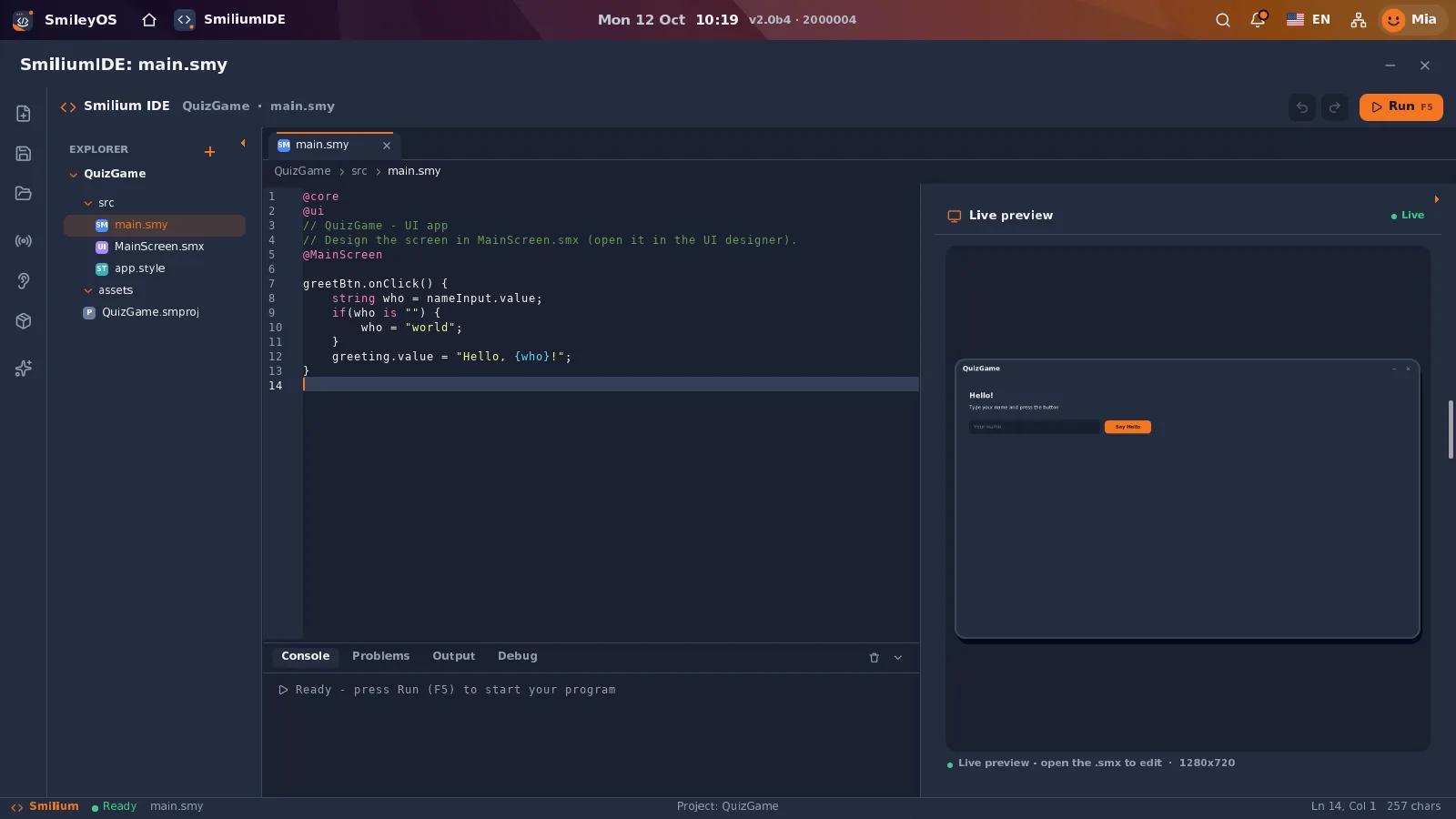
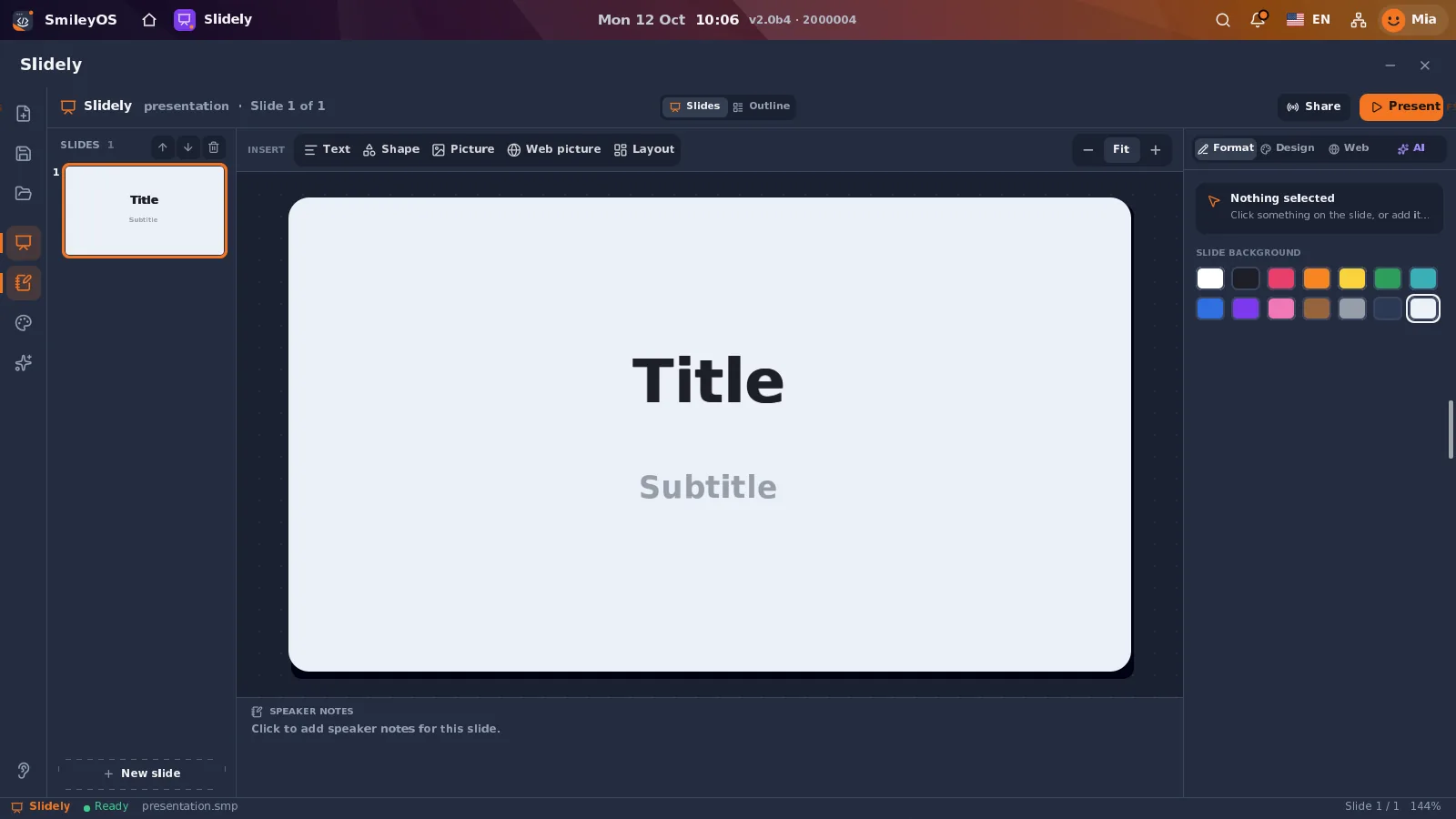
There is also Smilium IDE for building real visual apps, and Slidely for presentations. I don’t want kids to only use ready-made programs; I want them to understand how they are made, and then make their own.
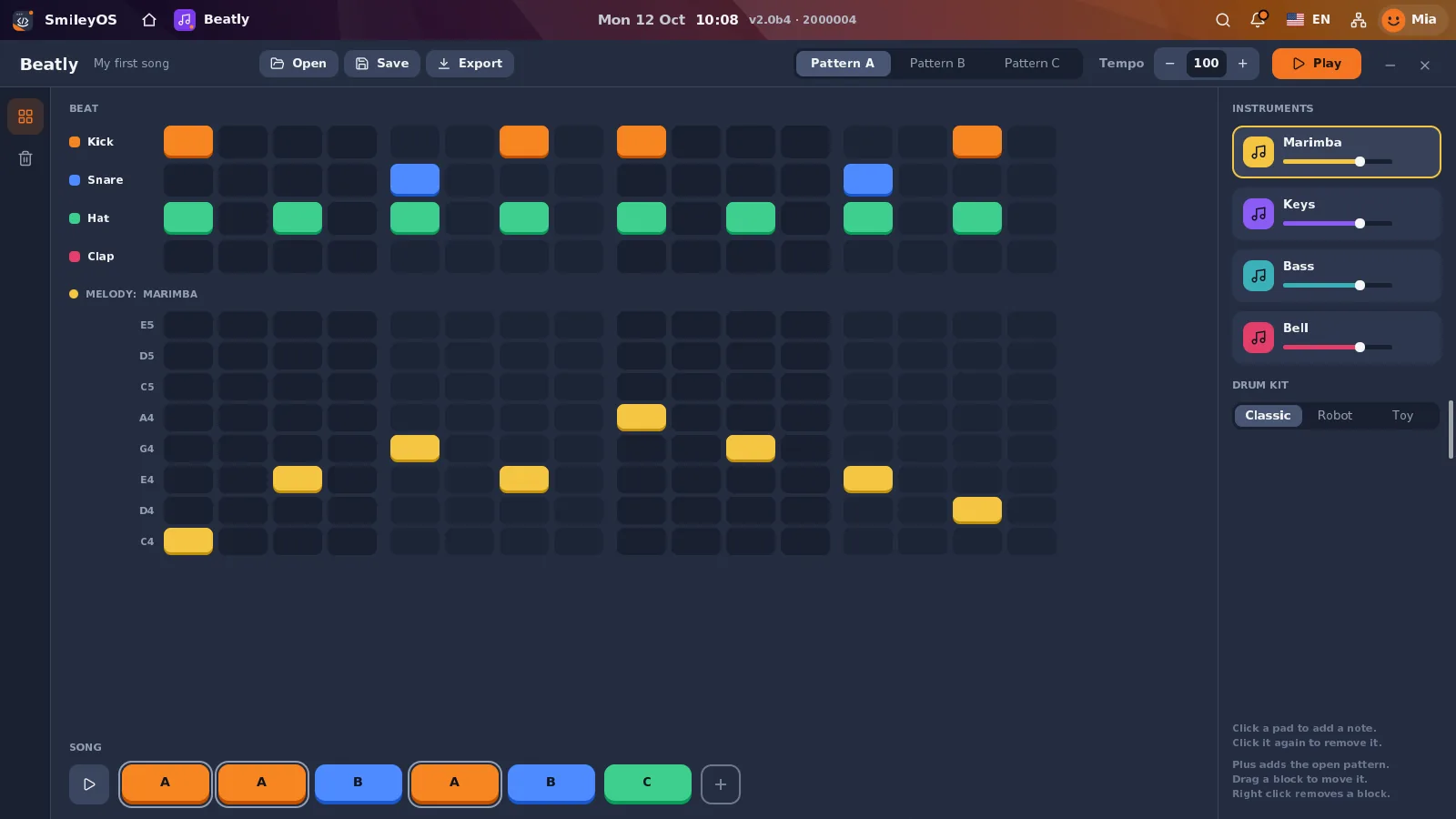
There is also a newer app that is especially personal to me: Beatly. When I was young I experimented with making music in FL Studio and Cubase. I didn’t expect that experience to come back to me years later — this time as a tool kids can use to create their own beats and melodies in SmileyOS.
My game-development experience went into Gamely2D. The years of building user interfaces show in the shared UI components and in Sketchly, the drawing and design app. And with Code Sandbox and Smilium IDE I try to make the first steps easier for kids — the steps I had to discover on my own.
The more I develop SmileyOS, the more I realise that almost everything I have learned and done over the last twenty-odd years ends up in it. My first attempts at programming at the age of twelve, the period when I made games, then web, mobile and desktop apps — all of it now has its place in one platform.
A classroom that doesn’t have to be online
From the very beginning it was important to me that SmileyOS is useful without the internet. With Classroom, computers on a local network can exchange messages, take part in polls and quizzes and share content. This opens up possibilities for schools without good internet infrastructure.
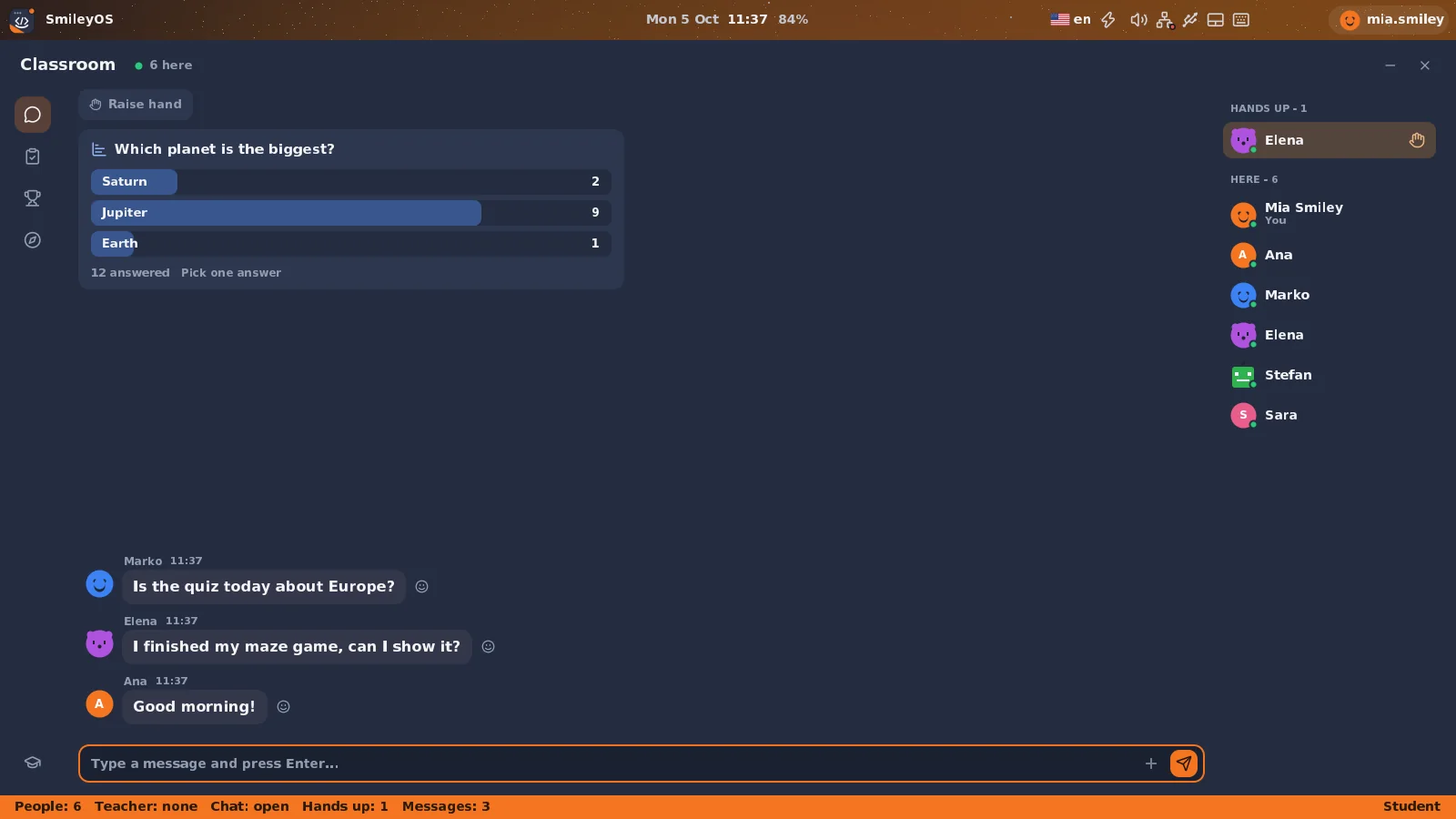
For the youngest there is a simpler interface with big buttons, and for parents there are controls for apps, the internet and AI. The idea is for the computer to be a place for creating, not an endless feed full of ads.
Why old computers?
Today, for many kids a first computer is a serious expense. On the other hand, homes and schools are full of old but working machines. SmileyOS is designed to boot from a USB stick and run with just 256 MB of RAM on compatible hardware. The system takes up about 20 MB — which makes it interesting for reusing machines that would otherwise end up as e-waste.
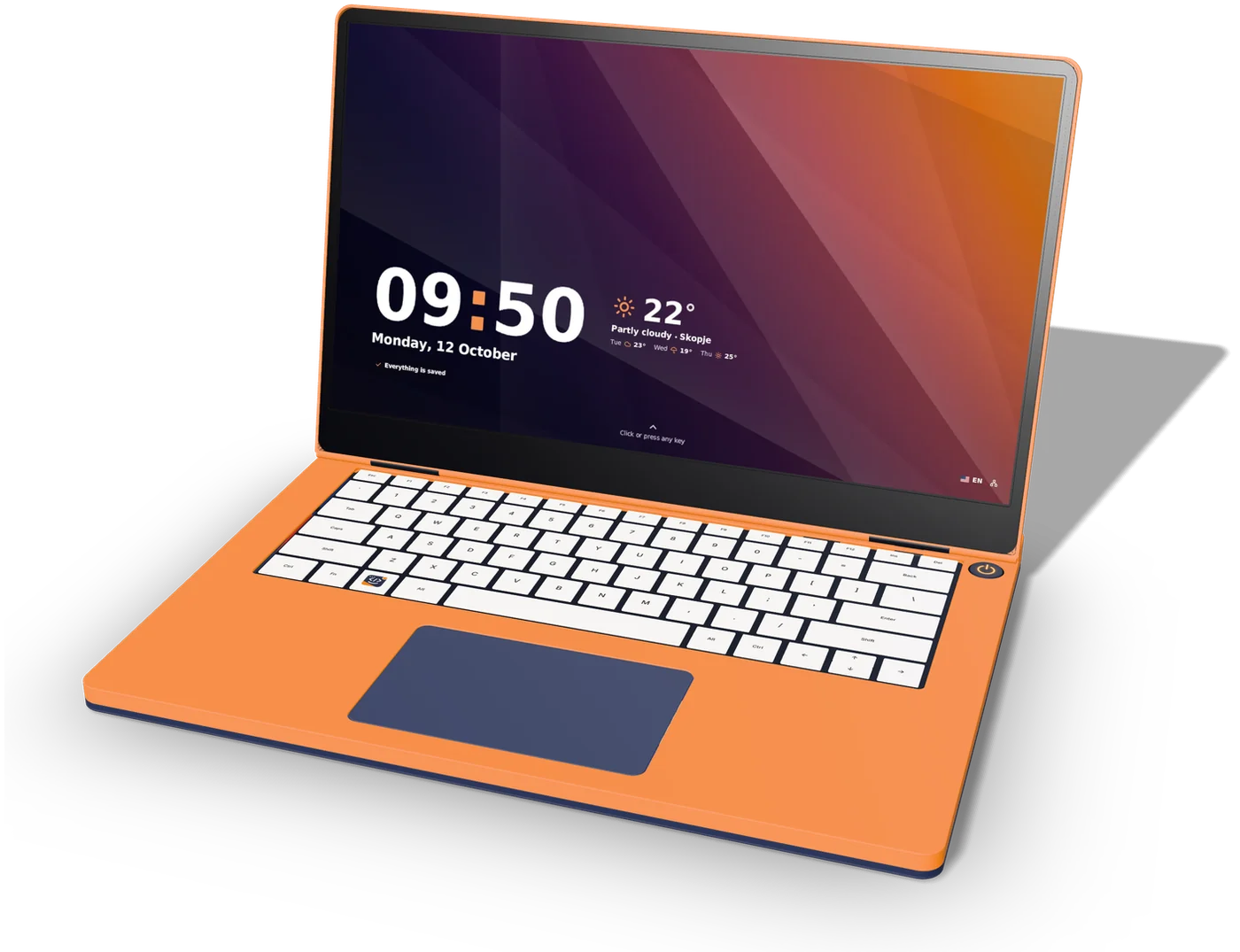
In parallel, I’m also testing it on Raspberry Pi. That is where the idea for our own low-cost laptop, SBOOK, and a small computer, SBOX, came from. They are still concepts and prototypes, not finished products. First I want to finish and test the software, and then see what hardware makes the most sense.
What’s next?
The plan for the next phase is for more people outside my development setup to try SmileyOS. I’m preparing early access, thinking about a USB edition with a learning book, and looking for partners for testing and further development. You can sign up for early access on the website, and an older version that runs in the browser is available too.
I don’t expect SmileyOS to replace Windows, macOS or Linux. I would be happy if one child with an old computer manages to write their first program, make a game and realise that technology isn’t just something we consume — it’s something we can create.