How to Make a Game for Children with a Clear Purpose
How to make a game for children: a practical guide for idea, rules, testing, and offline creation that develops logic, creativity, and courage in children.
By Nikola Gjorgiev · · 6 min read · 3 views
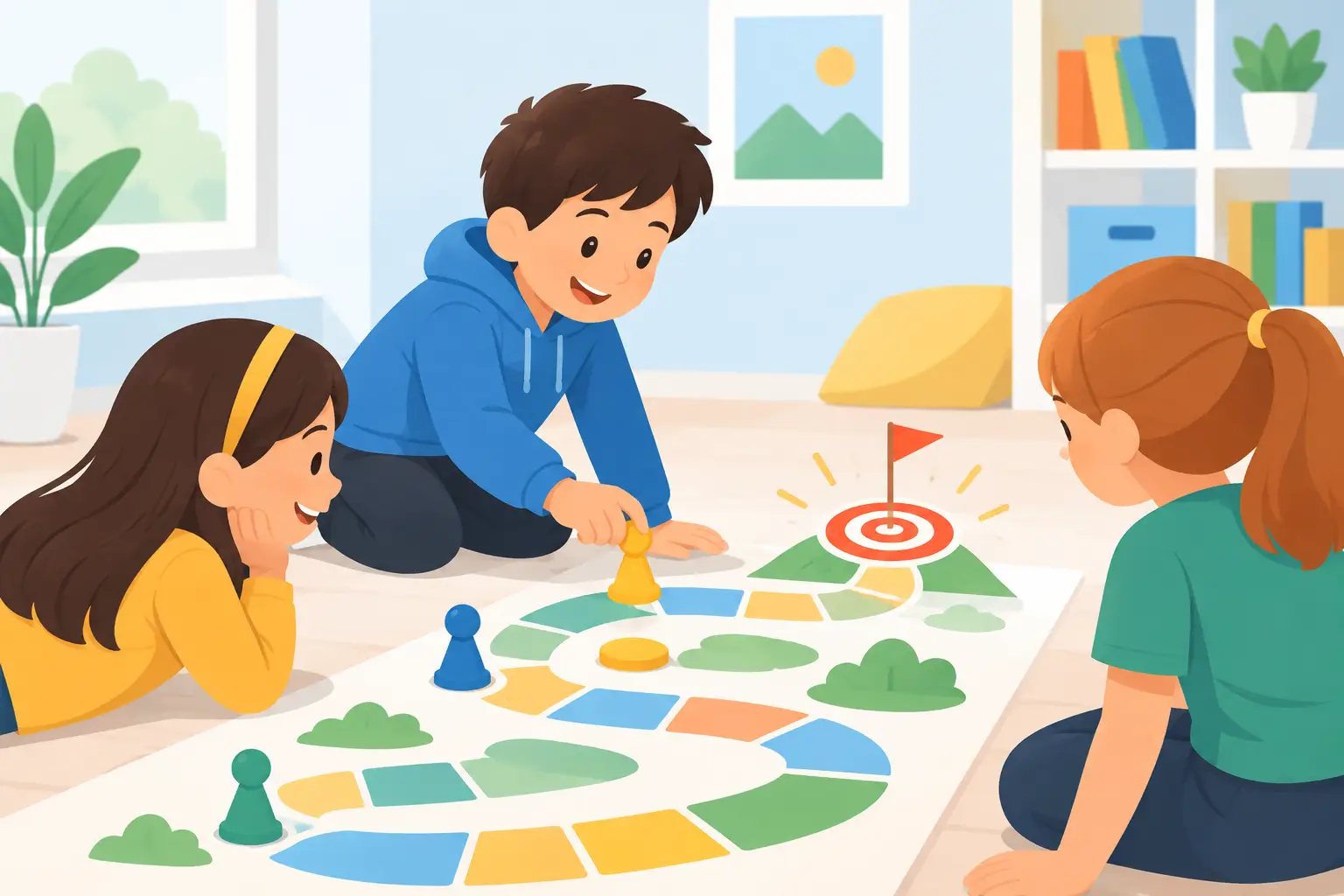
A child does not need to first learn a complex programming language to create something of their own. When you ask how to make a game for children, start with a smaller and more important question: what should the player feel after the first 30 seconds? Curiosity, joy, a small victory, or the desire to try again? A good children's game does not start with many screens, ads, and buttons. It starts with one clear idea.
This is good news for parents, teachers, and schools with old computers. You don’t need a new machine costing 800 euros, nor internet in every classroom. For the first game, you need a rule, a few pictures or shapes, optional sound, and time for testing. Technology should serve the child who is building, not push them away with complexity.
How to Make a Game for Children Without Starting from Code
The most common mistake is to start from the tool: “Which program should we install?” It’s better to start from the game. If you can’t explain it on a piece of paper, the code will only make it confusing.
Write one sentence that describes the game. For example: “The player collects fallen apples before the rain starts.” Or: “The player matches letters with pictures that start with that letter.” That is enough to start. Don’t add a store in the game, ten levels, profiles, daily rewards, or ads. Children don’t need a miniature version of a phone app. They need a game that makes sense.
Then answer four things: what the player does, what they need to achieve, what prevents them, and how they know they are progressing. In the apple game, the player moves the character, the goal is to collect 10 apples, the obstacle is rain or limited time, and progress is seen through a counter. That is a complete basic game cycle.
If the child is younger, limit controls to one or two actions. Arrow keys for movement and one button for jump are more than enough. In a game for learning colors, numbers, or letters, even mouse selection can be sufficient. More controls don’t mean more learning. Often they mean more frustration.
Choose an Idea the Child Can Finish
The first game should be small. Not an “adventure game with the whole world,” but one room, one task, and one clear end. A finished small project builds confidence. An unfinished huge project only teaches that creating is too hard.
Good first projects are a maze where you find the exit, a quiz with five questions, a game for catching objects, a memory card game, or a short story with choices. All these games can work offline, with simple graphics and no personal data.
The choice depends on age and goal. A six-year-old child can make a game with colors and shapes. A nine or ten-year-old can build a maze with points and obstacles. An older student can add random events, levels, and a simple scoreboard. Not everyone needs to build the same game. It’s important each child has a project that is challenging enough but not unreachable.
Before opening the computer, draw the first screen. On a sheet, place where the player is, where the goal is, and what can happen. This step looks simple but saves a lot of time. When the child says “I want a monster that flies, collects keys, and opens secret doors,” the drawing immediately shows what is essential and what can wait for the second version.
Make Rules That Are Fair, Not Just Hard
A children’s game shouldn’t be easy without reason. It should be fair. The player must understand why they lost and what they can do differently next time. If an obstacle appears without warning or a button doesn’t respond as expected, the child won’t learn persistence. They will think the computer is cheating.
Start with one rule for success and one rule for failure. For example: “You win when you collect five stars” and “You lose one chance if you touch a cloud.” Add a short message on victory and an encouraging message on failure. Instead of “Error,” write “Try again – now you know where the obstacle is.” The tone in the game is part of the design.
Don’t use a timer just because timers look like a game. Time creates pressure, and that can be fun for some children and discouraging for others. In practicing reading, solving tasks, or first contact with a computer, it’s better for the player to have a calm pace. In a game for quick reactions, a timer makes sense. Every rule should have a reason.
Turn the Idea into Simple Logic
Whether you use a visual block tool or write code, the game consists of small instructions. When the arrow is pressed, the character moves. When the star is touched, the score increases. When the score reaches five, a victory message appears.
This is the moment when creating a game becomes a real lesson in logic. The child learns that the computer does not “guess” what we want. We tell it exactly what to do, in what order, and under what conditions. If the character passes through a wall, that is not a failure. That is a great question: how do we tell it that the wall is a boundary?
Work in short steps. First, make the character move. Then add one object to collect. Only then add points. If you do everything at once, it’s hard to find where the problem is. If you work step by step, every small success is visible.
For such beginnings, a lightweight offline environment is better than a heavy system that requires registration, updates, and lots of memory. SmileyOS is made exactly for this: so the child can learn, draw, write, and create on an older computer, without changing the existing system on the machine. 20 MB instead of tens of gigabytes is not just a technical number. It can mean one more functional computer at home or in the classroom.
Test with Real Players
The game author already knows the rules. The player does not. That’s why the most valuable test is to sit next to another child, give them the game, and not explain anything in the first minute. Watch where they stop, which button they look for first, and if they understand the goal.
Don’t just ask: “Do you like it?” Most children will say “yes” to be polite or because they want to play again. Ask: “What did you think you had to do?”, “Where was it hardest?”, and “What would you change?” The answers will show if the rules are clear.
When you find a problem, don’t fix it yourself immediately. Ask the game author what they noticed. Maybe they will suggest a bigger arrow, a slower obstacle, or a message at the start. This way the child is not just a tool user. They become a designer who observes, decides, and improves.
Keep the Game Safe and Truly Child-Friendly
A game for children should not collect name, photo, location, or email address to be fun. It should not have ads that interrupt playing, nor purchases that turn winning into a cost. These things are not “advanced features.” They are a burden that has no place in a child’s first project.
If the game is used in school, library, NGO, or educational program in prison, offline work is even more important. It brings control, less distraction, and the possibility for everyone to work with the same materials, even when the internet is weak or unavailable. Computer literacy must not depend on a fast connection or the latest hardware.
Finally, let the child name the game, choose colors, and put their name in the credits. Maybe the first version will have only one level and last two minutes. That is enough. When someone runs the game and smiles at something the child created, the computer stops being just a screen. It becomes a tool for an idea that took shape.
Did you like this post?
Share this post
Know a parent, teacher or school that should read this? Send it on.