Education · Old hardware
Raspberry Pi as a Computer for the TV at Home
Raspberry Pi as a computer for the TV turns any screen into a quiet, cheap, and private device for learning, writing, coding, and homework without subscriptions.
By Nikola Gjorgiev · · 6 min read · 2 views
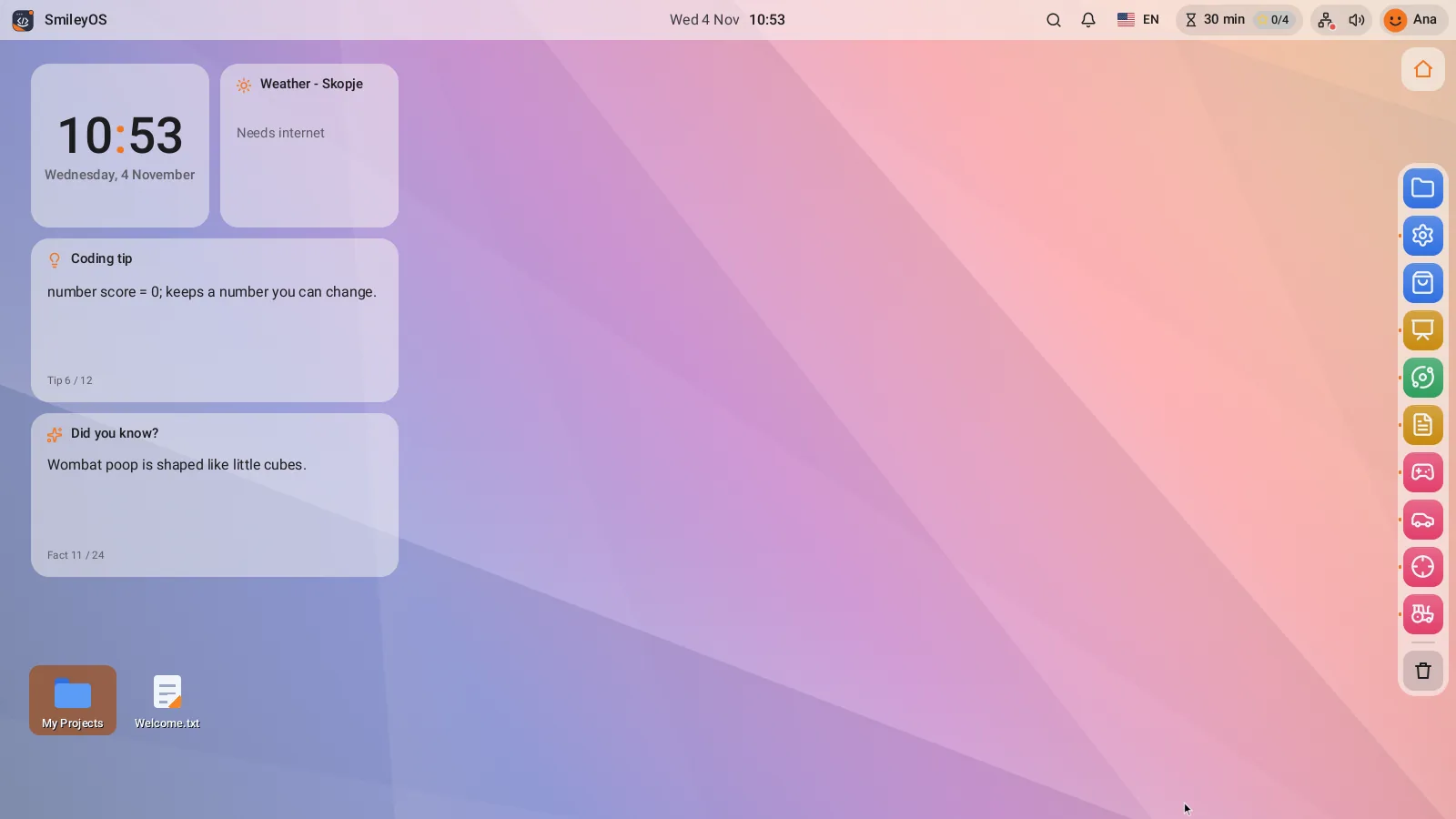
Raspberry Pi as a computer for the TV is not just a way to play video on a big screen. With a small board, a microSD card, a keyboard, and a mouse, the living room TV can become a real family computer: for writing, learning, drawing, programming, and research. Without a big box under the table. Without noisy fans. Without a reason for an old TV to remain just a screen for content.
For many families, classrooms, and organizations, this is an important difference. A TV already exists in the home. Raspberry Pi costs much less than a new laptop, uses little power, and takes up less space than a notebook. But a good computer for the TV is not measured only by whether it turns on. It is measured by whether the child can independently open a document, save a task, create a game, and learn without ads, bills, and constantly needing the internet.
What exactly do you get with Raspberry Pi on the TV?
Raspberry Pi is a small single-board computer. It is not a USB stick and not just a streaming device. When you install an operating system on it, connect a screen, keyboard, and mouse, you get a desktop with files, programs, and settings – just like a classic computer.
The TV serves as a monitor via HDMI. Most often it already has an HDMI port, so you don’t need a separate screen. This reduces the initial cost, especially when equipping multiple children at home, a small classroom, or a community space. One device just a few centimeters in size can give a new purpose to a screen you already have.
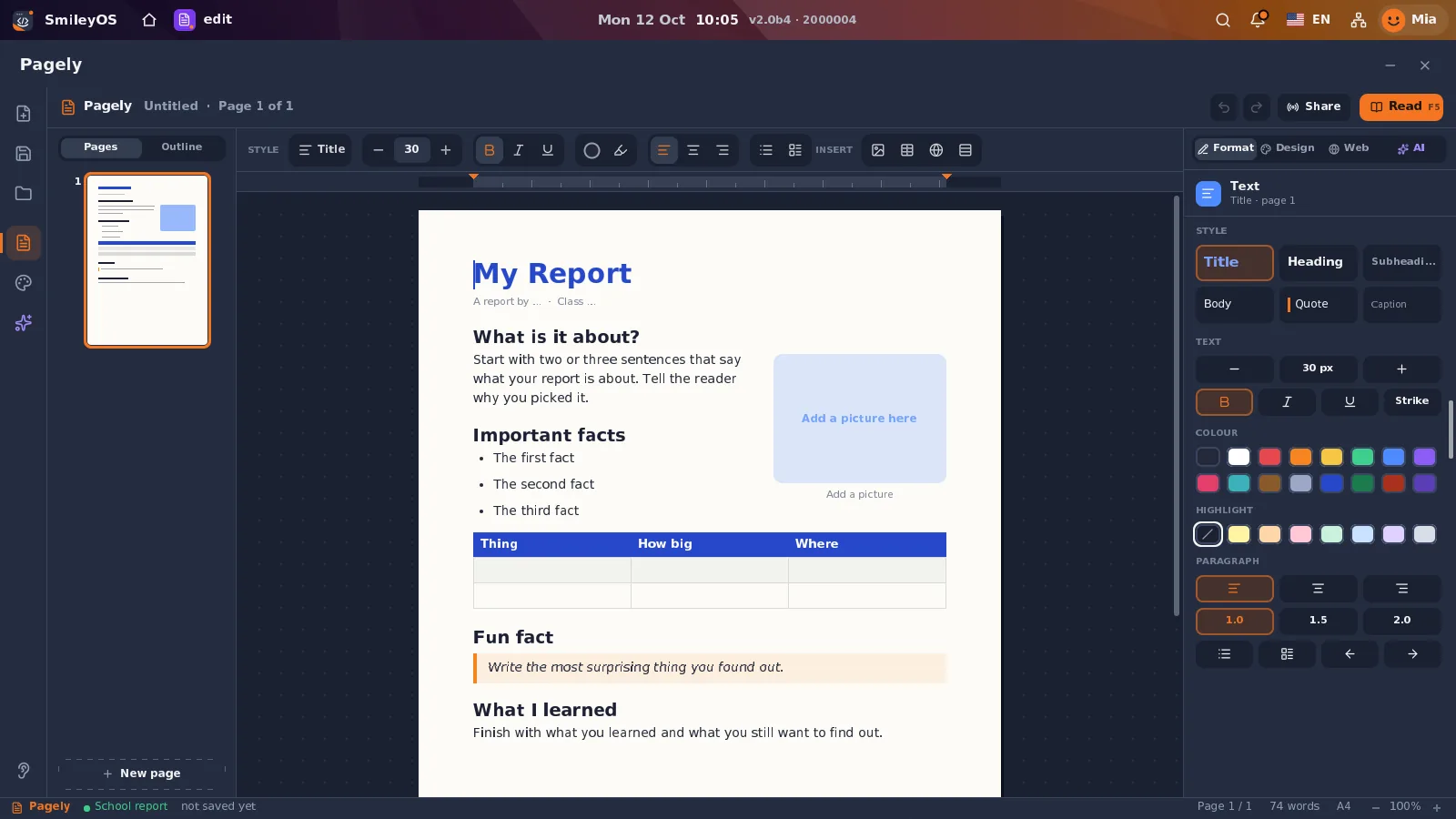
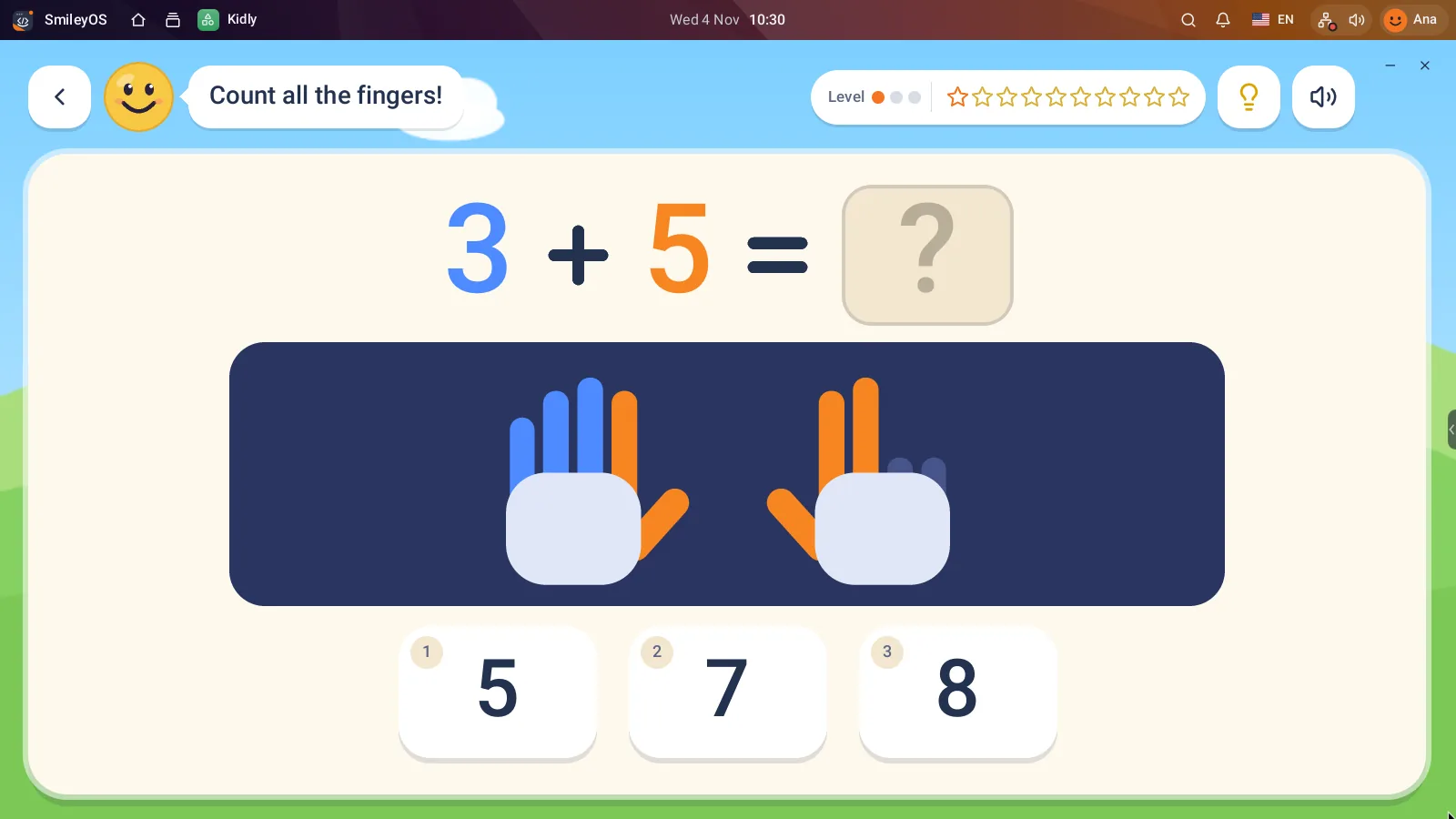
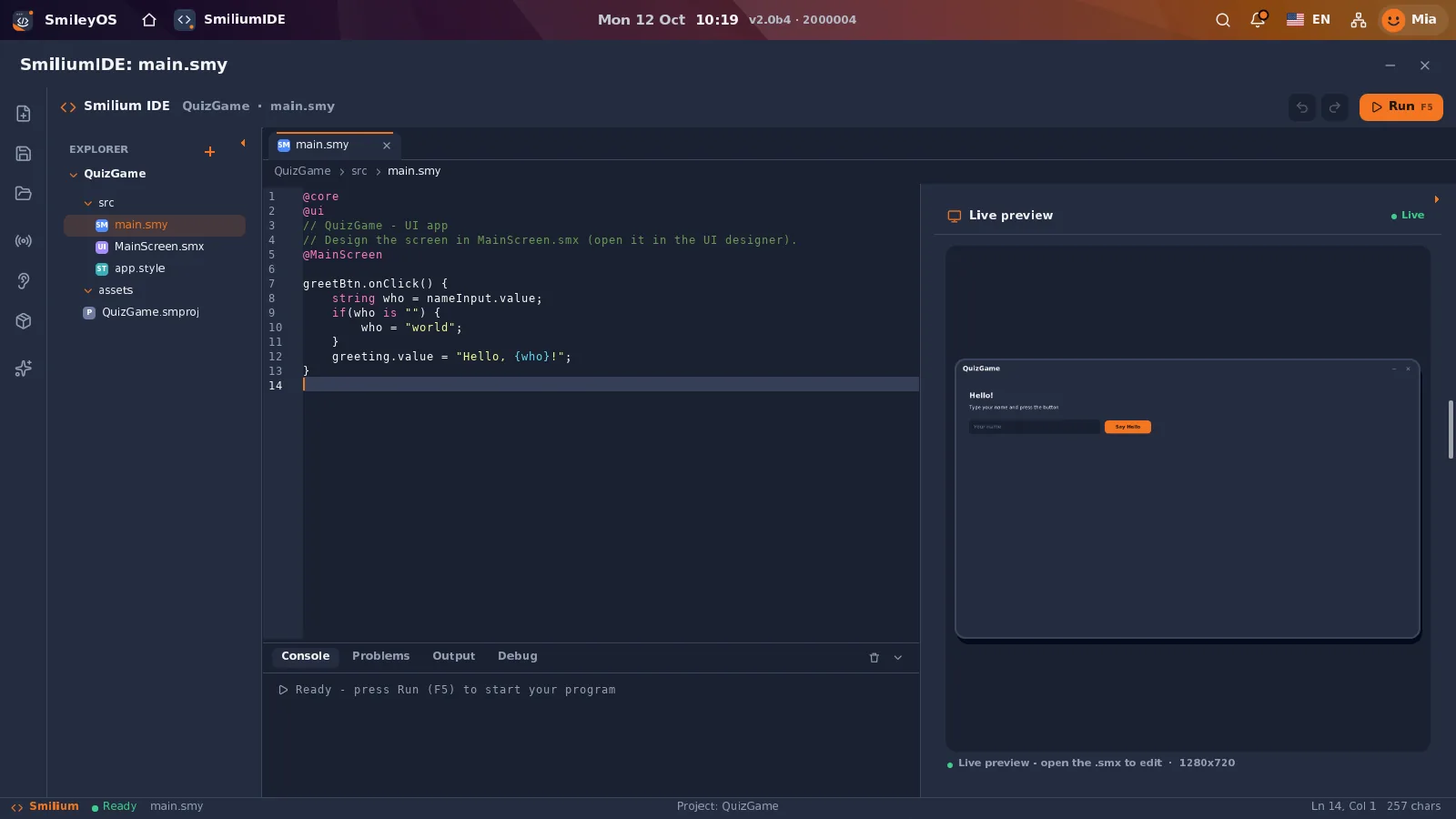
For basic tasks, you don’t need a powerful machine: opening documents, working with images, learning the keyboard, offline games with educational value, beginner coding, and simple presentations. These are exactly the tasks for which many expensive computers are unnecessary. A child learning to create a folder, write an essay, or make a first animation does not gain more knowledge because the device has 64 GB of memory and dozens of pre-installed services.
Raspberry Pi as a computer for the TV: what you need
The basic setup is simple. You need a Raspberry Pi, a microSD card with an operating system, appropriate power supply, HDMI cable, and a USB keyboard with a mouse. If the TV is older, check which HDMI inputs it has and what cable the chosen Raspberry Pi model requires. Newer models often use micro-HDMI, so you might need a different cable than the one you already have at home.
The choice of microSD card is important. It is not just storage space for files but also the computer’s “disk.” A cheap, worn-out, or too small card can mean slow startup and problems saving. For a lightweight system and schoolwork, 16 GB or 32 GB is a reasonable start. Don’t buy more space just out of habit. First decide what the device will actually do.
The setup goes like this: the operating system is written to the microSD card from another computer, the card is inserted into the Raspberry Pi, the TV, keyboard, and mouse are connected, then the power is plugged in. After startup, first set the language, time, resolution, and user account. If children will use the device, make the home screen clean. A few clear applications are better than a desktop cluttered with icons.
The TV is not always an ideal monitor
Here there is a real compromise. A 32 or 43-inch TV looks great for video but may not be comfortable for long reading up close. Some TVs overly smooth letters, cut parts of the image at the edges, or display text that looks too large and blurry.
Look for a “PC,” “Computer,” or “Game” mode in the TV settings. Turn off overscan if available and set the resolution that best fits the screen. For learning and writing, the child should sit at an appropriate distance and have a table with a keyboard, not write from the couch. The computer for the TV is most useful when treated as a workstation, not as just another remote control.
What it is good for, and what it is not
Raspberry Pi is excellent as a first computer, for offline learning, and reusing existing equipment. It is especially suitable when the goal is to develop habits: working with files, writing, logical thinking, basics of programming, and content creation. It can also be a stable station in a library, NGO, school lab, or controlled educational space where the internet is weak, expensive, or intentionally limited.
It is not the best choice for every task. If the family expects dozens of open browser tabs, modern 3D games, professional 4K video editing, or heavy work with large spreadsheets, they will feel the limits. That is not a defect. It is a wrong expectation from a small, cheap computer.
The internet also brings limitations. Many modern websites are heavy because they load ads, trackers, videos, and scripts unrelated to the user’s task. On such sites, even expensive computers waste unnecessary resources. Offline tools are therefore not a step backward. They are a practical choice when you want the child to work, not wait for a page to load.
A lighter system means more time for learning
Different operating systems can run on Raspberry Pi. The choice should start from the user, not from technical trends. For an experienced adult, a system with many packages and options might be interesting. For a beginner, that easily becomes a maze of updates, passwords, and notifications.
A lighter, offline-first system has a different logic: few applications, clear icons, fast startup, and tools that work immediately. SmileyOS is built exactly around that idea – about 20 MB, not tens of gigabytes. Instead of requiring new hardware, it can run from a Raspberry Pi microSD card and offer an environment for learning, documents, games, and first steps in programming.
This is also important for privacy. When a child opens a local writing app or a game that does not require a profile, there is no need to provide personal data to start. When materials are on the device itself, the teacher or parent does not depend on whether the network works at that moment. Fewer registration requests mean fewer interruptions and less risk.
Don’t turn the device into a phone on a big screen
The easiest way is to fill Raspberry Pi with streaming apps, social networks, and endless notifications. Then you get a TV that demands even more attention. That is not bad if the only goal is entertainment, but it is not a reason to set up a computer for a child.
A better approach is to choose a clear purpose. For example, the device can be a place for homework and creative projects on weekdays, and a place for movies on weekends. Make a separate folder for each child, set a simple saving rule, and occasionally copy important things to a USB stick. Computer literacy begins with such small, repeatable habits.
Low cost, real value
The biggest advantage is not just the low price of Raspberry Pi. The value is that it changes the question from “Who can afford a new computer?” to “What do we already have and what can we do with it?” A TV, a keyboard from an old computer, and a small board can become a door to knowledge.
For schools and programs with limited budgets, this means money can go to more workstations, materials, and teacher support, instead of expensive hardware for every child. For a family, it means a first computer that does not have to be a personal debt. For the environment, it means one less unnecessary purchase and more years of use for equipment that already exists.
Start modestly: one Raspberry Pi, one TV, a good keyboard, and a task that makes sense. When a child writes their own story, makes a simple game, or saves a project they created, the small computer has already done more than many expensive devices that serve only for viewing.
Did you like this post?
Share this post
Know a parent, teacher or school that should read this? Send it on.