Parents · Ad-free
Ad-free software for kids that does not slow the computer down
Ads cost children attention, privacy and computer power. What ad-free software for kids looks like in practice, and how SmileyOS gives a child 30+ apps with no ads, no feeds and no in-app purchases, even on an old laptop.
By Nikola Gjorgiev · · 5 min read · 16 views
Many "free" apps for kids are paid for with the child’s attention. A short game, then an ad. A drawing, then a pop-up offering coins. A learning video, then ten more videos picked to keep the child watching.
Ads are not only annoying. They interrupt the moment when a child is concentrating, they collect data to decide what to show next, and they cost computer power: every ad is a little web page with its own scripts, pictures and video. On an older laptop that is often the difference between a computer that works and one that crawls.
What "ad-free" should really mean
- No ads anywhere, not "fewer ads" or "ads only in the free version".
- No in-app purchases or coins a child can buy with a tap.
- No endless feed. When a game or a lesson ends, it ends.
- No account to collect a profile, so there is nothing to target.
- Light enough for the computer the family already has.
How SmileyOS does it
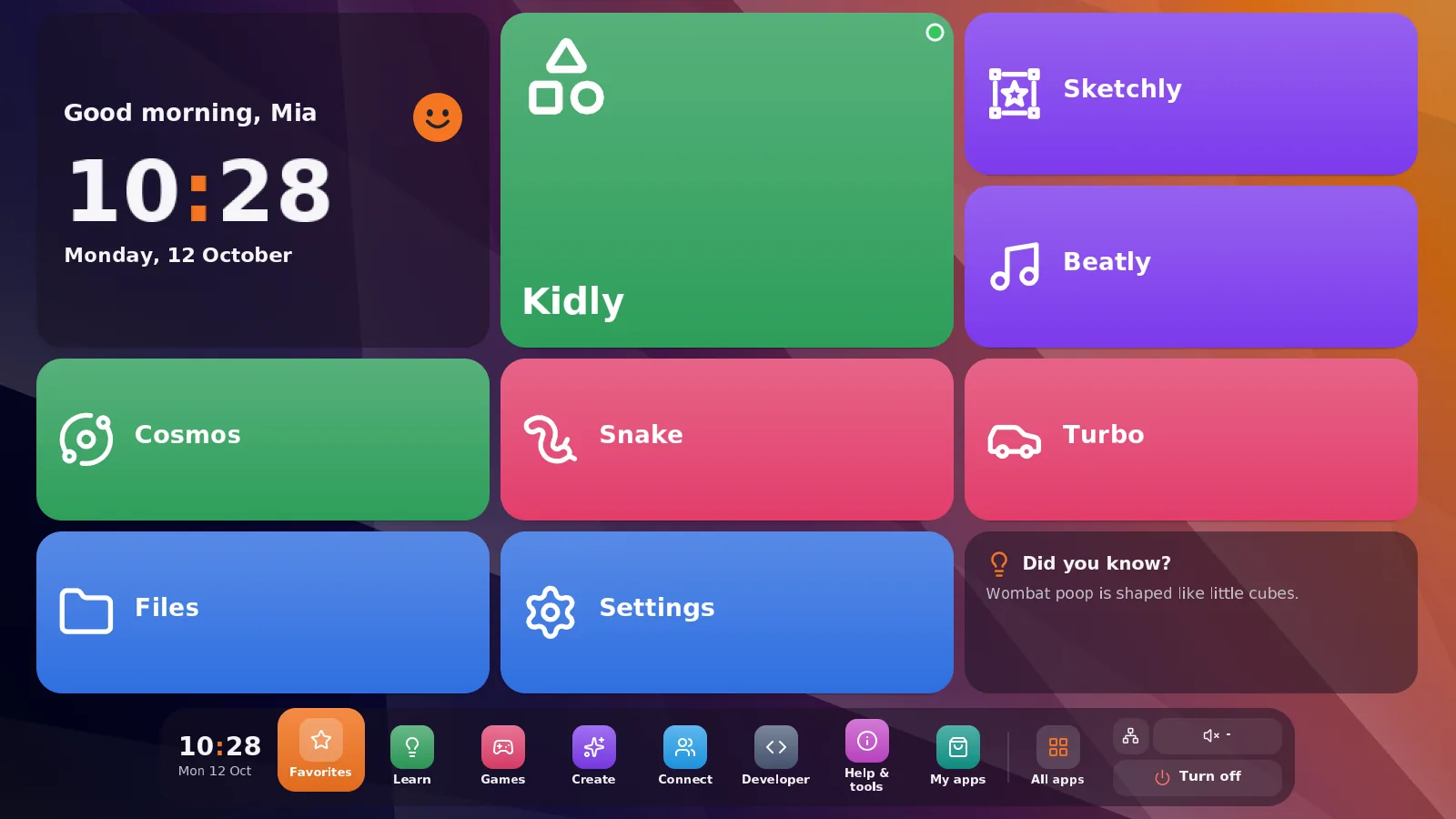
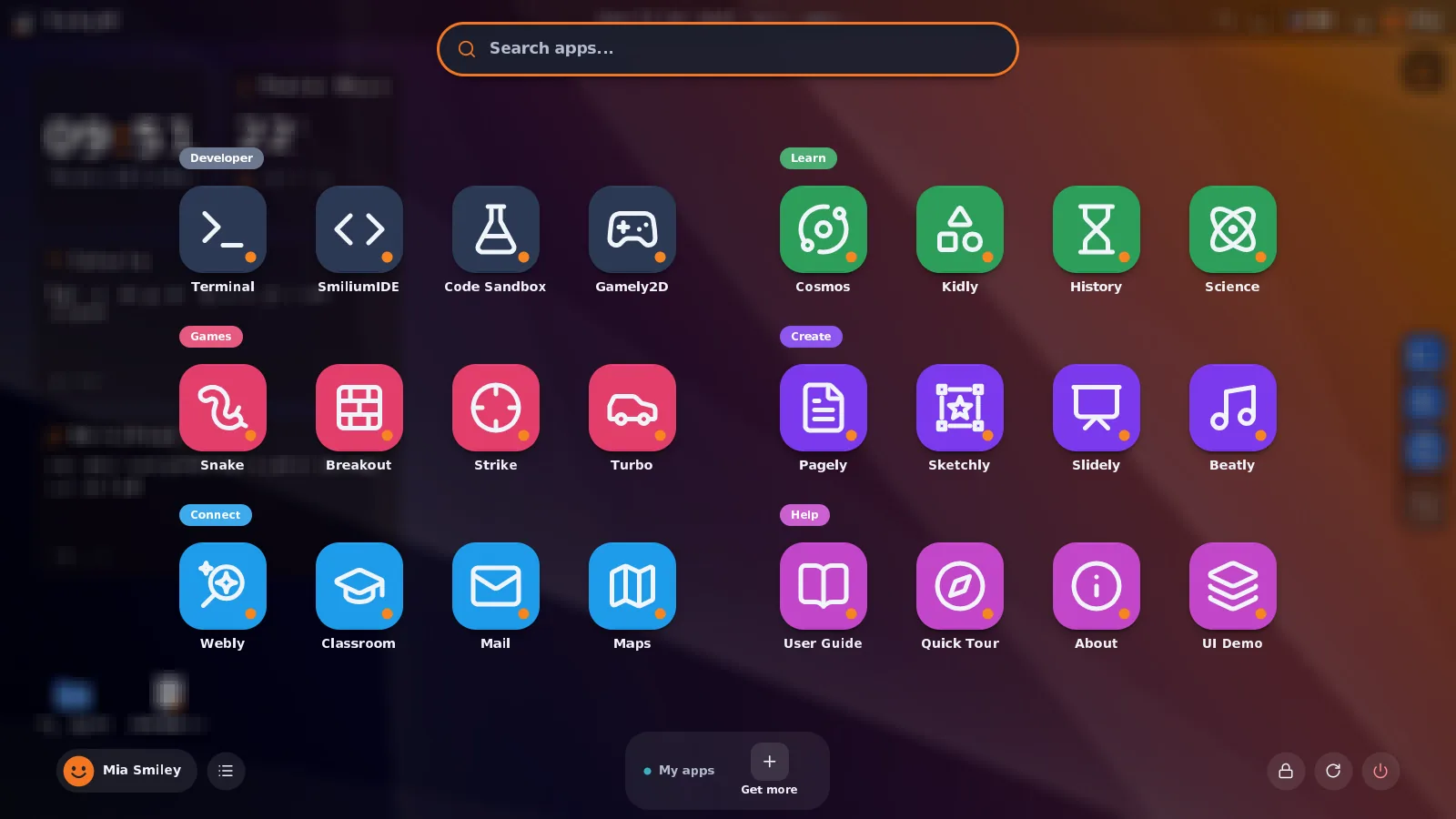
SmileyOS is a whole operating system for kids, not one more app on top of Windows. Everything a child sees comes with it: more than 30 apps in eight groups, from learning and creating to games and coding. None of them shows ads, none sells coins, none has a feed. It starts from a USB stick and runs on computers that are 10 or 20 years old, because there are no ad scripts and background trackers eating the memory.
Something for every age
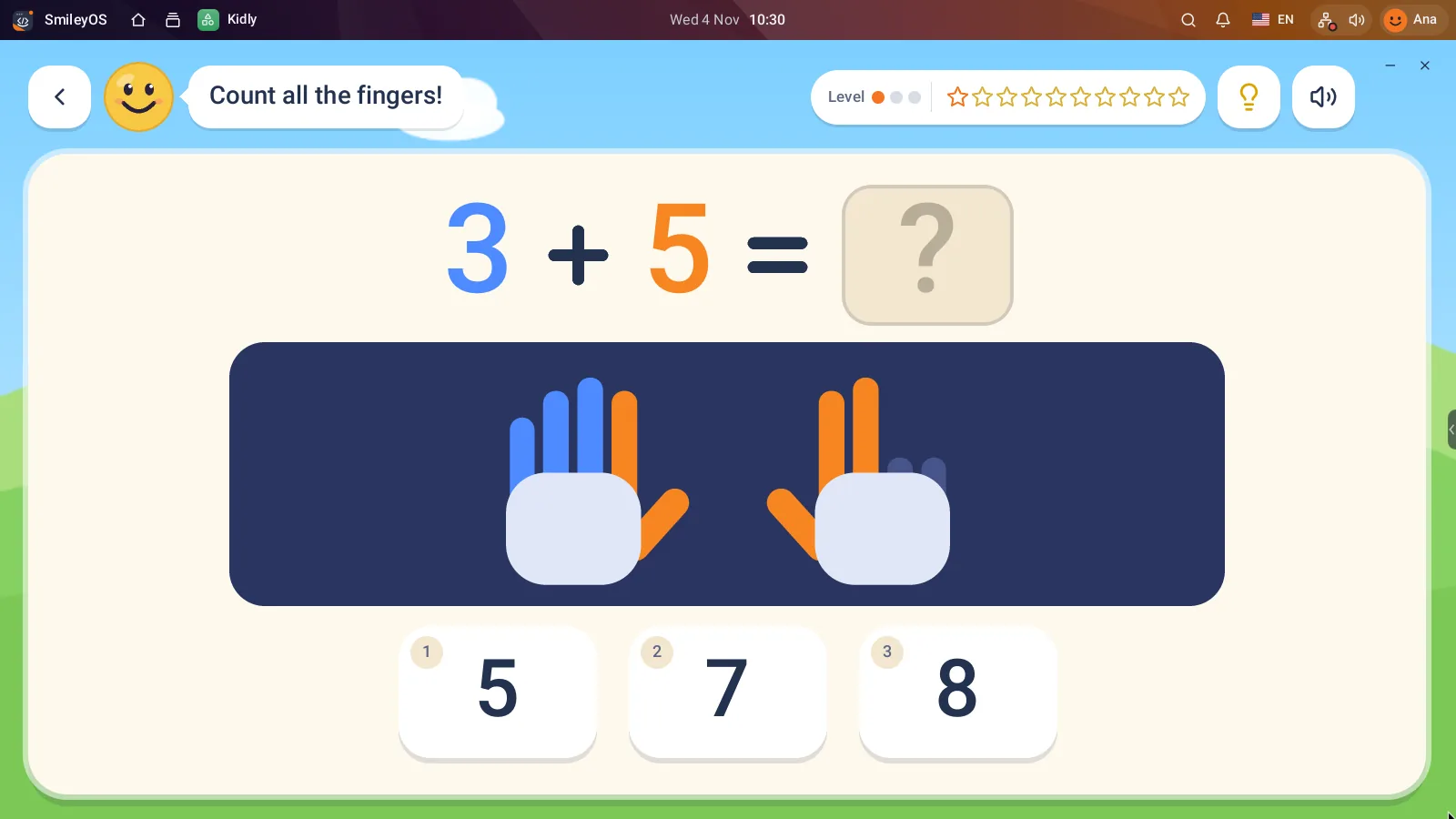
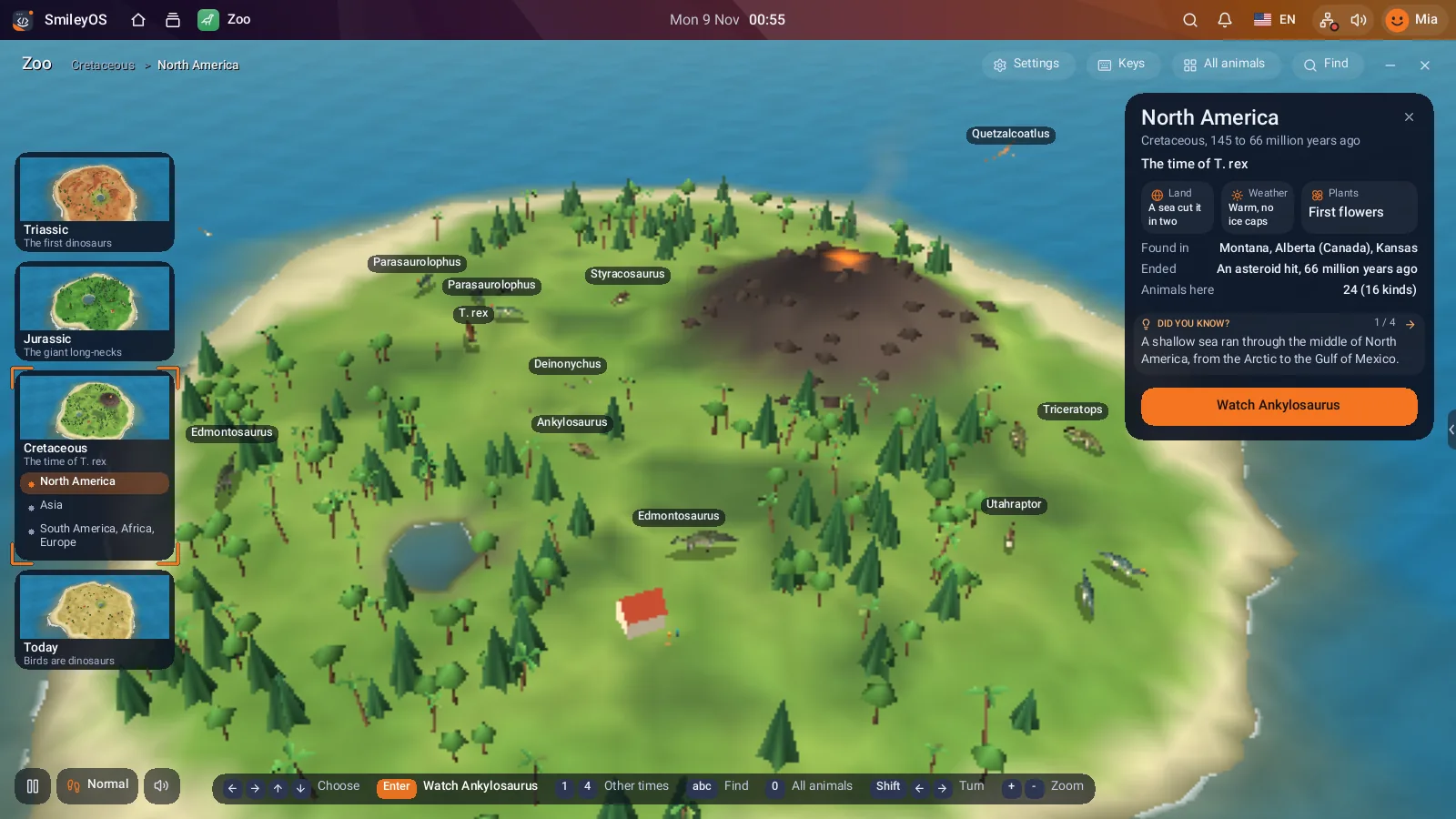
The youngest (5 and 6) start in Kidly: maths with fingers and apples, letters, animals, flags and logic, with stickers instead of ads. The same game is also on iPad, iPhone and Android. Older kids explore planets in Cosmos, 91 animals and dinosaurs in Zoo, write in Pagely, draw in Sketchly and make music in Beatly. And when they are ready, the Terminal and the Smilium language are right there.
For small children there is also Simple mode: a home screen of a few big tiles, instead of a full desktop. Nothing to get lost in, nothing to tap by accident.
And the App Store?
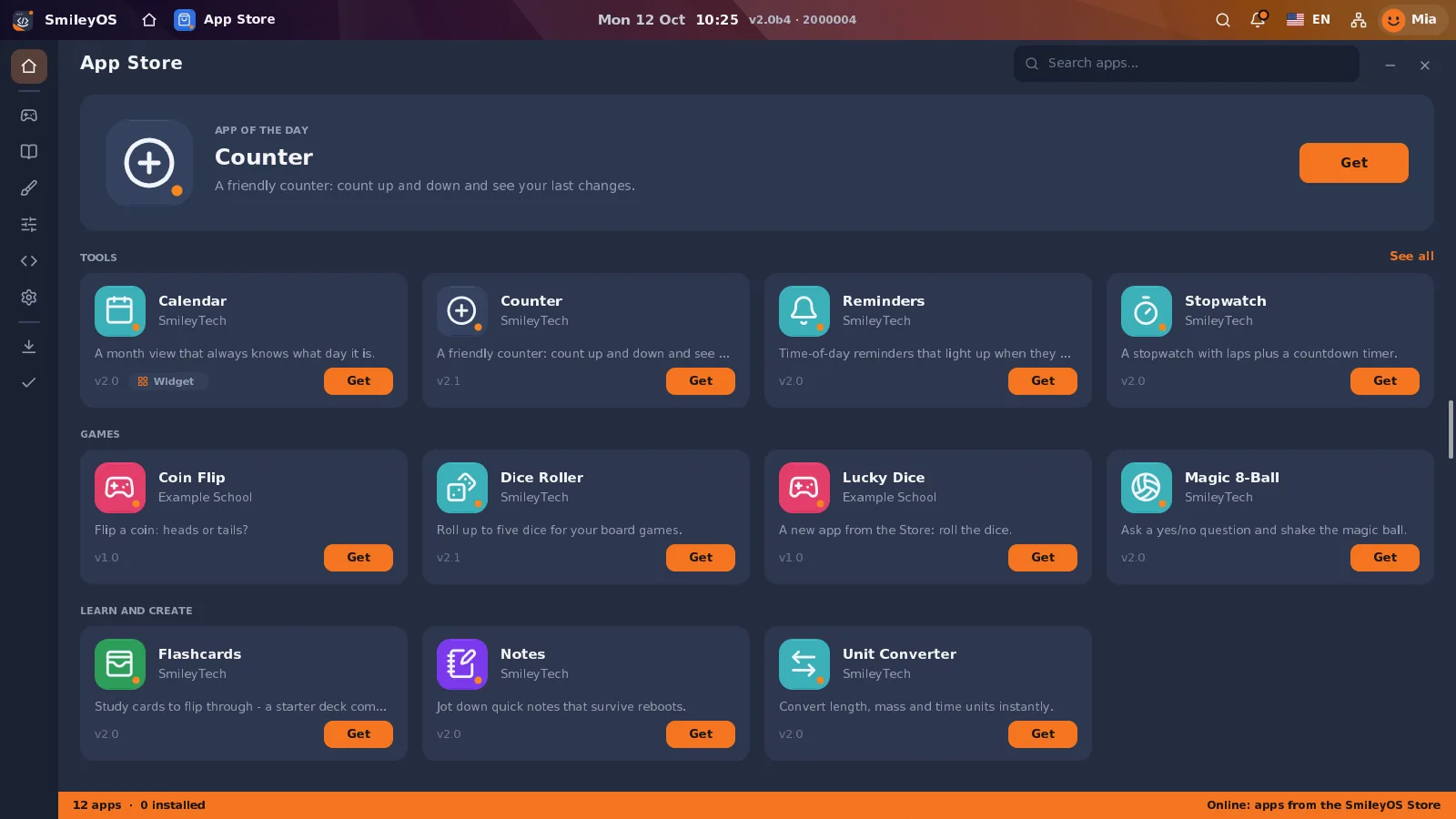
SmileyOS has an App Store for extra apps (calendars, flashcards, a unit converter and more). Every app there is checked by us before kids can get it, and the same rules apply: no ads, no purchases inside the app.
Why this matters
A child who is not interrupted learns to finish things: a drawing, a story, a level, a program. That is the real value of ad-free software. Not a cleaner screen, but a longer moment of attention, and a computer that is a tool rather than a shop window.
Try SmileyOS first
We are getting the first SmileyOS sticks ready for families, schools and learning centres. Sign up for early access and we will let you know as soon as you can try it on your own computer.
Did you like this post?
Share this post
Know a parent, teacher or school that should read this? Send it on.