How to Learn Coding Offline Without an Expensive Computer
Learn how to study coding offline with an old computer, a clear plan, and small projects – without internet, ads, subscriptions, or costly hardware for kids and schools.
By Nikola Gjorgiev · · 6 min read · 1 view
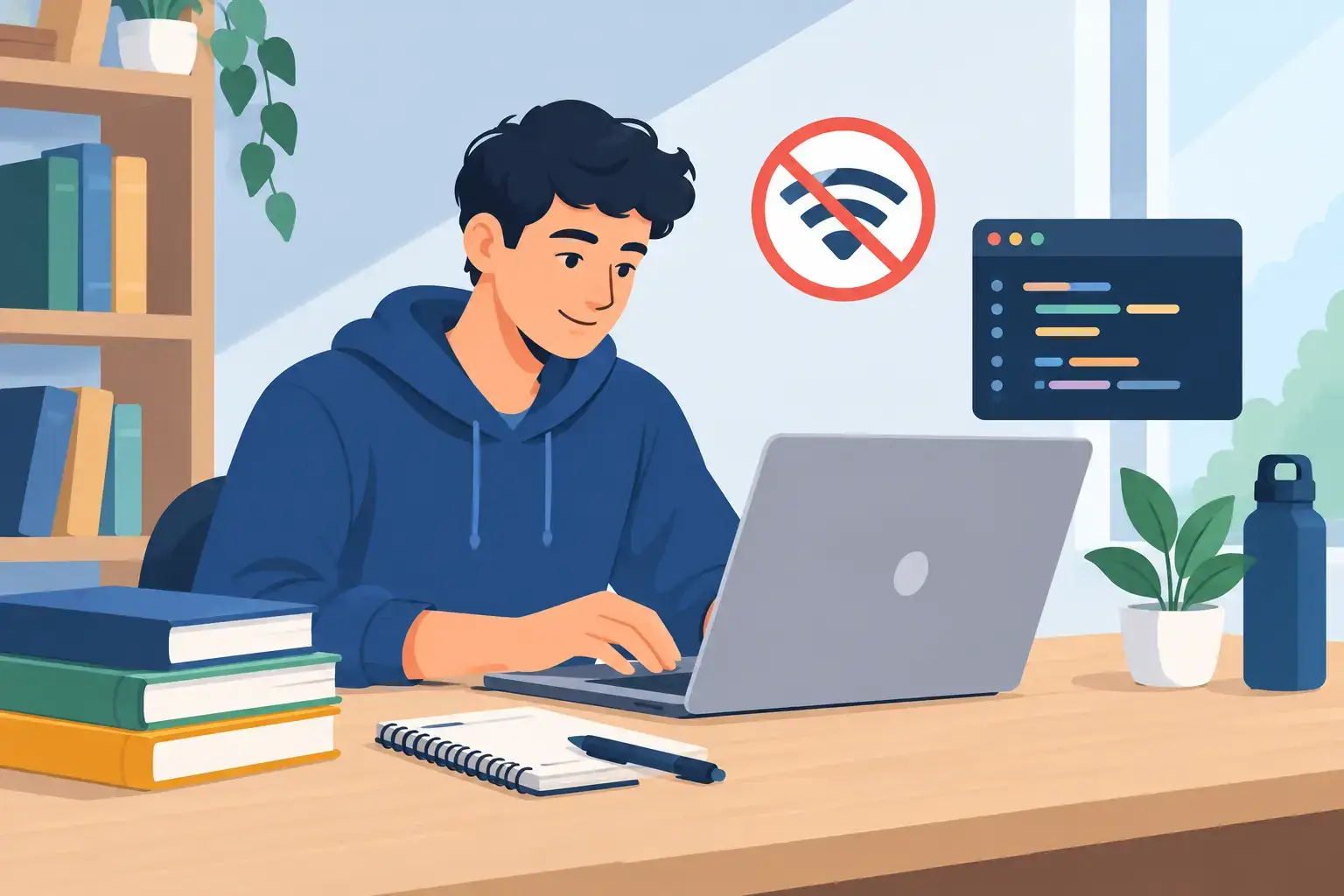
The internet is useful, but it is not a requirement to write your first program. If you are wondering how to learn coding offline, start with what you already have: an old laptop, a USB stick, a quiet room, and a small problem you want to solve. Coding doesn’t begin with ten open tabs. It begins when you give the computer an exact command and see what happens.
For a child, school, or a program with limited equipment, offline learning is more than a backup plan. It is an environment without ads, notifications, tracking, and endless scrolling. The computer becomes a tool for creating again, not a machine for consuming attention.
Why Learning Coding Offline Makes Sense
Many programming courses assume fast internet, a new device, and a user account. This is a poor starting point for families sharing one computer, classrooms with donated equipment, or environments where the internet is expensive, weak, or intentionally limited.
The offline approach also brings another advantage: the student works more slowly but more carefully. Instead of immediately searching for a ready answer, they read an error message, change one line, try again, and discover cause and effect. This is exactly computational thinking.
You don’t need an 800-euro laptop for the first steps. For basics like variables, conditions, loops, functions, and simple games, an old computer with 256 MB of memory can be enough if it runs a lightweight system. 20 MB, not 64 GB, is a more reasonable starting point when the goal is learning, not endless updates.
Create a Small Offline Workstation
The best setup is simple and repeatable. Prepare one computer that reliably turns on, a working keyboard, a mouse if the tool requires it, and a folder where projects will be saved. If the existing operating system is too heavy, slow, or insecure, use a lightweight system that boots from a USB stick or microSD card. This way, you don’t have to erase the system already on the device.
SmileyOS is an example of this idea: a small system created to revive old equipment and bring computer learning where modern systems can no longer run comfortably. The principle is important, not the logo: the environment should start quickly, not require a profile, save work locally, and have tools that can be used without a network.
Before the first lesson, check four things:
- whether projects are saved in a clear place, for example in a folder named “My Projects”;
- whether the coding program works without login and without internet;
- whether the student knows how to open, save, and find a file again;
- whether there is a simple way to back up to a second USB stick.
This doesn’t sound exciting, but it prevents many frustrations. A lost project can destroy a whole week of motivation. The backup takes one minute.
How to Learn Coding Offline with a Clear Sequence
The most common mistake is to start with “learn a programming language.” Children and beginners shouldn’t memorize syntax first. They need to get a feeling that they can tell the computer to do something specific.
Start with a visual block tool or a very simple beginner language. Visual blocks are good for the first days because they reduce the problem of mistyped characters. A simple text language is a good next step because it teaches the student to read and compose precise commands. It’s not necessary to choose the “most popular” language. Better is one that works on your device and allows you to quickly create something visible.
In the first week, work only with commands in sequence. For example, the character takes a step, says a message, draws a square, or plays a sound. Then introduce loops: instead of writing the same command ten times, the student creates a cycle. That is the moment when the computer stops being a toy and starts being an assistant.
In the second week, add conditions. “If the player touches the star, they get a point.” “If the answer is correct, show a green message.” This builds logic, rules, and a foundation for games.
Only then introduce variables and functions. A variable can be a score, number of lives, or player name. A function is a named package of commands used repeatedly. Instead of a dry explanation, tie them to a project: a score counter or a button that always restarts the game.
Projects Are More Important Than Lessons
A video lesson can explain a concept. A project shows whether the concept is truly understood. Therefore, every offline session should end with something that works, even if it is small and imperfect.
A good first project is a quiz with five questions. It doesn’t require complex graphics and teaches keyboard input, answer checking, and score counting. The next project can be a digital greeting card with animation, then a game where a character collects items and avoids obstacles.
For students who want practical tasks, create a pocket money calculator, a homework schedule, or a program that calculates how much water is needed for a certain number of bottles. Coding doesn’t have to start with spaceships. It should start with something the student can explain in their own words.
Set a rule: one project, one new idea. If you introduce loops, conditions, variables, sounds, and complex screens in the same session, the student will easily copy without understanding. Small wins build lasting confidence.
Learn with a Notebook, Not Just a Screen
Offline learning becomes stronger when there is a paper notebook next to the keyboard. Let the student write what the program should do in three to five sentences before coding. Then let them draw a simple sketch of the screen or game rules.
When an error appears, let them write: “What did I expect? What happened? What did I change?” This creates a debugging habit. Instead of “it doesn’t work,” the student learns to say “the counter doesn’t increase because the condition is never met.”
A teacher or parent doesn’t have to know programming to help. Instead of fixing the task, they can ask three questions: “What should happen?”, “What is really happening?”, and “What is the smallest change you can try?” This is better help than a ready solution.
Organize a Sustainable Rhythm
Two hours once a month rarely creates a habit. Better is 30 to 45 minutes, two or three times a week. The first five minutes should be for opening an old project and recalling what was done. The next twenty minutes are for one new idea. The last part is for free modification, testing, and saving.
In a classroom with few computers, working in pairs can be better than fighting over a device. One student is the “driver” and types, the other is the “navigator” and reads instructions, checks rules, and suggests the next step. After ten or fifteen minutes, they switch roles. This way everyone stays engaged.
Don’t expect every project to be perfect. Expect it to be explainable. If a child can show where the loop is, why the condition exists, and what the counter means, learning has happened. Nice graphics are a bonus.
When Offline Is Not Enough
The offline environment has limits. Later, for collaboration with other programmers, publishing an app, accessing documentation, or working with modern web tools, the internet will be useful. But that step makes more sense when the student already knows how to think, test, and save their work.
Don’t wait for the perfect computer, perfect course, or perfect internet connection. Put a functional device on the table, open a simple tool, and make a program that solves one small task. From that first saved project begins the habit of creating, not just watching.
Did you like this post?
Share this post
Know a parent, teacher or school that should read this? Send it on.