Schools · E-waste
Less e-waste in schools: give old computers a second life
Reducing electronic waste in schools starts with an inventory, not a skip. A practical plan to sort, repair and reuse old school computers, and how a SmileyOS USB stick turns them into learning stations again.
By Nikola Gjorgiev · · 6 min read · 4 views
In many schools there is a room nobody likes to open. Old desktops, laptops with tired batteries, monitors, cables. Too old for today’s software, too new to throw away with a clear conscience.
The numbers behind that room are big. The world produced about 62 million tonnes of electronic waste in 2022, and less than a quarter of it was properly collected and recycled, according to the UN Global E-waste Monitor 2024. Every computer that works one more year in a classroom is one less on that pile, and one less to buy.
Step 1: count before you throw
Make a simple list: model, year, memory, whether it switches on, whether it can start from a USB stick. One afternoon with two older pupils is enough. You will usually find three groups: machines that work, machines with one broken part, and machines that are really finished.
Step 2: repair the cheap things
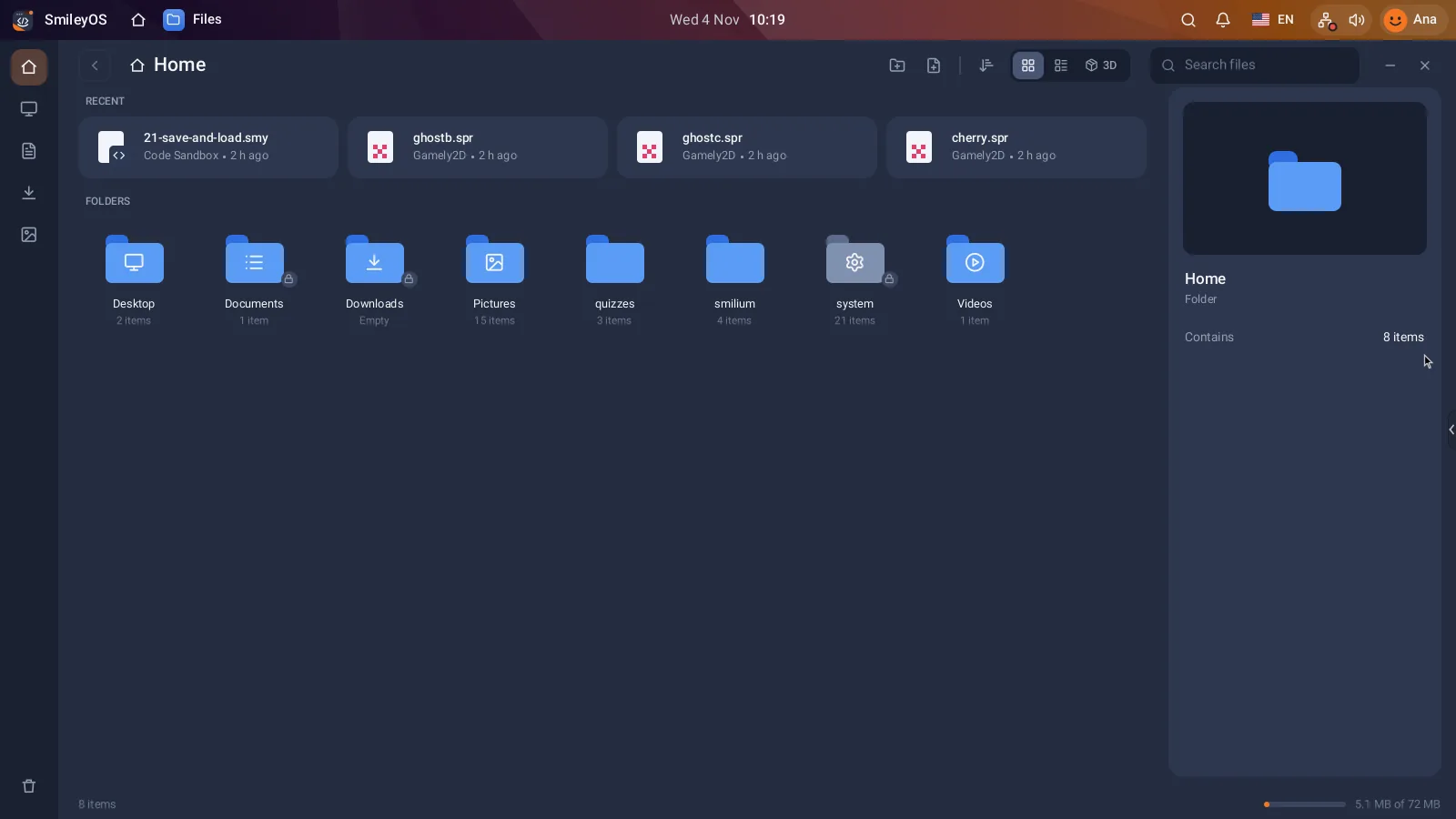
A dead hard disk, a missing charger or a broken keyboard is often the whole problem. With a system that runs from a USB stick, a missing or broken disk does not even matter: the stick is the disk. Parts from the third group (memory, keyboards, chargers) can keep the first two alive.
Step 3: give the old machines a job they can do
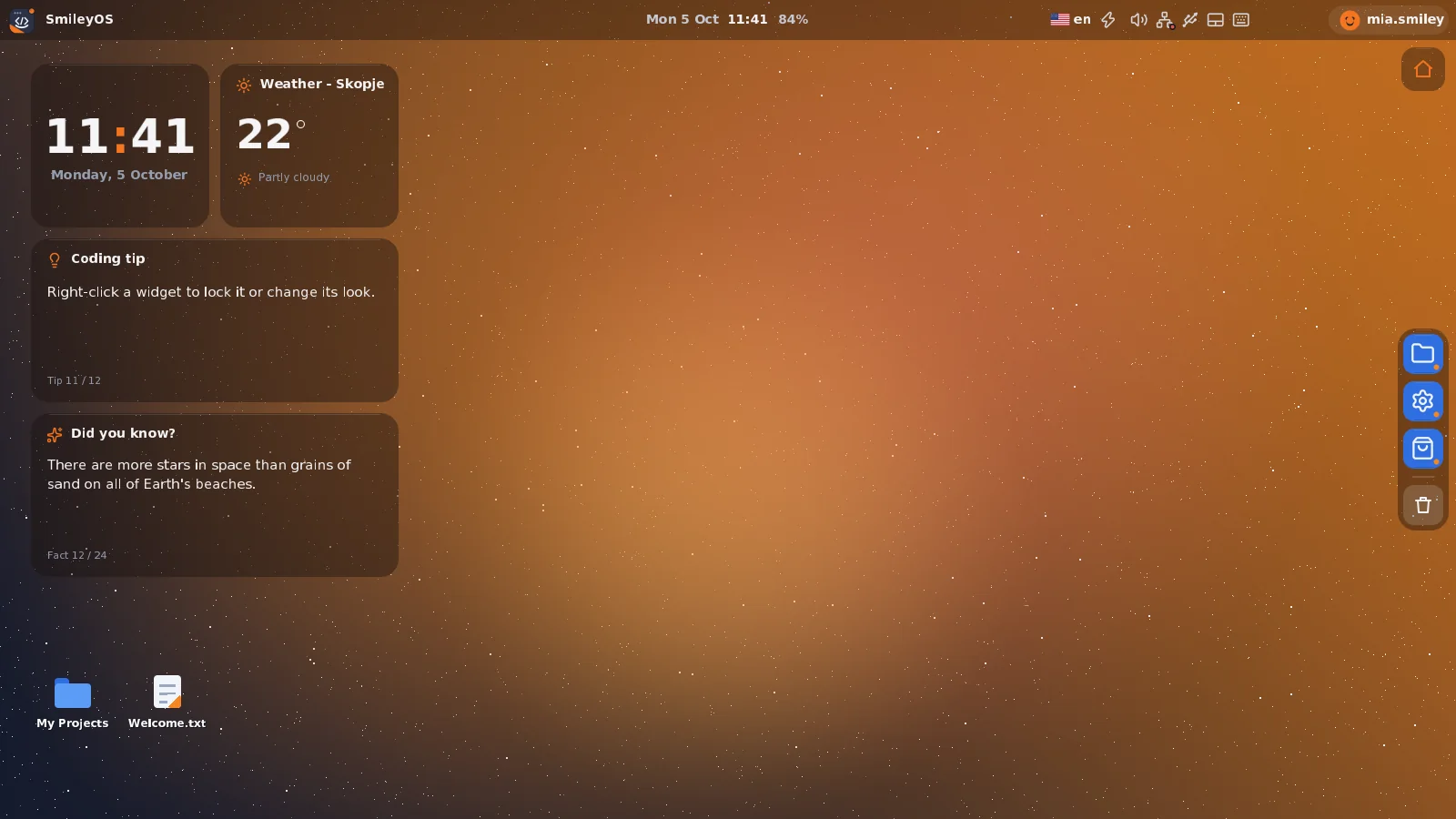
An old computer is slow because modern systems are heavy, not because typing a story or learning loops needs a fast processor. SmileyOS was built for exactly this: it starts from a USB stick, does not touch what is on the disk, and runs on computers 10 to 20 years old. Each pupil can have their own stick, so their work goes with them from one machine to the next.
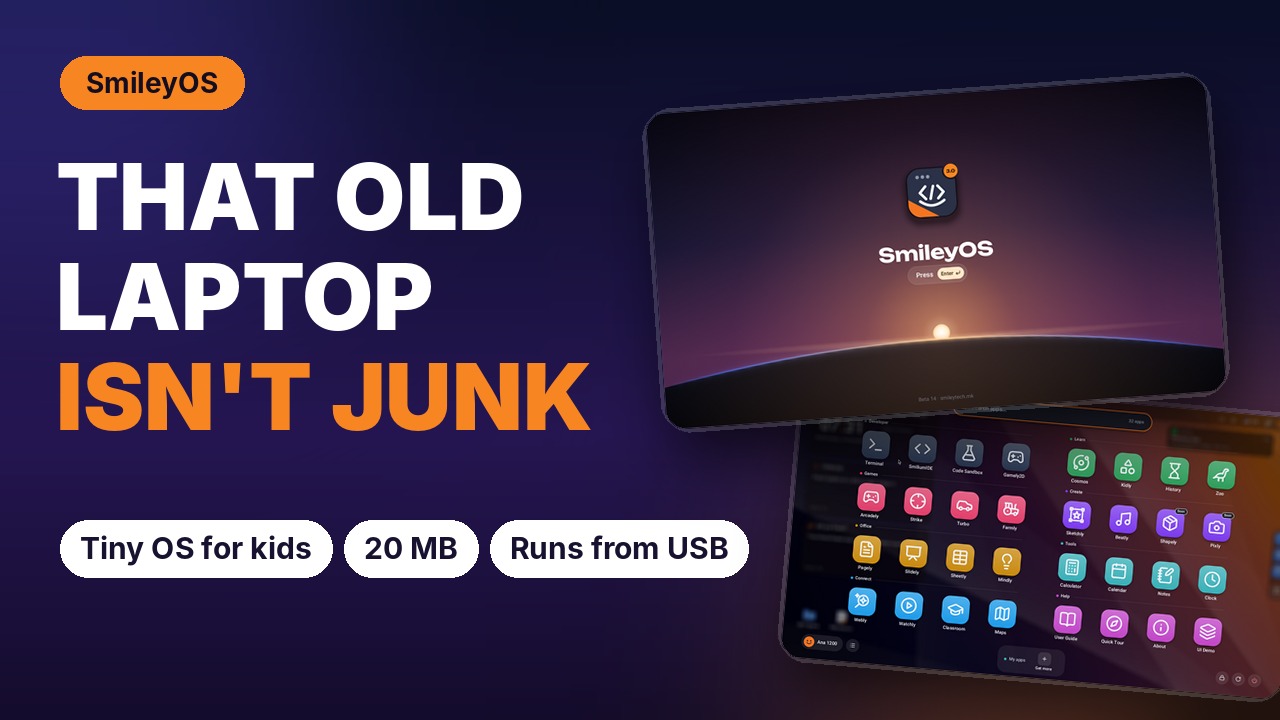
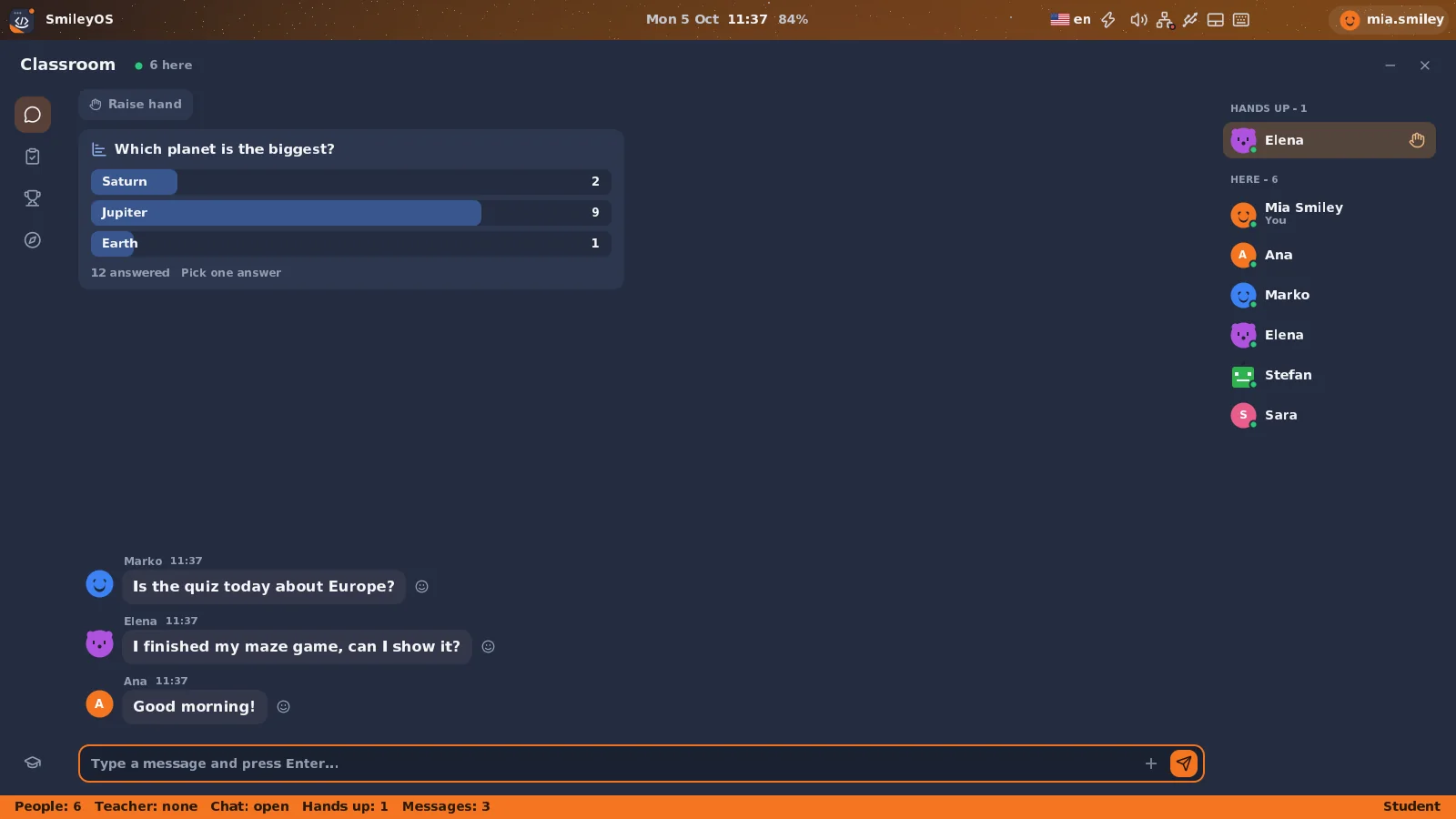
Out of the box the stick has what a computer lab needs: writing (Pagely), spreadsheets (Sheetly), drawing (Sketchly), maths, history, space and animals, the Terminal and a programming language for kids. Most of it works without internet, so a weak school connection does not stop the lesson.
Step 4: recycle only what is really dead
What cannot be repaired should go to an authorised e-waste collector, not to the general bin. Remove or wipe the old disks first. And keep a few broken machines for a lesson: a computer opened on a table teaches more about memory and storage than any slide.
One school, a few sticks, a lab again
Ten old laptops in a cupboard cost nothing to keep and teach nothing. Ten old laptops with SmileyOS sticks are a lab for typing, writing, maths and first coding lessons. That is the cheapest and greenest computer a school can get: the one it already has.
Try SmileyOS first
We are getting the first SmileyOS sticks ready for families, schools and learning centres. Sign up for early access and we will let you know as soon as you can try it on your own computer.
Did you like this post?
Share this post
Know a parent, teacher or school that should read this? Send it on.