Personal story · SmileyOS 2.0
SmileyOS: an educational platform for kids
An operating system written from scratch in Rust, about 200,000 lines of code, that boots from USB and runs even on the oldest computers: what is inside SmileyOS 2.0 and how it differs from the rest.
By Nikola Gjorgiev · · 4 min read
I first published this text on LinkedIn (in Macedonian) on 13 July 2026, in the days of SmileyOS 2.0.
Introduction
For a long time now I have been working on a huge project and, yes, I use AI a lot to build it, because without AI a project of this size would take a single developer at least two decades to reach this level.
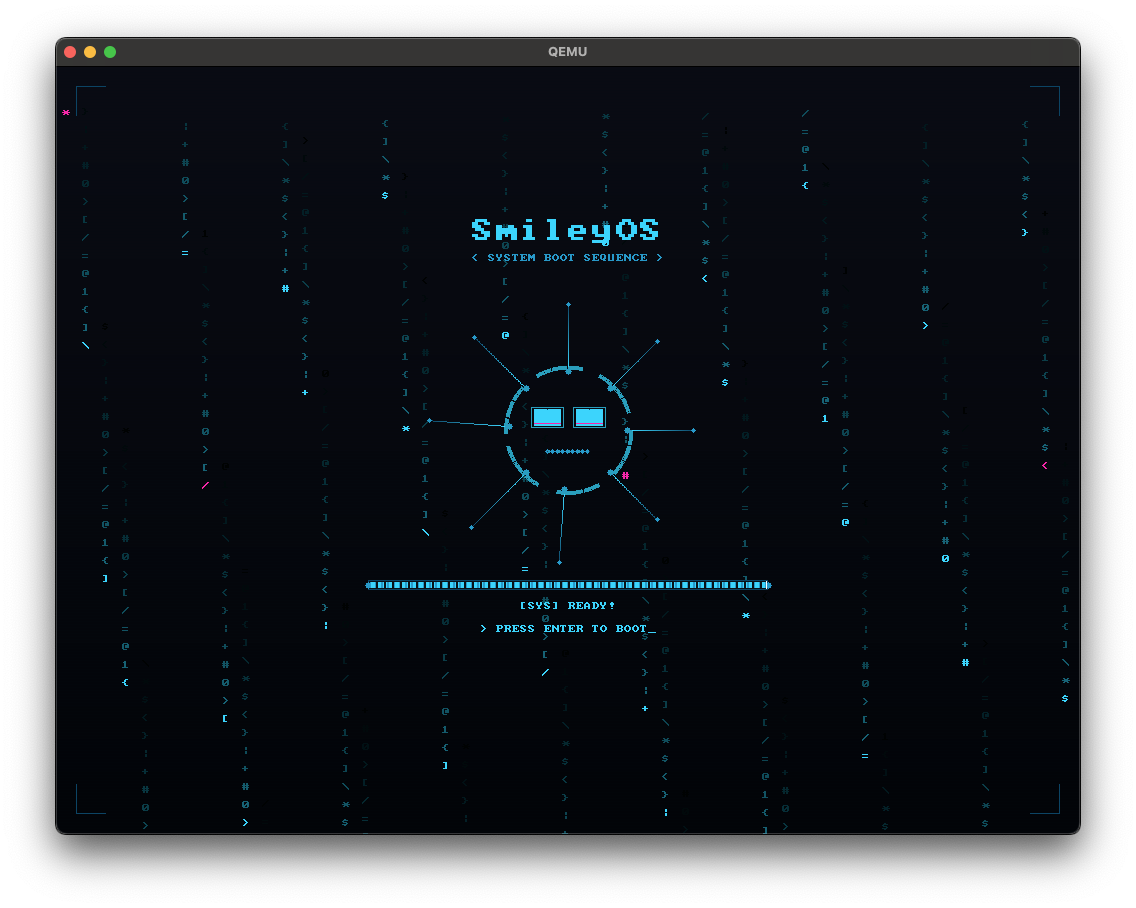
For those who don’t know: SmileyOS is an operating system written from scratch in Rust. It is a fully Macedonian product that I work on in my free time, and so far there are about 200,000 lines of Rust behind it.
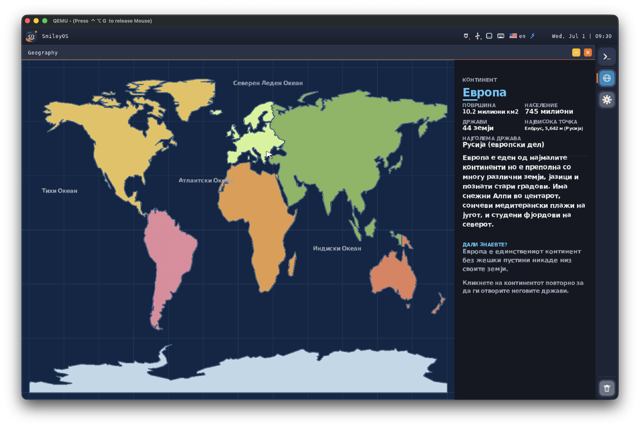
The end goal is for kids aged 7 to 12 to use it as an educational platform, above all for learning to code, but it also has other learning apps, about countries, continents, oceans, planets…
What is inside SmileyOS
As I said, this is a completely new operating system, and the idea is for it to run even on the oldest computers from the Windows XP era, which means you need less than 1 GB of RAM. The operating system loads from USB, so there is no installation at all: you just put the USB stick in the computer, turn it on, and in 10–20 seconds the system is up. All your data is saved on the USB stick itself, so if your laptop breaks, you buy another one for 1,000 denars (about €16), or find one someone threw away — and that is all you need.
The operating system is multilingual and currently supports Macedonian and English.
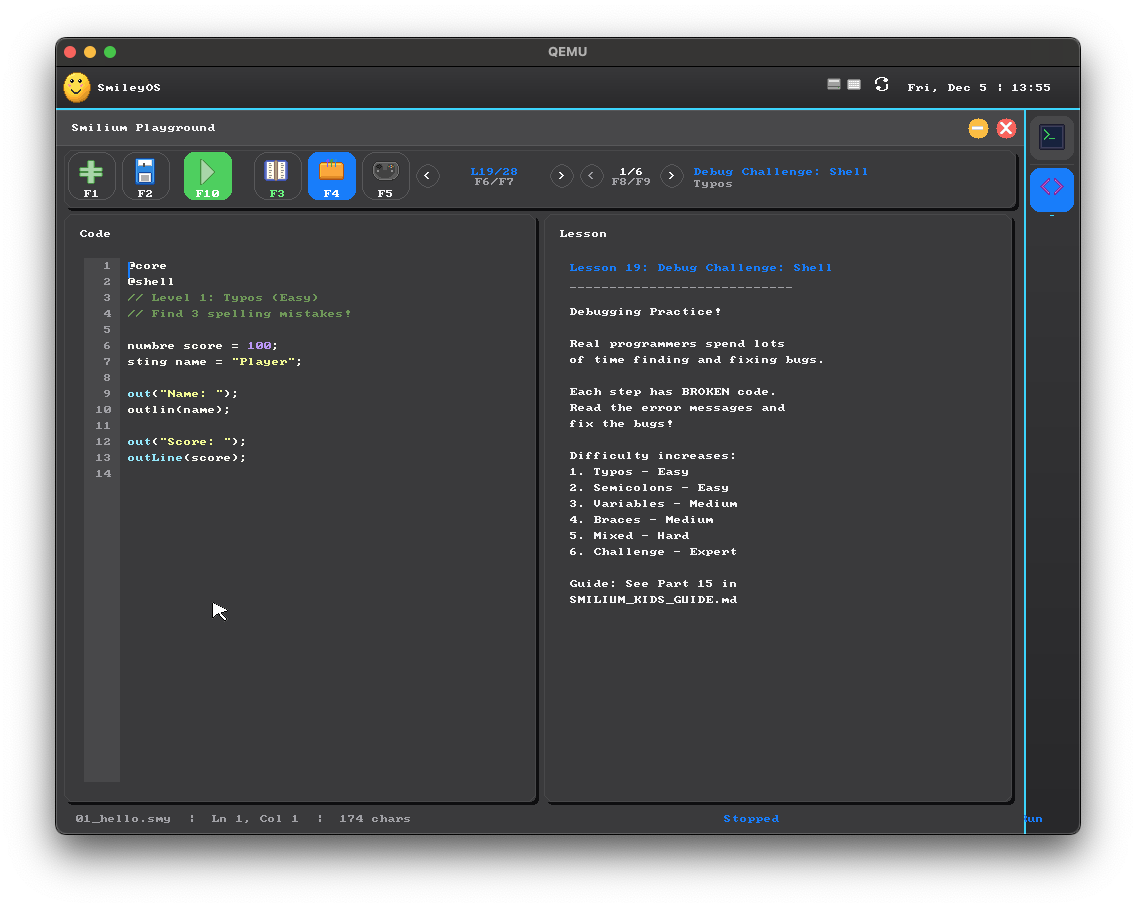
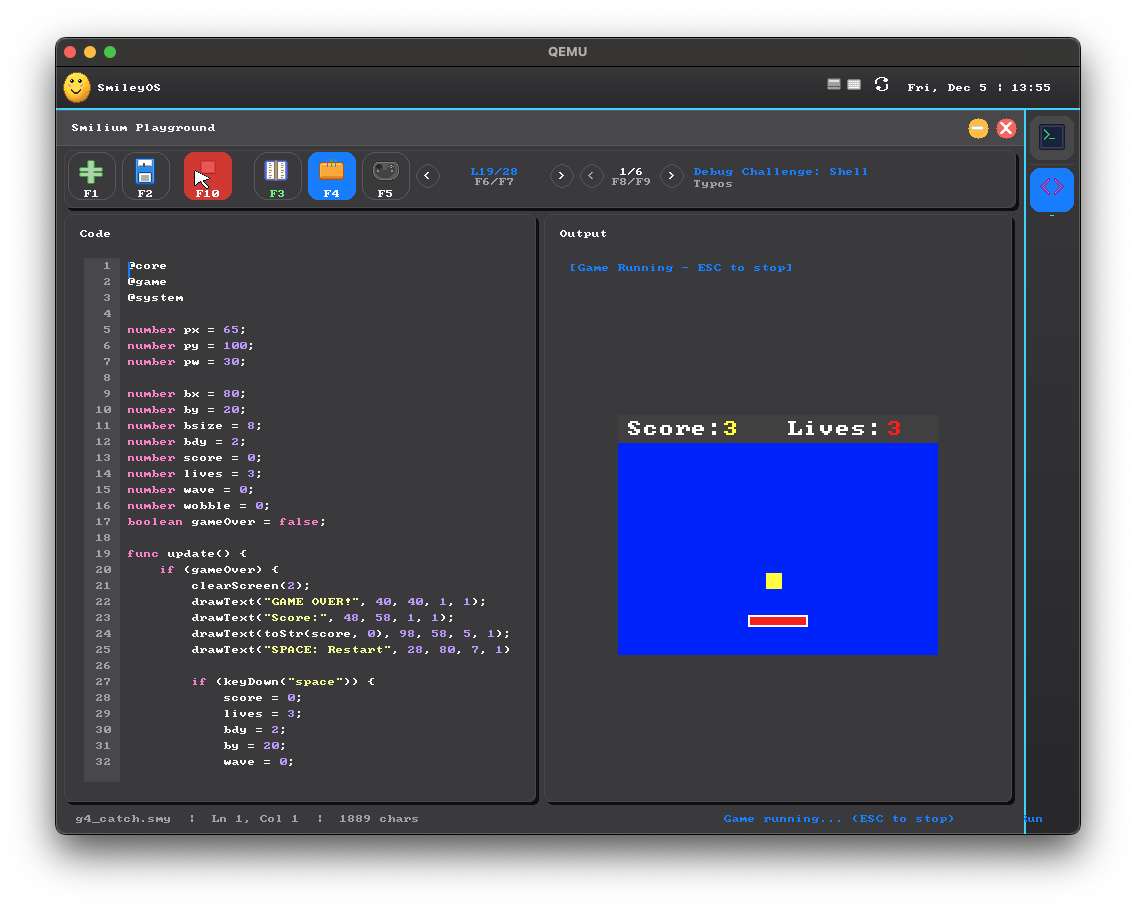
It also has its own built-in programming language, Smilium, with a modern built-in IDE, where kids can learn to code and get ready for the jobs of the 21st century. The language has a syntax very similar to modern languages like JavaScript and Python. With it you can make shell apps, UI apps and 2D games.
For games there is also a game engine, Gamely2D, which works a bit like Unity 2D: you can add ready-made components and write your own in Smilium. In the end, apps are built in the SPK format and can be shared, so other kids can install them and try the programs they made.
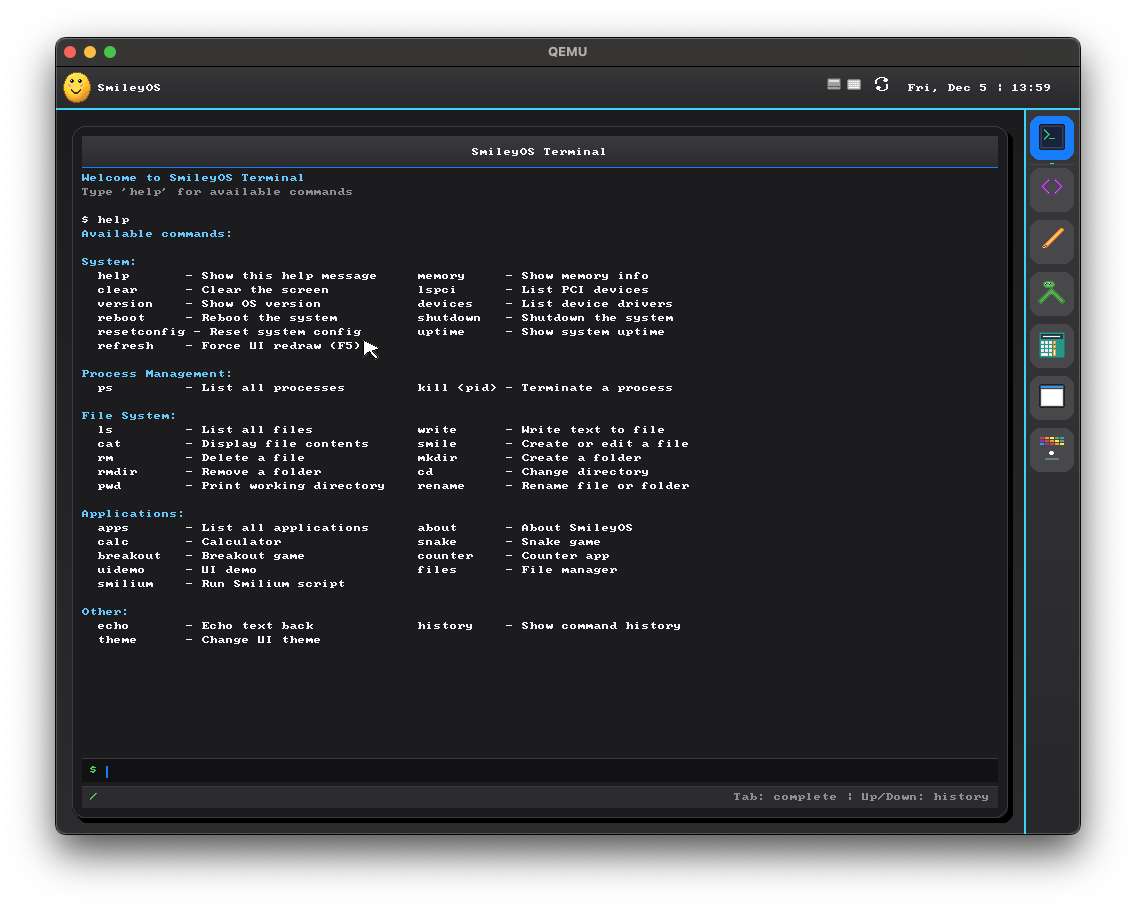
There is also a terminal with more than 50 built-in commands, for learning one more skill that we software developers use every day.
There is also a Sandbox app, where you can see code run visually: how, line by line, variables are created, loops go round…
Everything I have learned in these 15 years, working on everything from games to desktop and mobile apps, went into this project — turned into content that kids can understand.
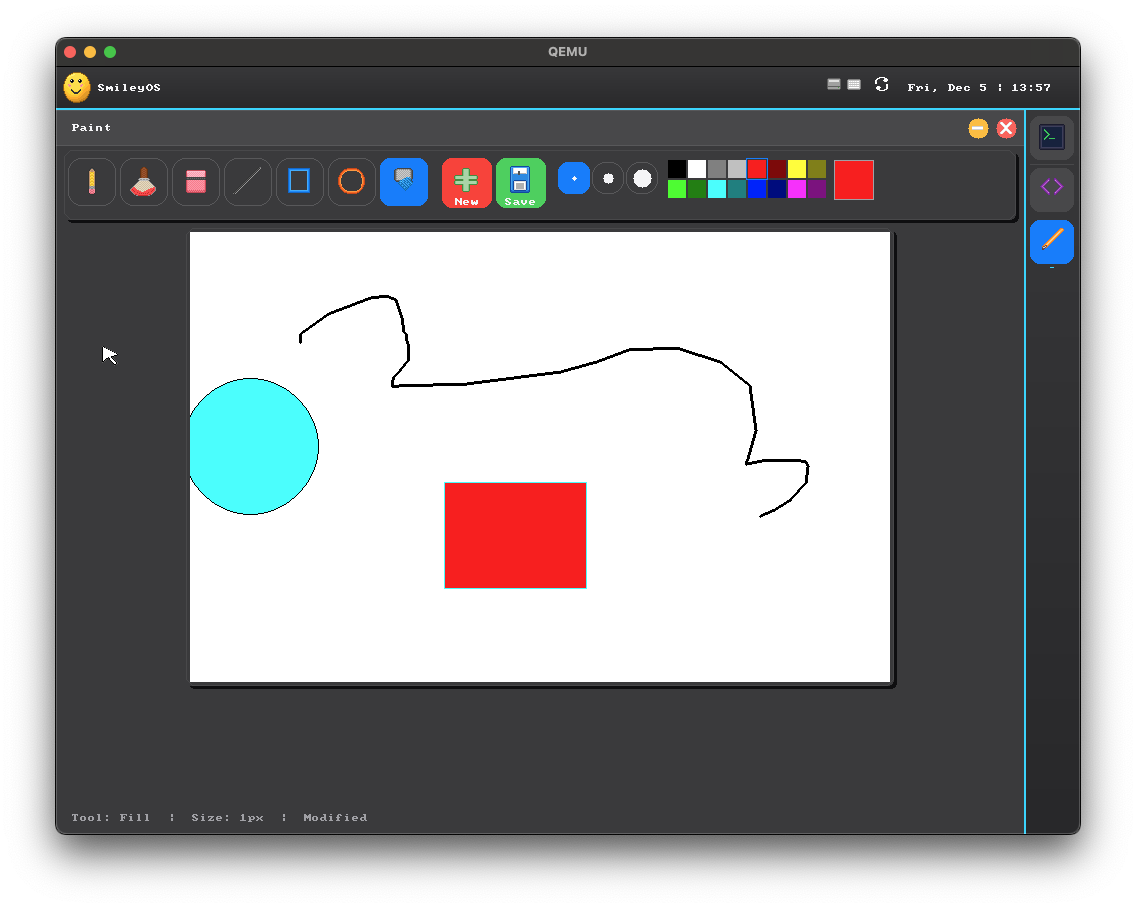
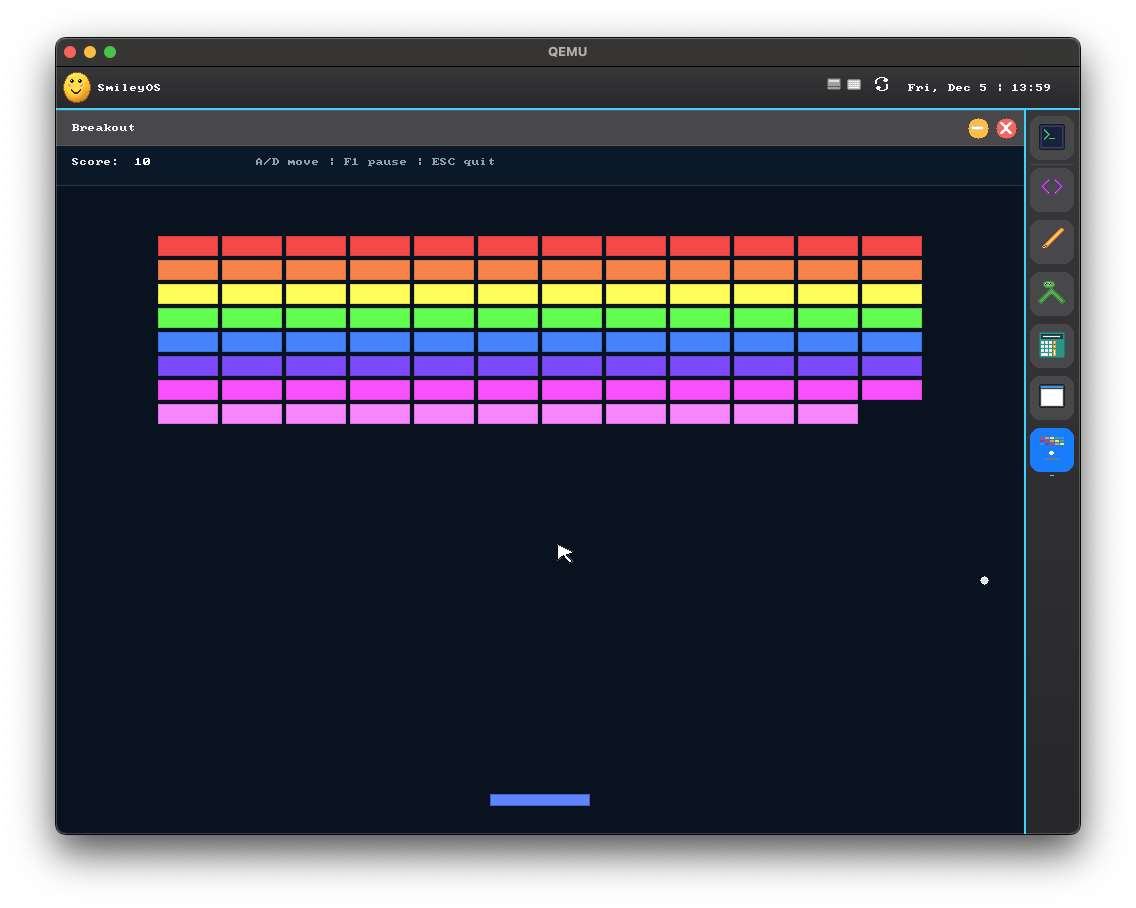
And of course that is not all: the operating system comes with about twenty apps, from a calculator and Paint to Slides (like PowerPoint)…
How SmileyOS differs from similar products
It is true that there are other similar products on the market, most of them based on Linux, but so far I have not come across an all-in-one solution like this, optimised to run on such old hardware and at the same time packed into less than 20 MB. 20, not 200.
I have not finished developing it yet, and my plan is to have something close to the vision some time in 2027. Even though what I have now is not small, until it reaches the level I want, it will stay something that only my son Marin and I click around in now and then.
How you can help
All feedback is welcome, and for those who can support me financially there is a Buy Me a Coffee page.
Or you can buy another project I worked on five years ago and recently put in the stores: the computer game Electron, for $0.99, for anyone who wants to support me that way and still get something real in return. It is on Google Play and the App Store.