SmileyOS App Store
Apps for SmileyOS.
Small apps a kid opens in a second. Every app, and every update, is checked by SmileyTech before it reaches a child's computer.
App of the day
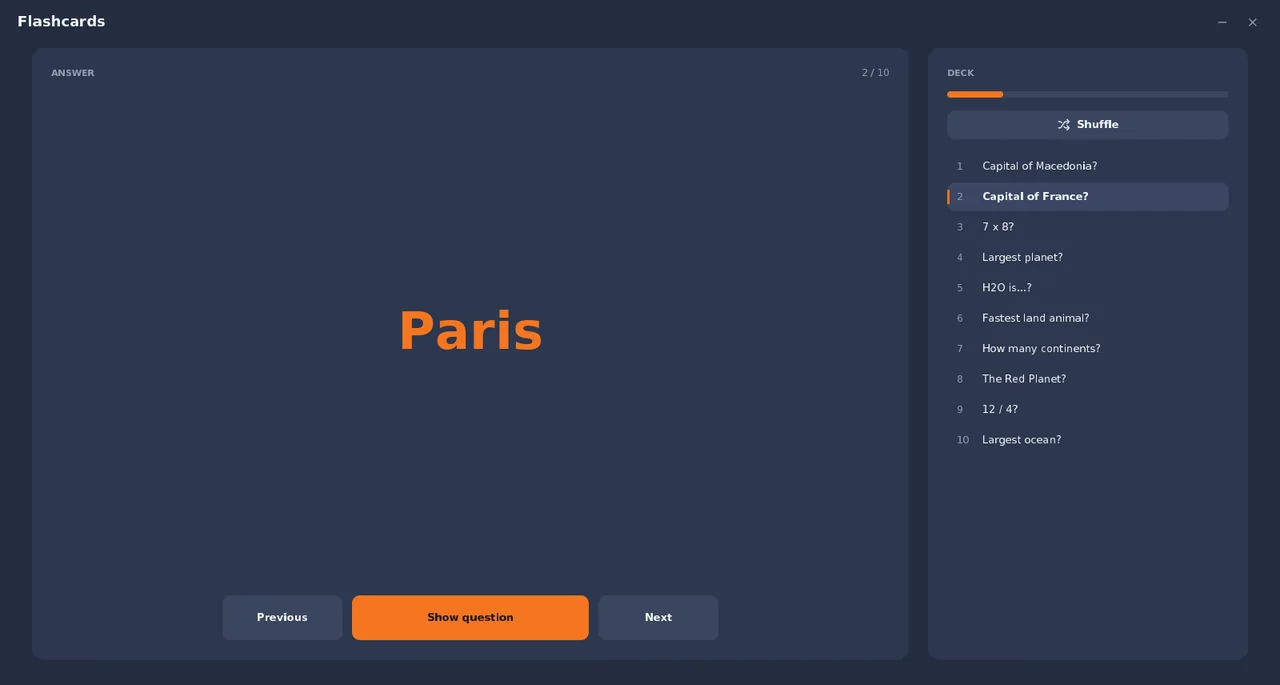
Flashcards
Study cards to flip through - a starter deck comes with the app.
Education
All apps
UtilitiesDesktop widget
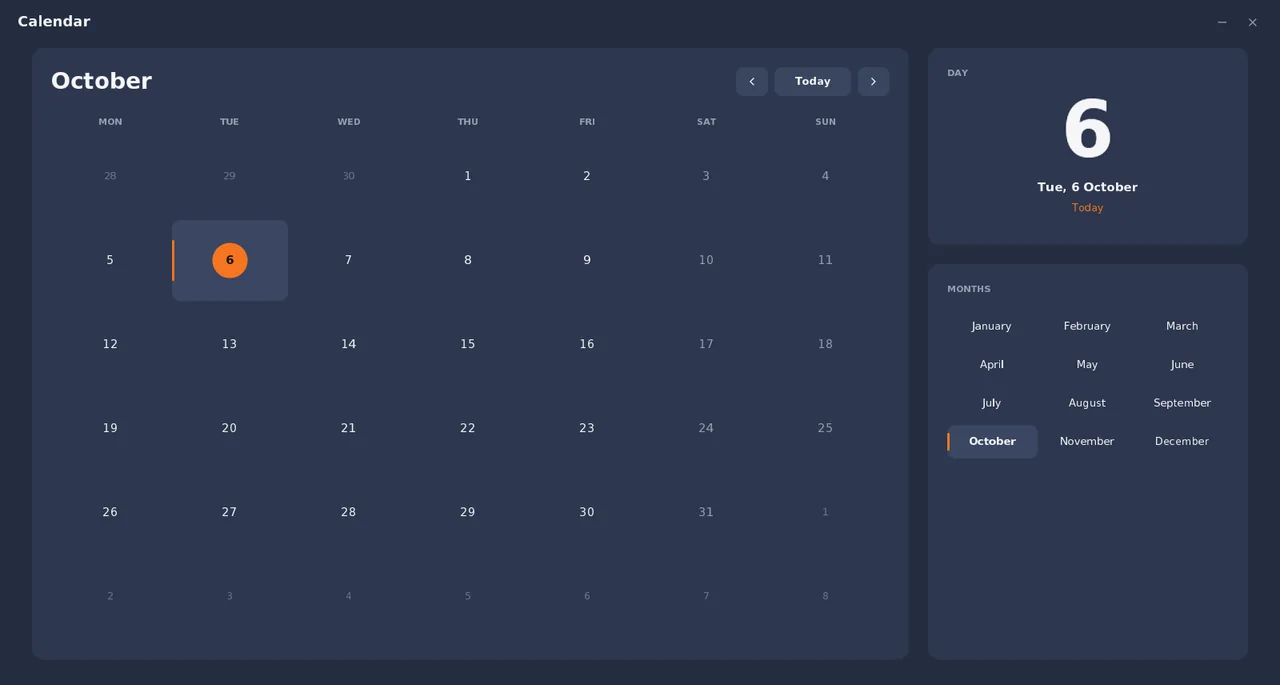
Calendar
A month view that always knows what day it is.
Version 2.0, 22.4 KBSee the app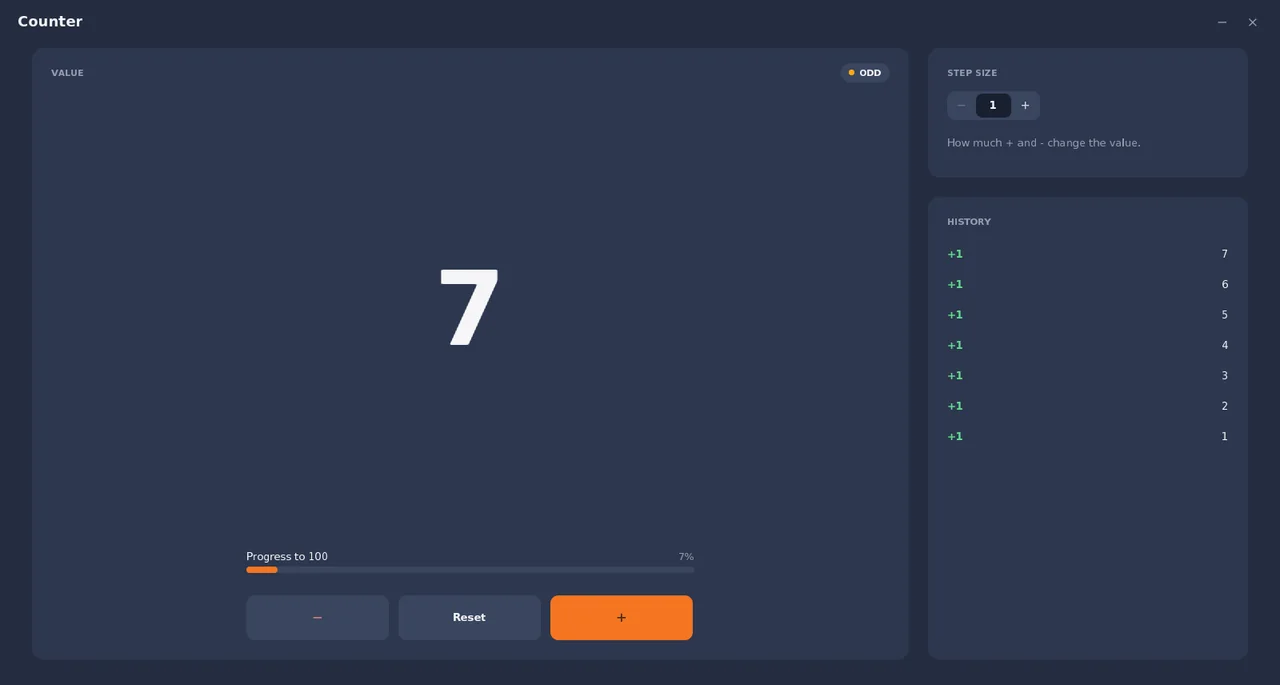
Development
Counter
A friendly counter: count up and down and see your last changes.
Version 2.0, 26.4 KBSee the app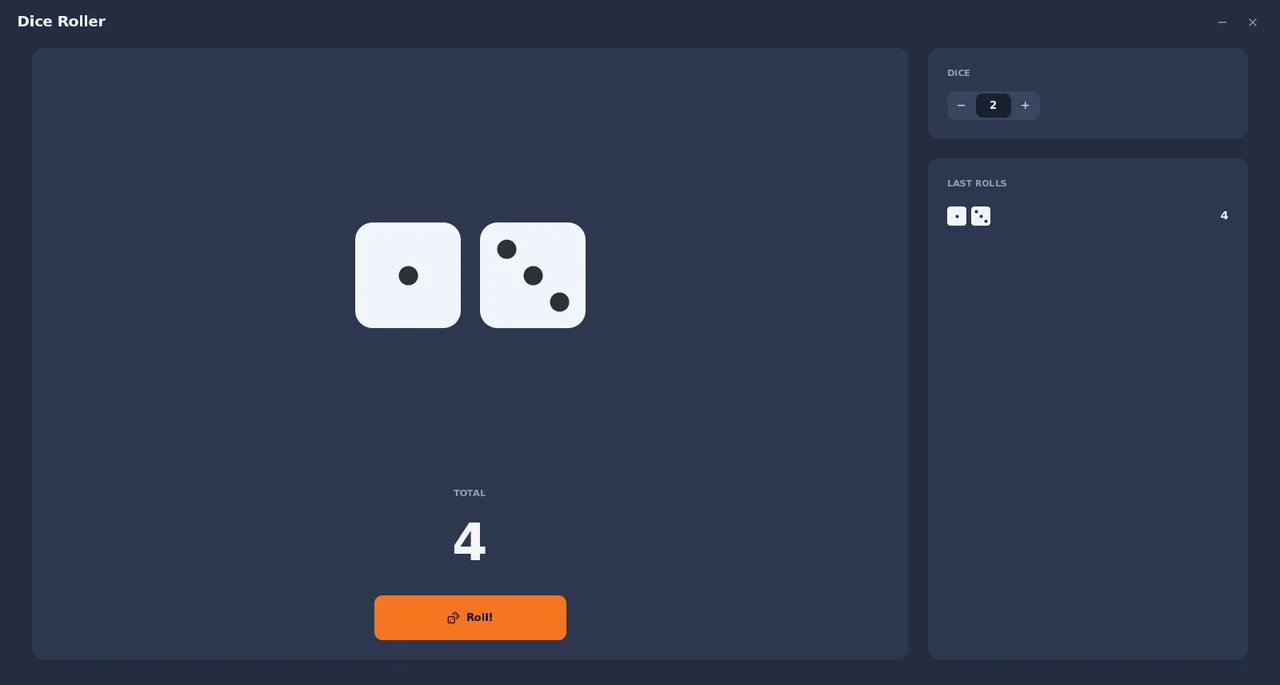
Games
Dice Roller
Roll up to five dice for your board games.
Version 2.0, 20.3 KBSee the appEducation
Flashcards
Study cards to flip through - a starter deck comes with the app.
Version 2.0, 26.4 KBSee the app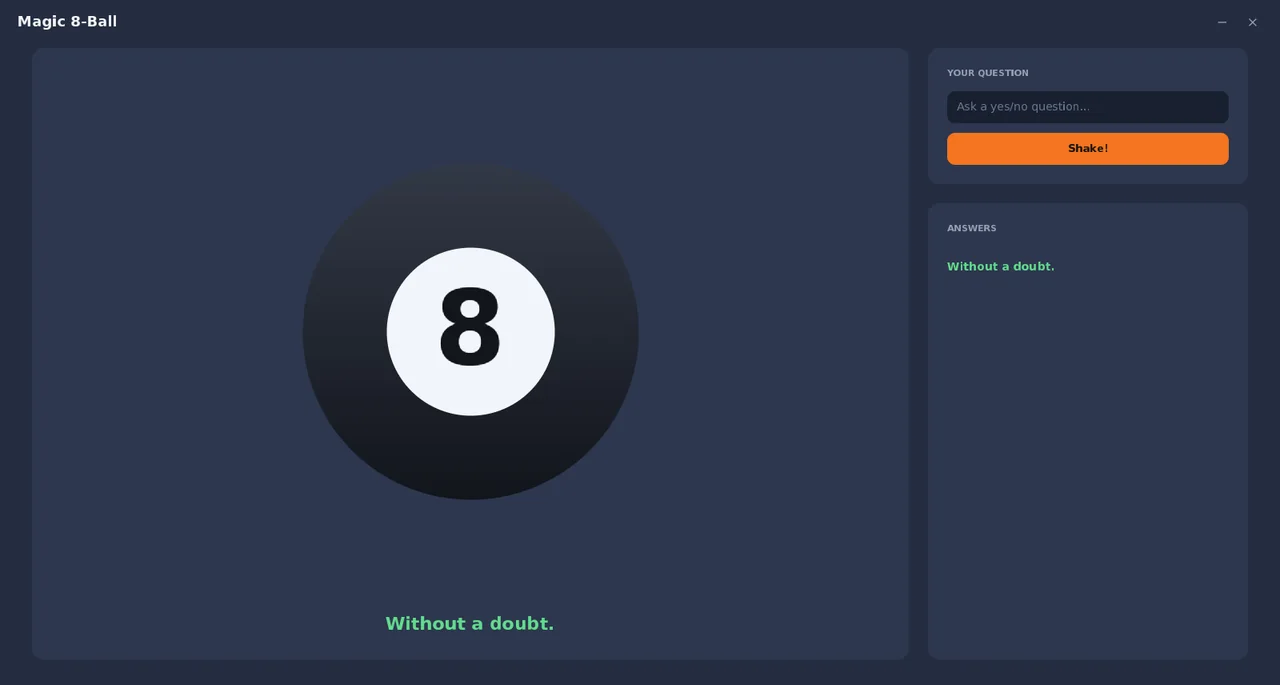
Games
Magic 8-Ball
Ask a yes/no question and shake the magic ball.
Version 2.0, 26.7 KBSee the app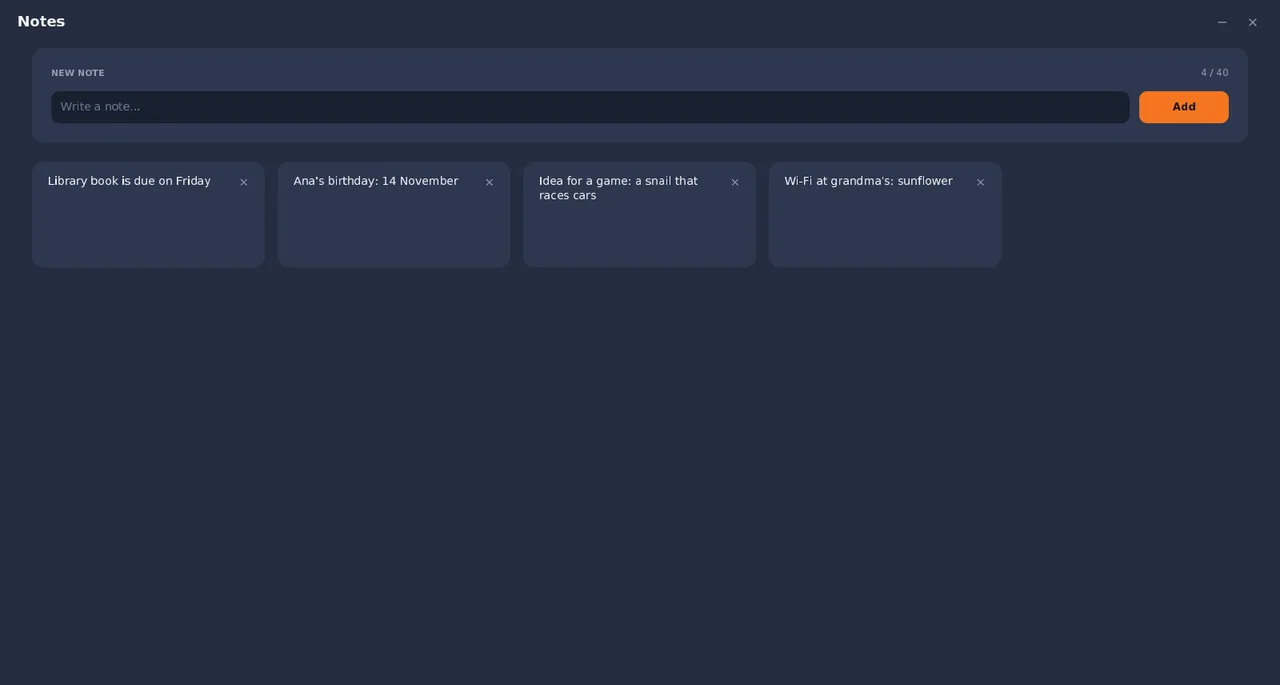
Creative
Notes
Jot down quick notes that survive reboots.
Version 2.0, 32.7 KBSee the app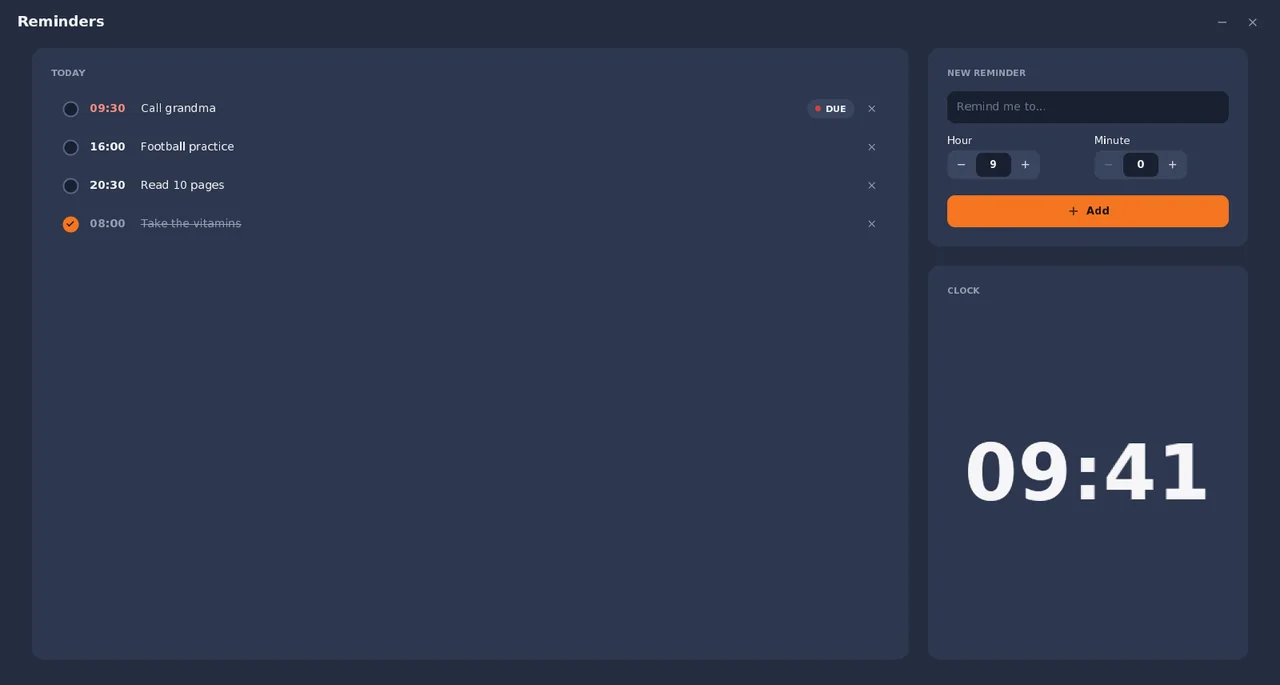
Utilities
Reminders
Time-of-day reminders that light up when they are due.
Version 2.0, 36.3 KBSee the app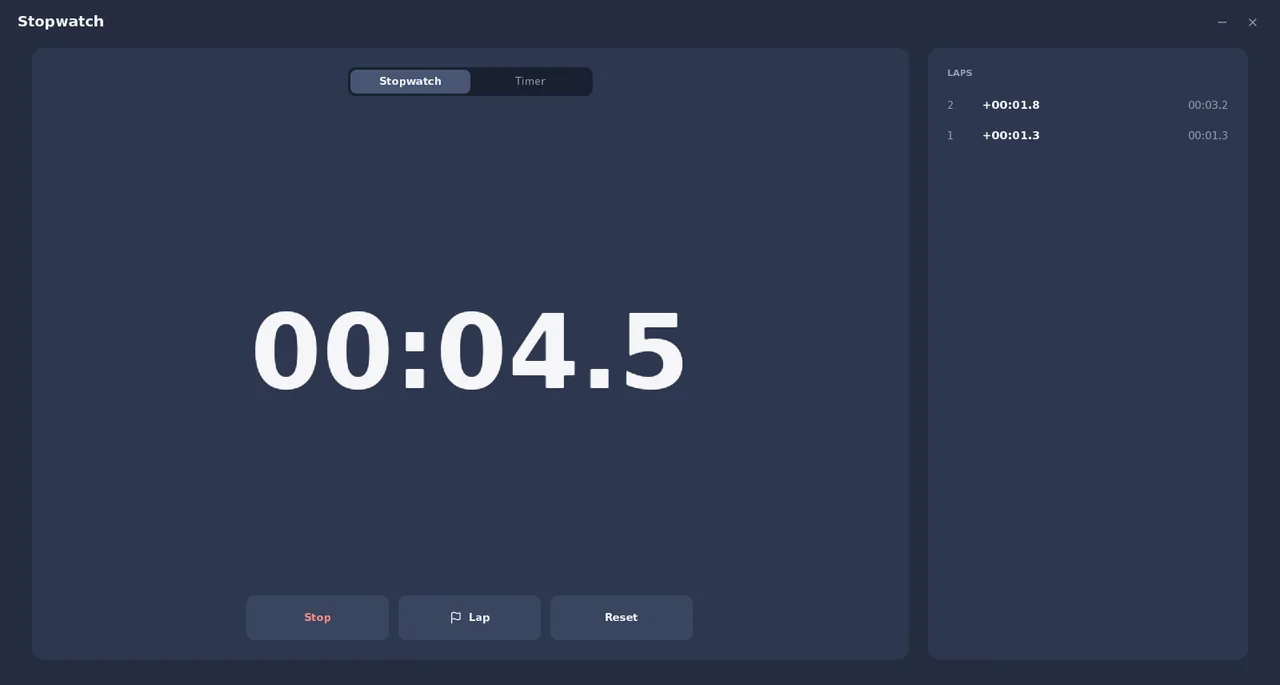
Utilities
Stopwatch
A stopwatch with laps plus a countdown timer.
Version 2.0, 25.6 KBSee the app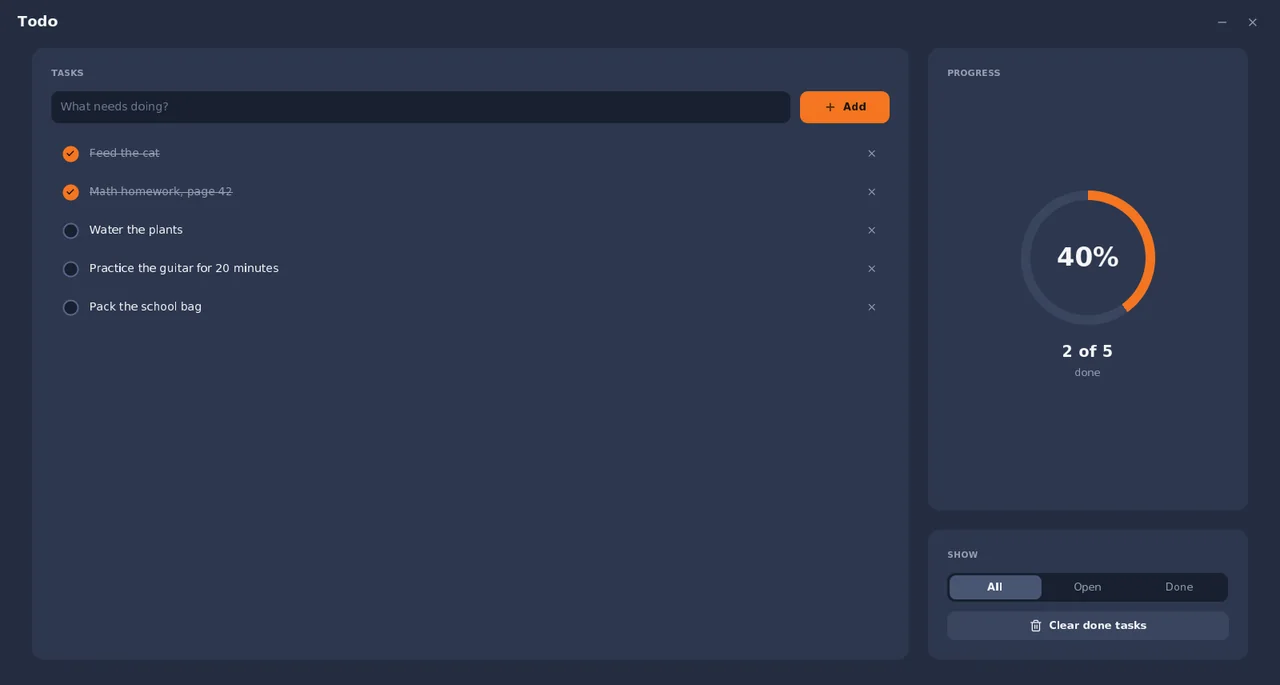
UtilitiesDesktop widget
Todo
Keep a simple task list - check things off as you finish them.
Version 2.0, 34.4 KBSee the app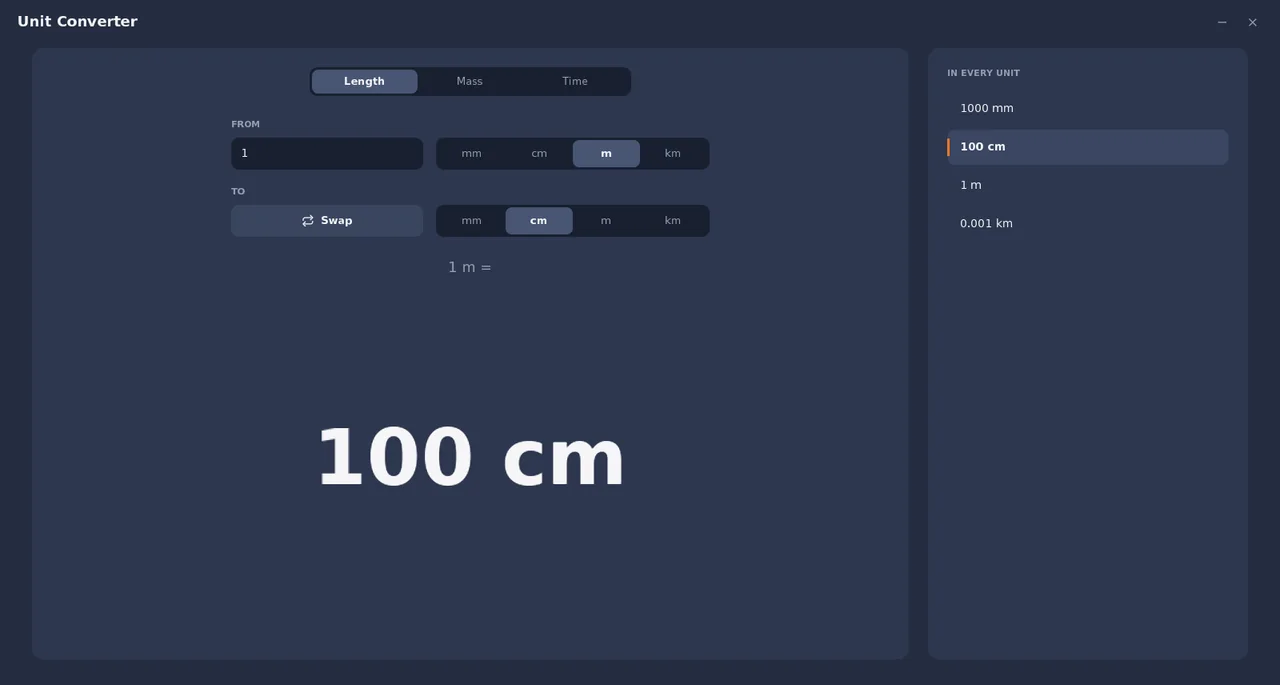
Education
Unit Converter
Convert length, mass and time units instantly.
Version 2.0, 30.6 KBSee the appFor developers
Your app could be here.
Apps are built with the App SDK and sent to the Store as one small package. We review every version before kids can get it.
How the Store works
Nothing reaches a kid unchecked.
The Store is small and closed on purpose. An app gets in only after we have looked at it.
Checked before it is listed
Every app and every update waits at our review desk. Nothing shows up in the Store until one of us approves it.
Small on purpose
No app in the Store is bigger than 60 KB. An app comes down in a second, even on a slow connection.
It cannot break the computer
An app runs in its own box, with limits on memory and time. If it misbehaves, SmileyOS closes it and carries on.
No ads, no tracking
Apps in the Store show no ads and collect nothing about the child.
On SmileyOS
Open the Store. Press Get.
- 1
Open the App Store
It is on every SmileyOS computer, one click from the launcher.
- 2
Press Get
The app comes down and installs by itself. No account and no password.
- 3
Stay up to date
SmileyOS tells you when an app has something new. One press updates it.