Parents · First computer
What kind of laptop does a child really need?
A child’s first laptop does not have to be new or expensive. What really matters (keyboard, screen, sturdiness, safe software), why the software matters more than the specs, and how SmileyOS turns an old laptop into a child’s computer.
By Nikola Gjorgiev · · 6 min read · 7 views
When parents ask which laptop to buy for a child, they usually expect an answer about processors and memory. The honest answer is shorter: a child needs a computer that works, is hard to break, and does not pull them away from what they sat down to do.
What really matters
- A real keyboard. Typing is the first digital skill. A full keyboard teaches more than any touch screen.
- A screen of 11 to 14 inches. Big enough to read, small enough to carry to the kitchen table.
- Sturdiness. A thick old business laptop survives a backpack better than a thin new one.
- Safe software. No ads, no feeds, no account, and clear limits a parent can set.
Fast processors, lots of memory and big disks are for video editing and the newest games. For writing, drawing, maths, a first program and simple games, a laptop from ten years ago is enough, as long as the software is not built for a computer from next year.
The software decides
An old laptop feels slow with a heavy system on it. Give it a light one and it becomes a child’s computer. That is the idea behind SmileyOS: an operating system for kids that starts from a USB stick and runs on laptops 10 or 20 years old, without erasing what is already on the disk. A family laptop can be the parents’ computer during the day and the child’s computer when the stick is in.
One computer that grows with the child
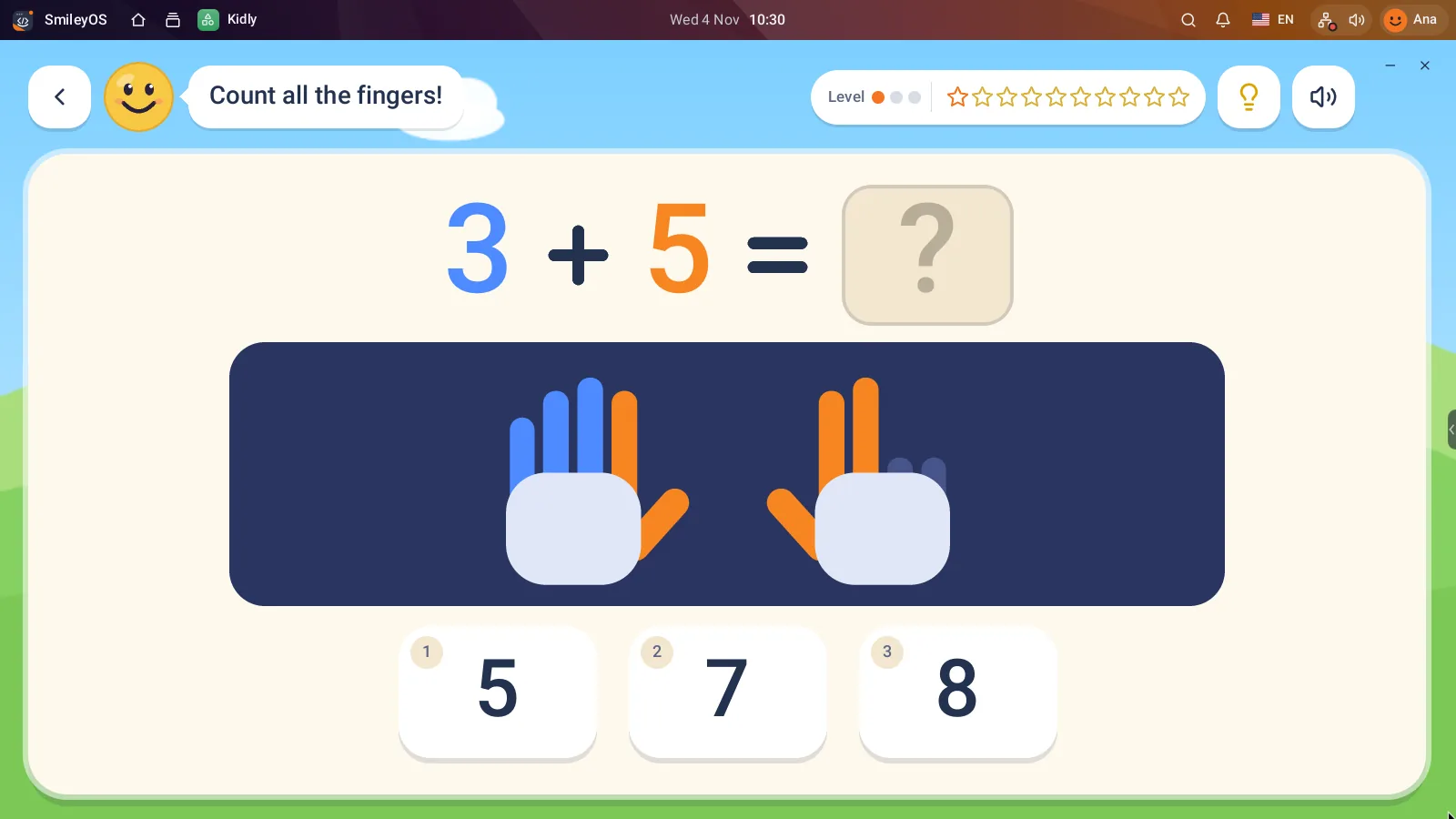
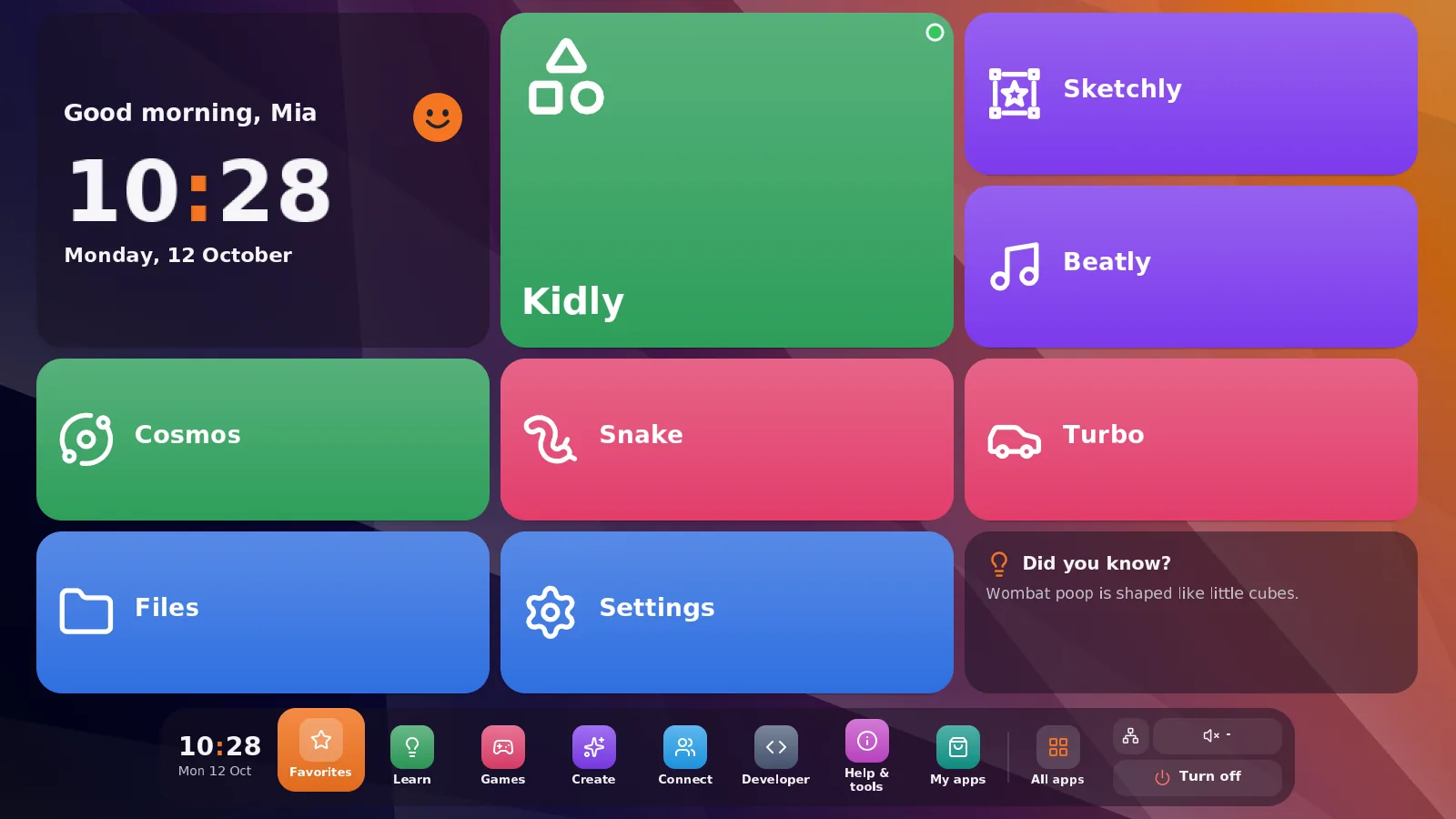
For children of 5 to 7 there is Simple mode: a home screen of big, colourful tiles instead of a desktop. Kidly (also on iPad and Android) teaches numbers, letters, animals and logic with stickers as rewards.
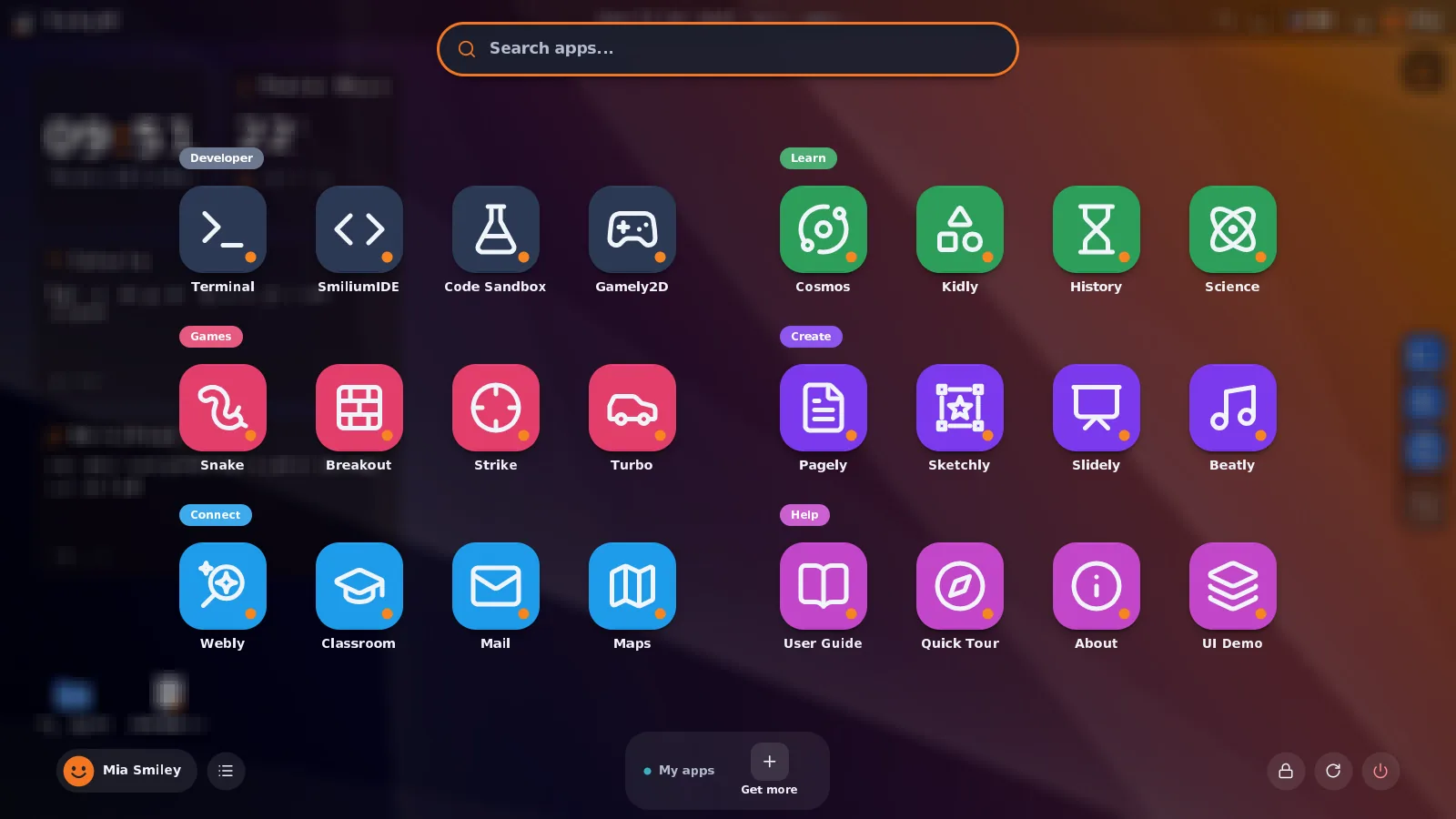
Older children switch to the full desktop with more than 30 apps: writing in Pagely, drawing in Sketchly, space in Cosmos, animals in Zoo, and the Terminal and Smilium for the first real code. Same stick, same files, just more room.
Limits the parent sets, on the computer itself
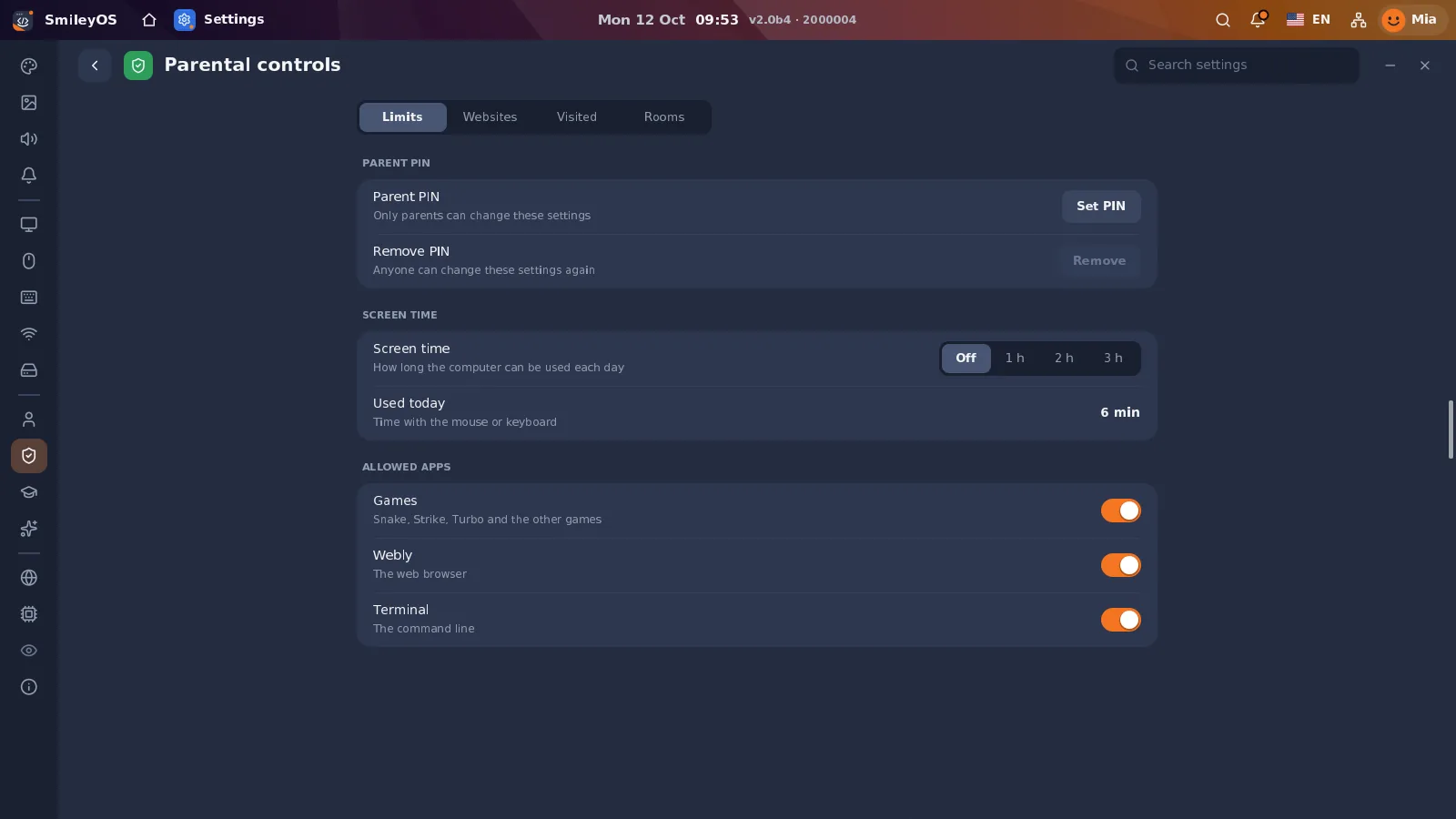
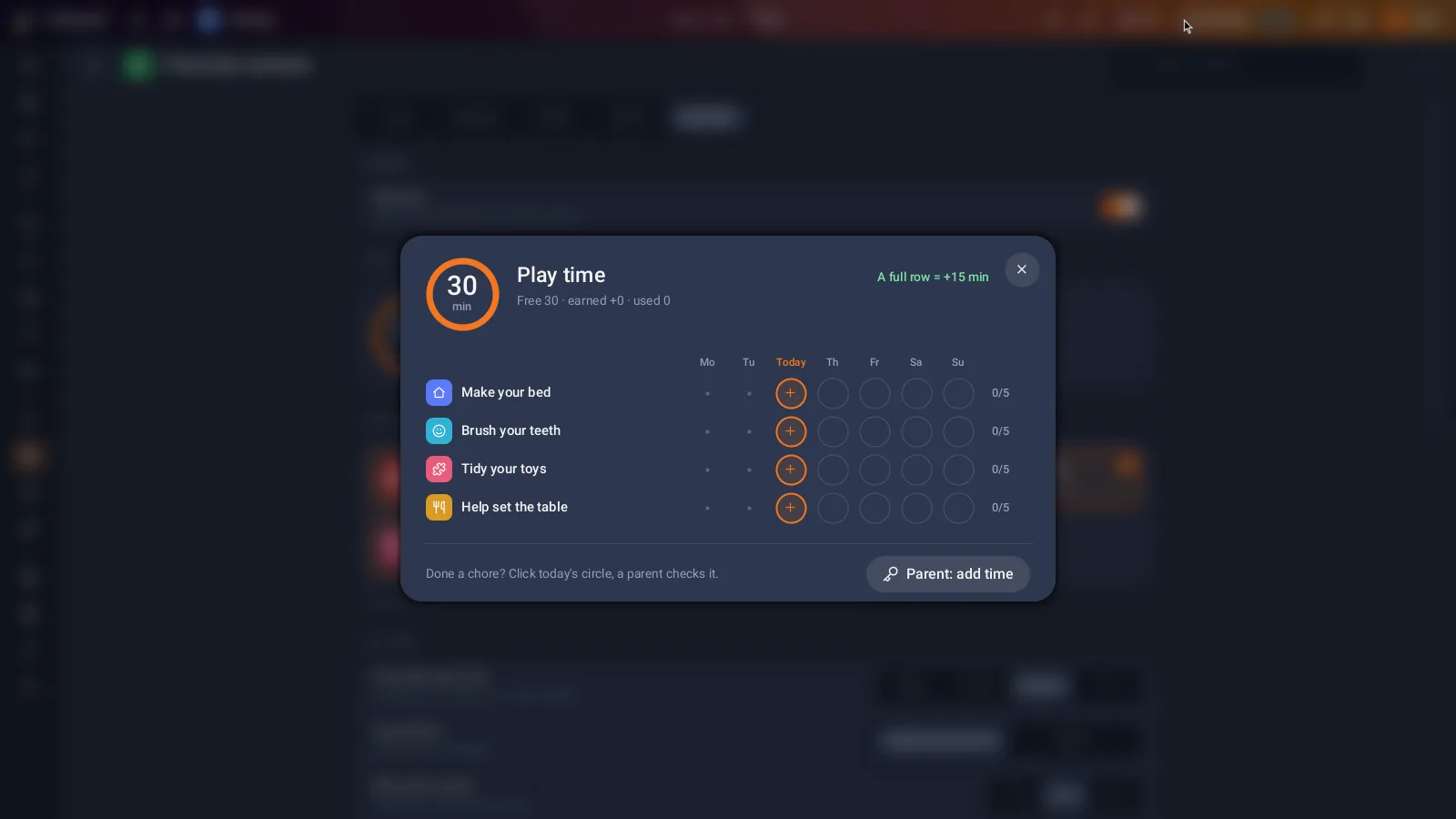
A parent PIN protects the settings that matter: daily screen time, which apps may be used, which websites are allowed. Too many wrong PIN tries lock the computer for a while, so guessing does not work. And with Rewards, chores earn play time: tidy the room, get 30 minutes of games.
So, which laptop?
Look in the cupboard first. An old laptop that switches on and can start from USB is a good first computer. If you have none, a refurbished business laptop costs a fraction of a new one and will outlast it. If you prefer a tiny computer for the TV, a Raspberry Pi works too. Then put the money you saved into a good chair and a desk lamp.
Try SmileyOS first
We are getting the first SmileyOS sticks ready for families, schools and learning centres. Sign up for early access and we will let you know as soon as you can try it on your own computer.
Did you like this post?
Share this post
Know a parent, teacher or school that should read this? Send it on.